
.png)

Why did Twitter change to X? Here’s what actually happened (and what it means)
If you’ve caught yourself asking “why did Twitter change to X”, you’re not alone. One day it was Twitter with the blue bird and “tweets.” Then suddenly it’s X, with a stark black-and-white logo and a totally different vibe.
This wasn’t just a cosmetic redesign. The Twitter-to-X change signaled a bigger plan: turning a social network into a broader platform that goes beyond short posts and real-time conversation.
Let’s break down what X is, when the rebrand happened, why it happened, how X differs from Twitter, and how creators and businesses can adjust moving forward.
What is Twitter called now?
Twitter is now called X. You’ll still hear people say “Twitter” in everyday conversation (and you’ll still see references to tweets), but the official platform name and branding have shifted to X.
Think of it like this:
- Twitter = the social platform brand most of us grew up with
- X = the new identity the company is building toward
Even if the product still feels familiar in many ways, the branding and direction are clearly aimed at something bigger than “microblogging.”
When did Twitter become X?
The rebrand happened in late July 2023, when the platform’s name and visual identity began changing publicly. The “X” logo replaced the iconic bird, and the branding across web, mobile, and marketing materials started updating.
Over time, the platform also pushed stronger use of x.com alongside the existing twitter.com domain, further reinforcing the shift.
Why did Twitter change to X?
Here’s the core answer to why did Twitter change to X: the new brand reflects a new mission.
The Twitter name was tied to short, rapid-fire posts, literally “tweets.” But under new leadership, the product roadmap expanded beyond that original idea. The rebrand to X is meant to support a broader concept: an “everything app” approach that includes more formats and more functions.
1) The “everything app” vision
X is positioned as more than a social feed. The long-term idea is to combine multiple use-cases into a single platform, things like:
- richer media (longer video, live content, creators)
- expanded messaging experiences
- commerce and business capabilities
- payments and financial features (often discussed as part of the direction)
In other words: the brand needed to stretch beyond “Twitter,” because “Twitter” suggests one specific kind of behavior.
2) Rebranding to match what the platform became
Twitter started as a short-form messaging network. But over time, it evolved into something broader: video, communities, long posts, subscriptions, monetization, and more.
So the rebrand is also a statement: this platform isn’t trying to stay in the old box.
3) A clean slate for a new identity
“X” is intentionally broad. It’s not descriptive like “Twitter,” which makes it easier to attach new meaning and new product features over time.
That’s one reason the shift felt abrupt: it’s not just an update, it’s a repositioning.
How is X different from Twitter?
For many users, X still feels like Twitter. There’s still a feed, still replies, still trending topics, still reposting/retweeting behavior.
But the “X” direction leans into becoming a wider platform with more built-in experiences and more types of content.
At a high level:
- Twitter was mainly a social network for short-form public conversation and breaking news
- X is aiming to be a broader ecosystem that supports content, communication, and additional services
The biggest practical change for creators and brands
The branding shift isn’t just cosmetic, it affects how you message your audience.
- People may search “Twitter” but your content strategy might reference “X”
- Press releases, help docs, and onboarding flows increasingly use “X”
- Consistency matters: your audience wants clarity, not jargon
A safe approach for most brands is to use wording like: “X (formerly Twitter)” when needed, especially in blog posts, onboarding emails, or product docs.
How are users and competitors reacting to the changes?
Rebrands always create friction, especially when the original brand is deeply embedded in culture and language.
Users: mixed reactions
A lot of longtime users were confused or frustrated, mostly because:
- “Twitter” as a name was instantly recognizable
- “Tweeting” was part of everyday language
- The bird logo was iconic
Some users adapted quickly, while others kept calling it Twitter out of habit (or preference).
Competitors: opportunity moment
When a major platform shakes up identity and direction, alternatives tend to get more attention. Competing networks used the moment to attract:
- users who disliked the branding changes
- creators looking for more stability
- communities exploring different moderation styles or timelines
That doesn’t mean everyone left, but it did mean the market got noisier, and attention became more fragmented.
What should businesses do now that Twitter is X?
If you manage a brand account, a creator profile, or a business presence, the best move is to treat X as “Twitter-plus”: familiar mechanics, but evolving priorities.
Here are practical adjustments that help:
Update your public-facing language (without confusing people)
- On your website: consider “X (Twitter)” or “X, formerly Twitter”
- In social icons: if you’ve updated to the X icon, make sure your audience recognizes it
- In internal docs: standardize what your team calls it so scheduling, reporting, and brand guidelines stay consistent
Double down on engagement quality
As platforms evolve, low-effort posting tends to lose steam. Focus on:
- replies that add value
- posts that invite discussion
- consistent publishing cadence (so you’re not invisible for weeks)
Treat growth like a system, not a guessing game
This is where tools can really help, especially tools that improve who you connect with and how consistently you show up.
Tools to grow and stay consistent on X
X may have changed names, but content and relationships still drive results. Here are tools that help you write, schedule, and grow, starting with one that’s built specifically for smarter following and unfollowing.
1) TweetPeek
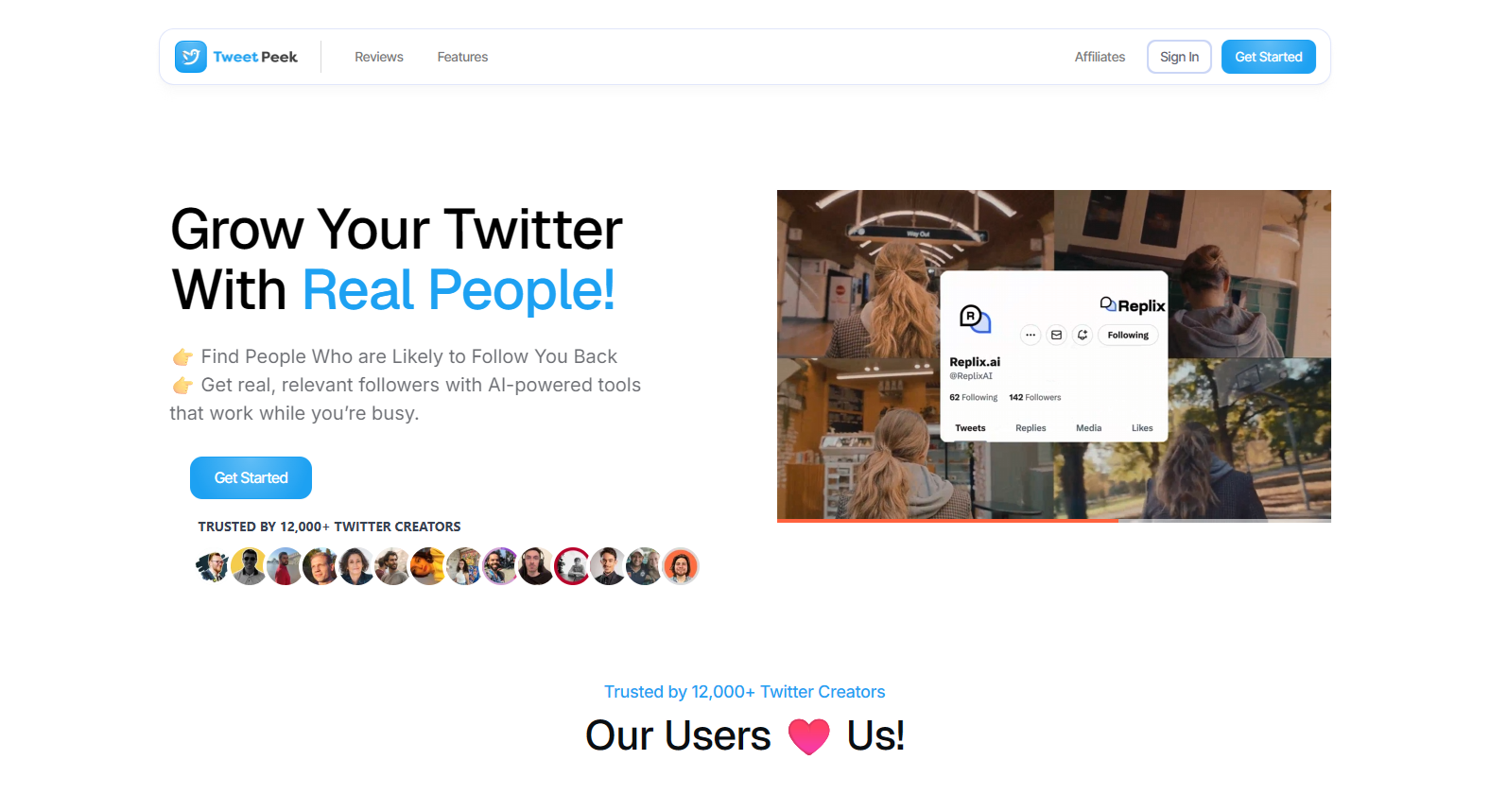
TweetPeek is a browser extension for X (Twitter) designed to help you grow through smarter connections and cleaner follower management, without the messy, manual busywork.
Smart Follows (growth + targeting)
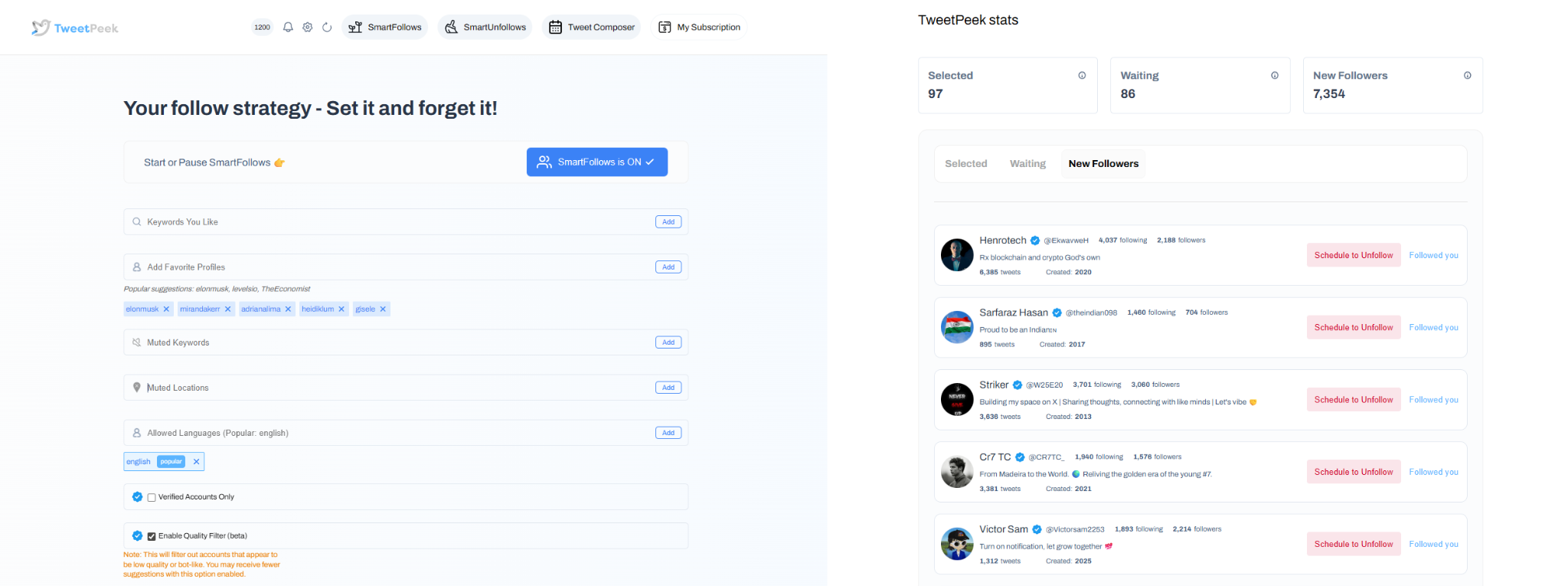
TweetPeek’s Smart Follows helps you find and connect with the right people automatically:
- Automatically follows people who match your interests
- If they don’t engage back, Smart Follows unfollows them for you
- Helps you:
- Find relevant people to follow
- Find people who are likely to engage
- Find people who are likely to follow you back
Targeting controls you can use to stay specific (and avoid random follows):
- Keywords you like
- Favorite Profiles
- Mute Keywords
- Locations
- Languages
- Option to only follow verified accounts (if enabled)
Transparency matters, and TweetPeek makes it visible:
- You can see the accounts selected to be followed
- You can see which accounts already followed you back
Smart Unfollows (cleanup + control)
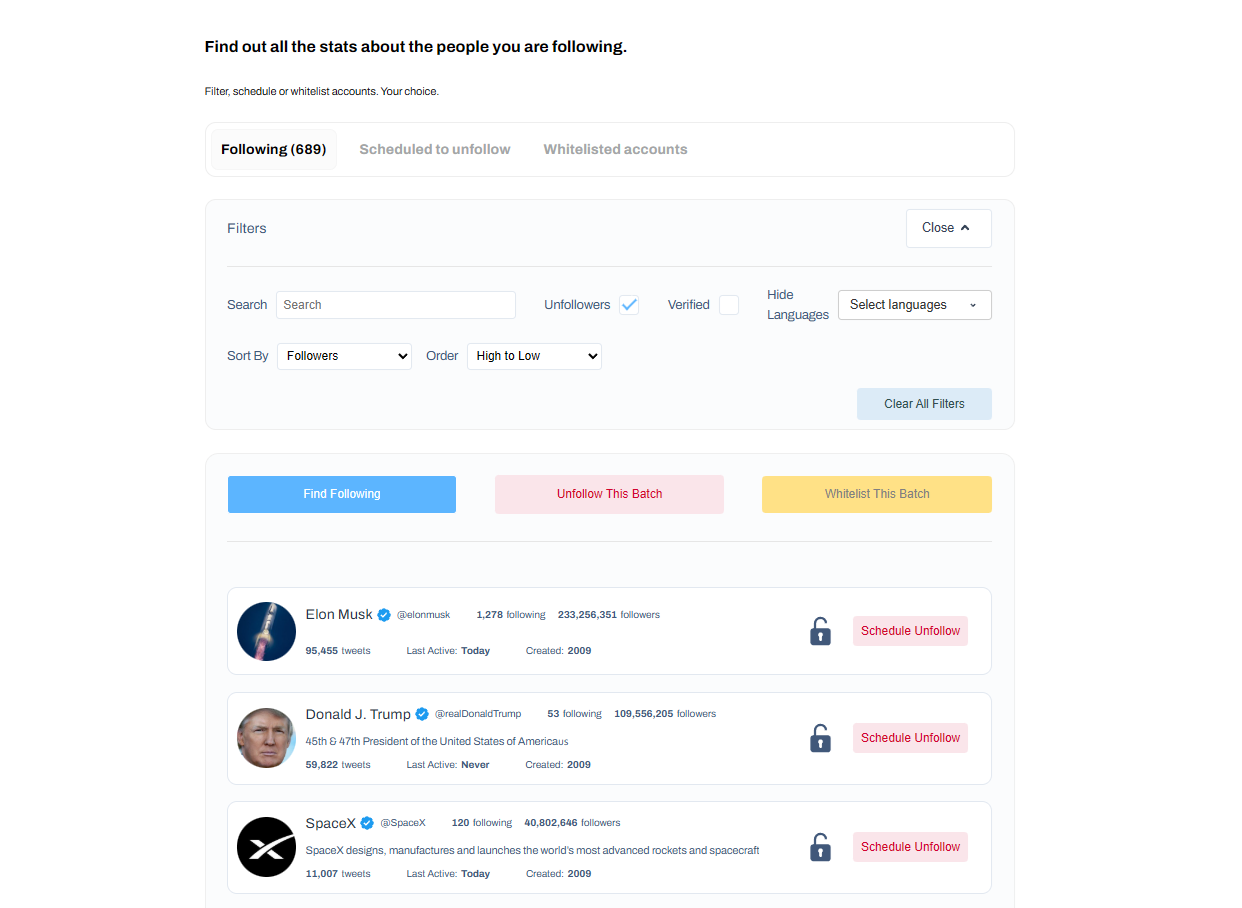
TweetPeek also helps you manage your following list with clarity:
- See who isn’t following you back and decide whether to engage or unfollow
- Helps you easily find people who aren’t following you back
Filtering + sorting makes it fast to act on the right accounts:
- Search accounts
- Filter: unfollowers, verified, languages
- Sort: followers, following, last active, tweets count (low→high / high→low)
Actions that keep you in control:
- Batch unfollow results
- Whitelist accounts so they will never be unfollowed
Scheduling/content
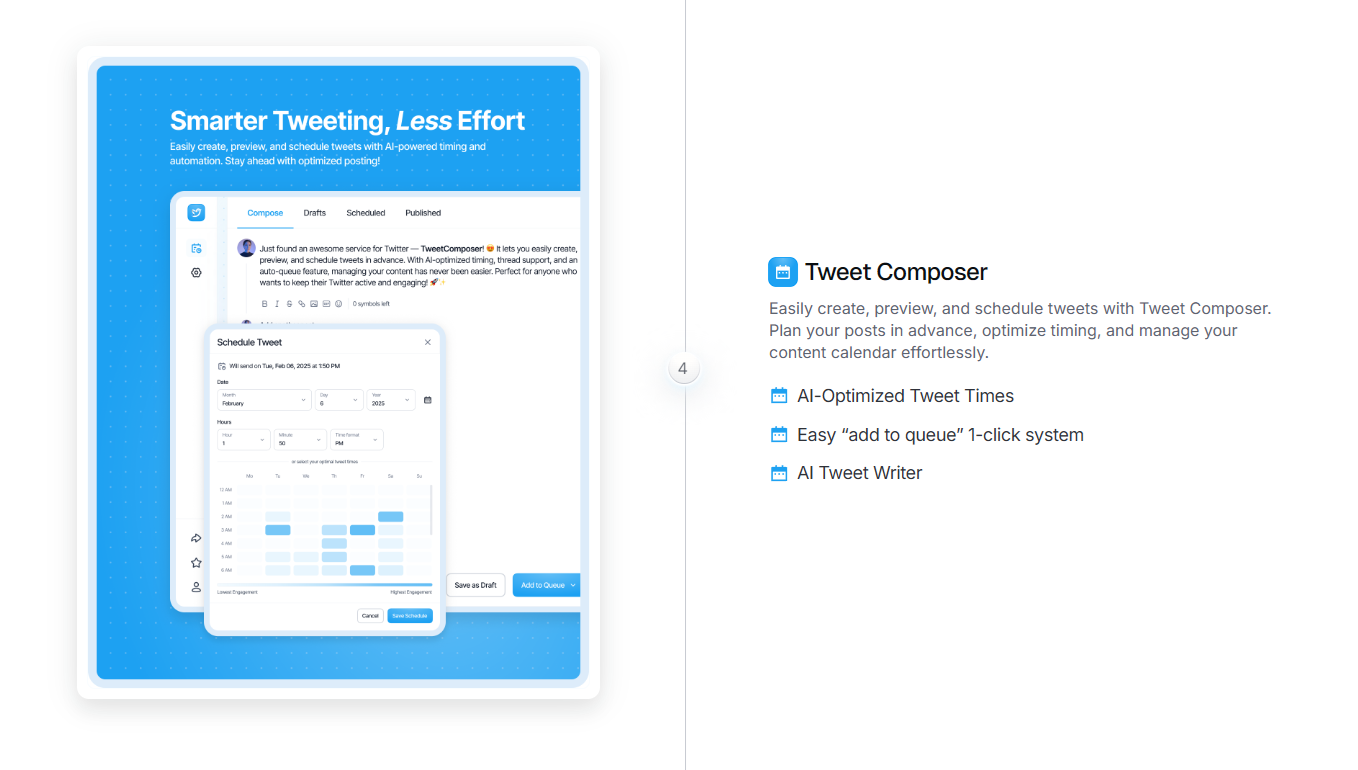
TweetPeek also supports creating, previewing, and scheduling posts, so you can stay consistent while you grow your network.
Why TweetPeek stands out: Because it’s an extension built right into your X workflow, it reduces tab-hopping and makes growth actions feel natural. The big difference is balance: TweetPeek isn’t only about scheduling, it pairs consistency with Smart Follows + Smart Unfollows so your audience-building and your posting cadence improve together. It’s also designed for more responsible, non-aggressive behavior, giving you visibility, controls, and whitelists so you don’t accidentally burn bridges. If you want growth that’s targeted and manageable, it’s a strong option.
2) Typefully
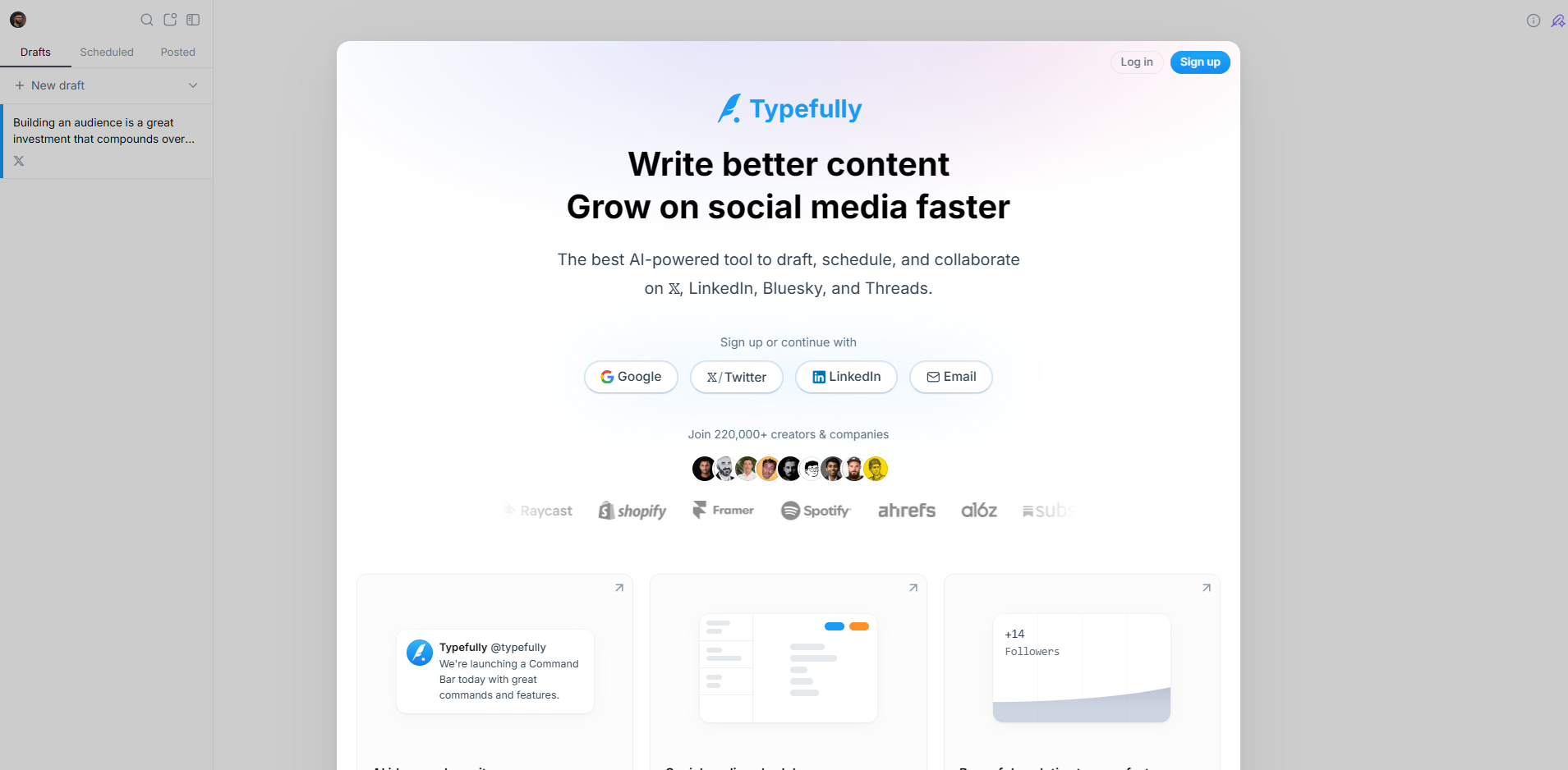
A clean writing and scheduling tool for X that helps you draft faster, plan threads, and publish consistently. Great if your priority is building a repeatable posting routine.
3) Buffer
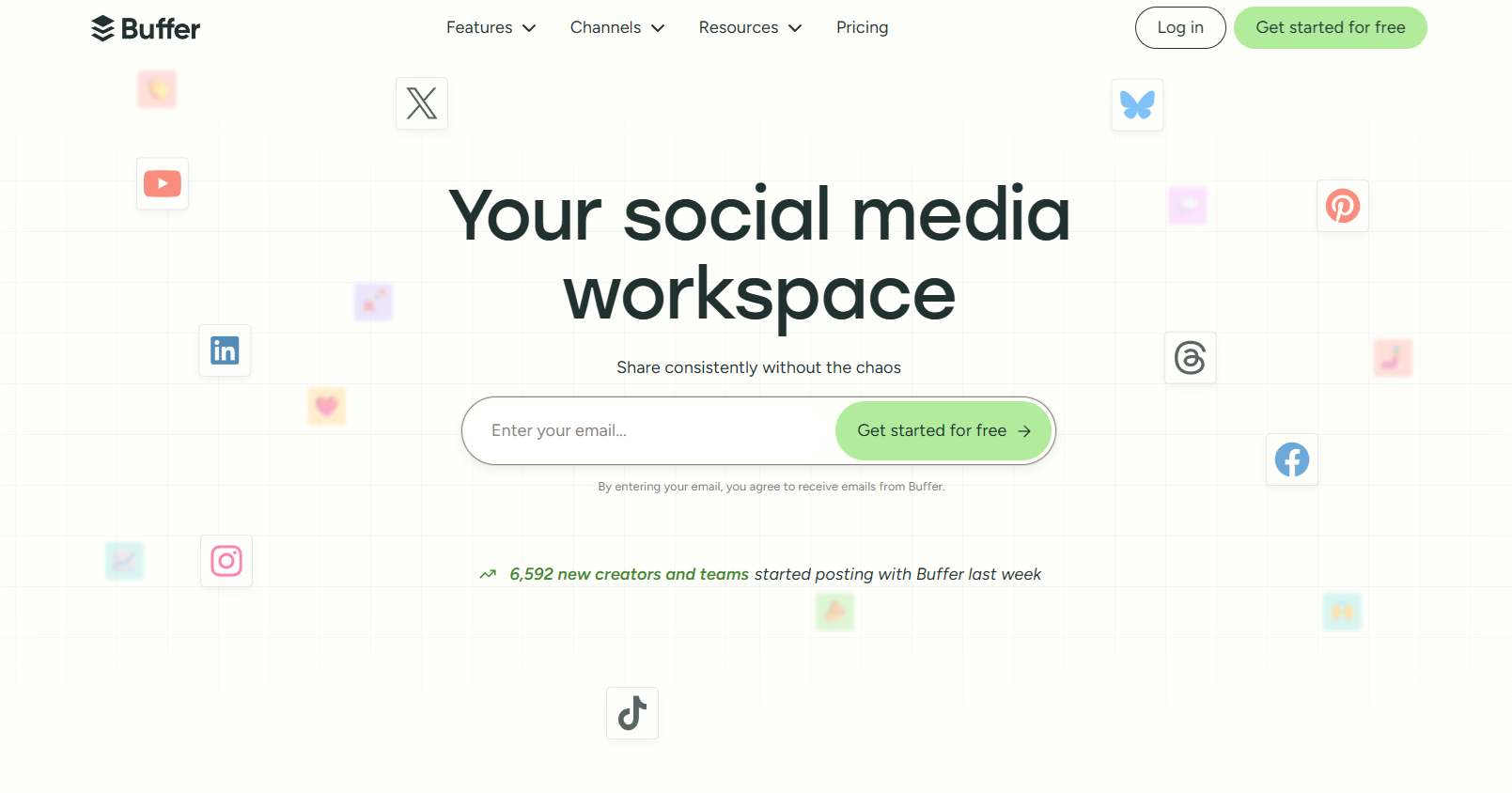
Simple scheduling across platforms, with an easy workflow for planning posts and keeping a consistent queue, useful if you’re managing more than one social channel.
4) Hootsuite

A more “dashboard-style” tool that’s helpful for teams handling publishing, monitoring, and engagement in one place.
5) Sprout Social
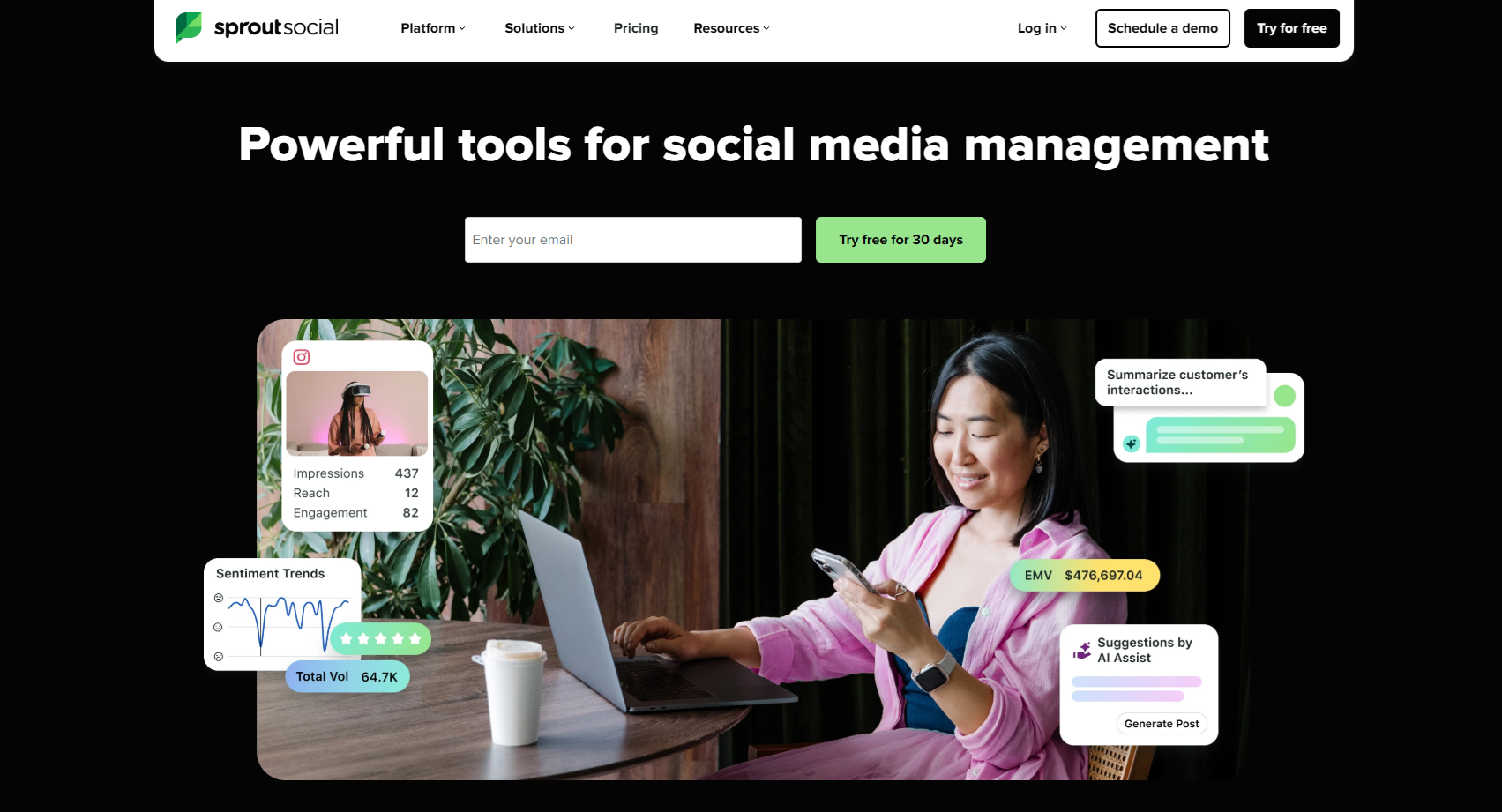
A stronger fit for brands that want analytics, reporting, and customer-care workflows alongside publishing.
6) Later

Often used for visual-first planning, but also helpful if you want a clear content calendar that keeps your posting organized.
Conclusion: So… why did Twitter change to X?
The simplest answer to why did Twitter change to X is that the platform wanted a name that could support a much bigger ambition than “tweeting.” X represents a broader direction, more formats, more features, and a longer-term push toward an everything-app style ecosystem.
For creators and businesses, the takeaway is practical: keep your messaging clear, stay consistent with content, and build real connections instead of chasing random growth.
If you want a tool that supports both consistency and smarter audience-building, TweetPeek (https://www.tweetpeek.ai/) is worth checking out, especially for its Smart Follows and Smart Unfollows that make growth feel controlled, targeted, and less time-consuming.

.png)
.png)
