
.jpg)

26 AI marketing tools to level up AI social media marketing
Marketing teams are shipping more content than ever, especially on social. And that’s exactly why AI social media marketing has become a real advantage (not just a shiny trend): it helps you move faster without letting quality fall off a cliff.
But here’s the catch: most “AI tools” are either too generic to be useful, or so powerful you’ll never set them up properly. The goal of this guide is simple, show you a practical set of AI marketing tools you can actually use across social, content, SEO, creative, ads, analytics, and workflows.
AI social media marketing: where AI helps the most
AI is most valuable when it removes repetitive work and boosts your output, without making your brand sound like a robot. The best use cases tend to look like this:
- Content ideation + writing: Turn one topic into 10–30 post angles and drafts.
- Scheduling + consistency: Keep a posting cadence even when you’re busy.
- Repurposing: Convert blogs, newsletters, or videos into social threads and bite-sized posts.
- Social listening: Spot patterns in comments, mentions, and conversations.
- Creative production: Generate visuals, thumbnails, and quick edits.
- Campaign optimization: Test copy variations and improve performance over time.
If you’re overwhelmed, start with one workflow: idea → draft → schedule → review → recycle winners.
What counts as an AI marketing tool?
An AI marketing tool is any platform that uses machine learning or large language models to help you plan, create, optimize, automate, or analyze marketing work, often with less manual effort. Some tools focus on one thing (like writing or background removal), while others connect your entire workflow (like automations and data flows).
Most teams don’t need “one tool to rule them all.” They need a small stack where each tool does its job well.
26 best AI marketing tools to grow faster in 2026
Here are 26 tools worth considering, with TweetPeek near the top because social execution is where most teams feel the daily pressure first.
- TweetPeek (best for AI social media marketing)
- Gumloop (best for AI automations)
- Surfer SEO (for content optimization)
- Notion AI (for productivity)
- Jasper (for copywriting)
- Lexica Art (for blog thumbnails and social graphics)
- LALAL.AI (for cleaner audio)
- Crayo (for short-form videos)
- Brandwell (for generating SEO blog drafts)
- Originality AI (for AI content detection)
- Writer.com (content writing for teams)
- Undetectable AI (for rewriting AI content)
- ContentShake AI (for SEO blog writing)
- FullStory (for digital experience insights)
- Zapier (for automating tasks)
- Hemingway App (for content editing)
- Chatfuel (for chatbots)
- Grammarly (for content editing)
- Albert.ai (for digital advertising optimization)
- Headlime (for landing pages)
- Browse AI (for scraping web pages)
- Algolia (for search and recommendations)
- PhotoRoom (for removing image backgrounds)
- Reply.io AI Sales Email Assistant (for email replies)
- Brand24 (for media monitoring)
- Influencity (for influencer marketing)
1) TweetPeek (best for AI social media marketing)
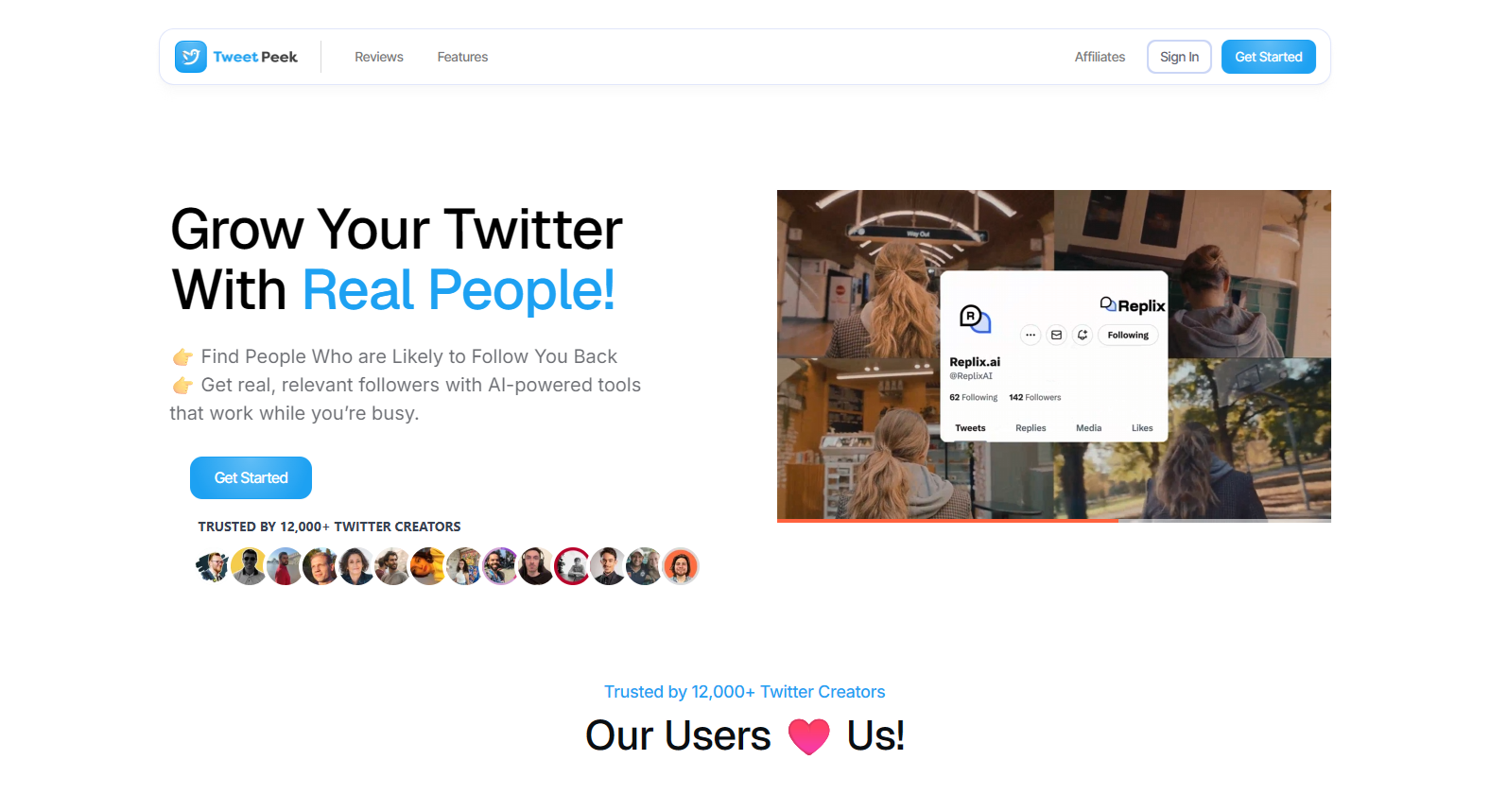
TweetPeek is a browser extension for X (Twitter) designed to help you run AI social media marketing as a system, grow the right audience, keep your following list clean, and stay consistent with scheduled posting so you’re not doing everything manually.
Smart Follows helps you grow strategically. It automatically follows people who match your interests, and if they don’t engage back, Smart Follows can unfollow them for you. You can guide it with targeting controls like Keywords you like, Favorite Profiles, Mute Keywords, Locations, Languages, and an option to follow only verified accounts (if enabled). You’ll also see what’s happening as it runs: you can view the accounts selected to be followed and track which accounts already followed you back.
Smart Unfollows helps you keep your following list meaningful. It lets you easily find people who aren’t following you back, then decide whether to engage or unfollow. You can search accounts, filter (unfollowers, verified, languages), and sort by followers, following, last active, or tweet count (low → high or high → low). From there, you can batch unfollow results or whitelist accounts so they’ll never be unfollowed.
A simple workflow looks like this:
- Set your targeting (keywords, profiles, locations, languages, and mutes).
- Review the accounts TweetPeek selects, then run Smart Follows.
- Track who follows back, and use Smart Unfollows to filter/sort non-followers.
- Batch unfollow or whitelist to keep your network intentional.
- Draft and schedule posts ahead of time so your account stays active without last-minute posting.
Why TweetPeek stands out: it’s not just AI that “writes something decent”, it supports the real growth loop: reach the right people, keep your connections relevant, and maintain consistency. Used responsibly (avoid aggressive activity; keep your targeting relevant), it turns follower management and publishing into a repeatable routine.
Best for: Founders, creators, and lean teams who want consistent output plus practical audience growth tools inside X.
2) Gumloop (best for AI automations)
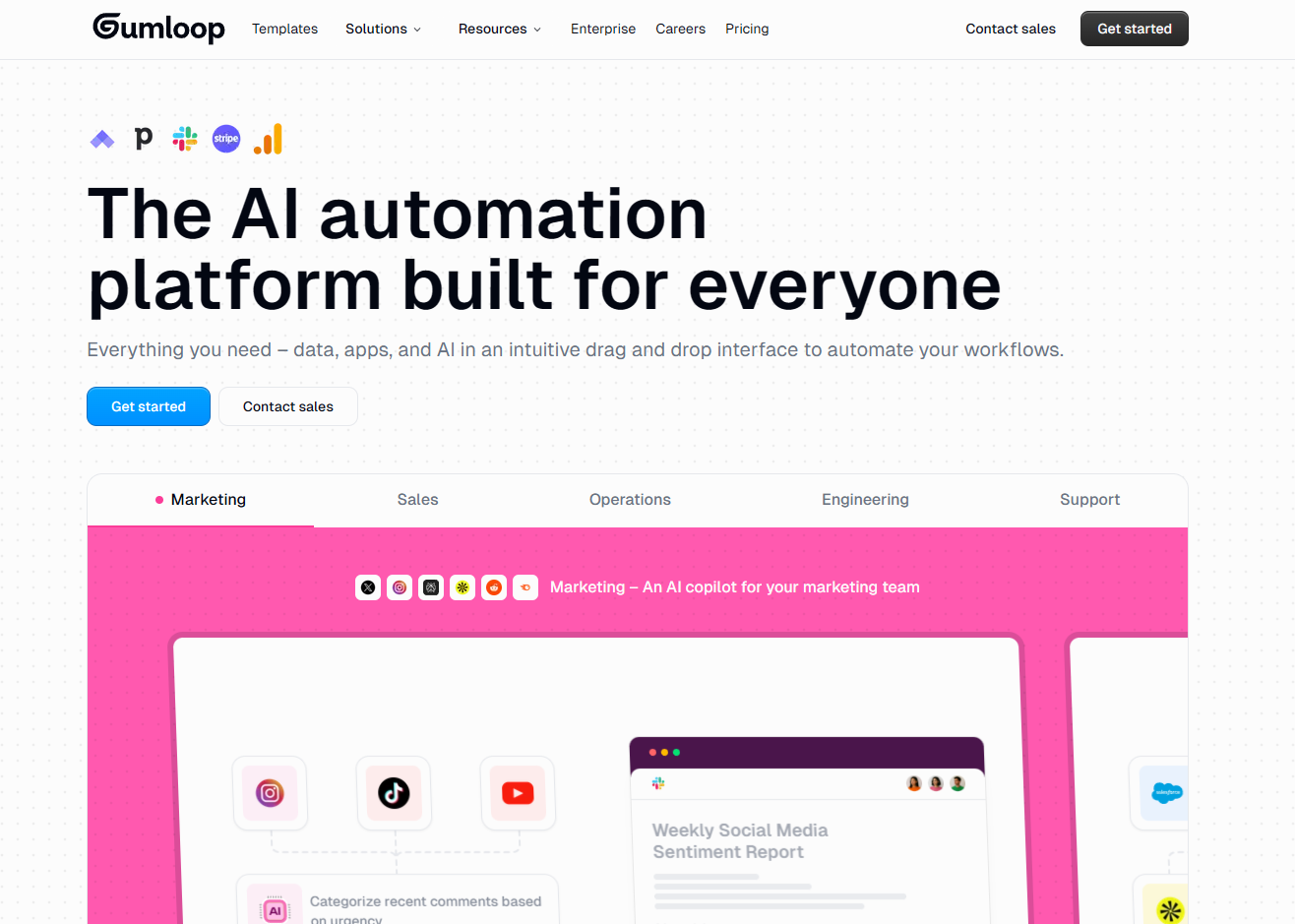
Gumloop-style tools shine when you’re doing the same “marketing ops” work repeatedly, researching competitors, summarizing trends, turning notes into briefs, and pushing outputs into your tools. The big win is reducing the handoffs: instead of copy/paste chaos, you set a workflow once and let it run.
If you do content or social at scale, automations become your unfair advantage. Imagine: scrape key updates from competitor pages, summarize the changes, generate a short “what it means” note, and drop it into Notion or Slack. That’s the difference between reacting late and shipping first.
Best for: Repeatable research, reporting, and internal workflows
3) Surfer SEO (for content optimization)
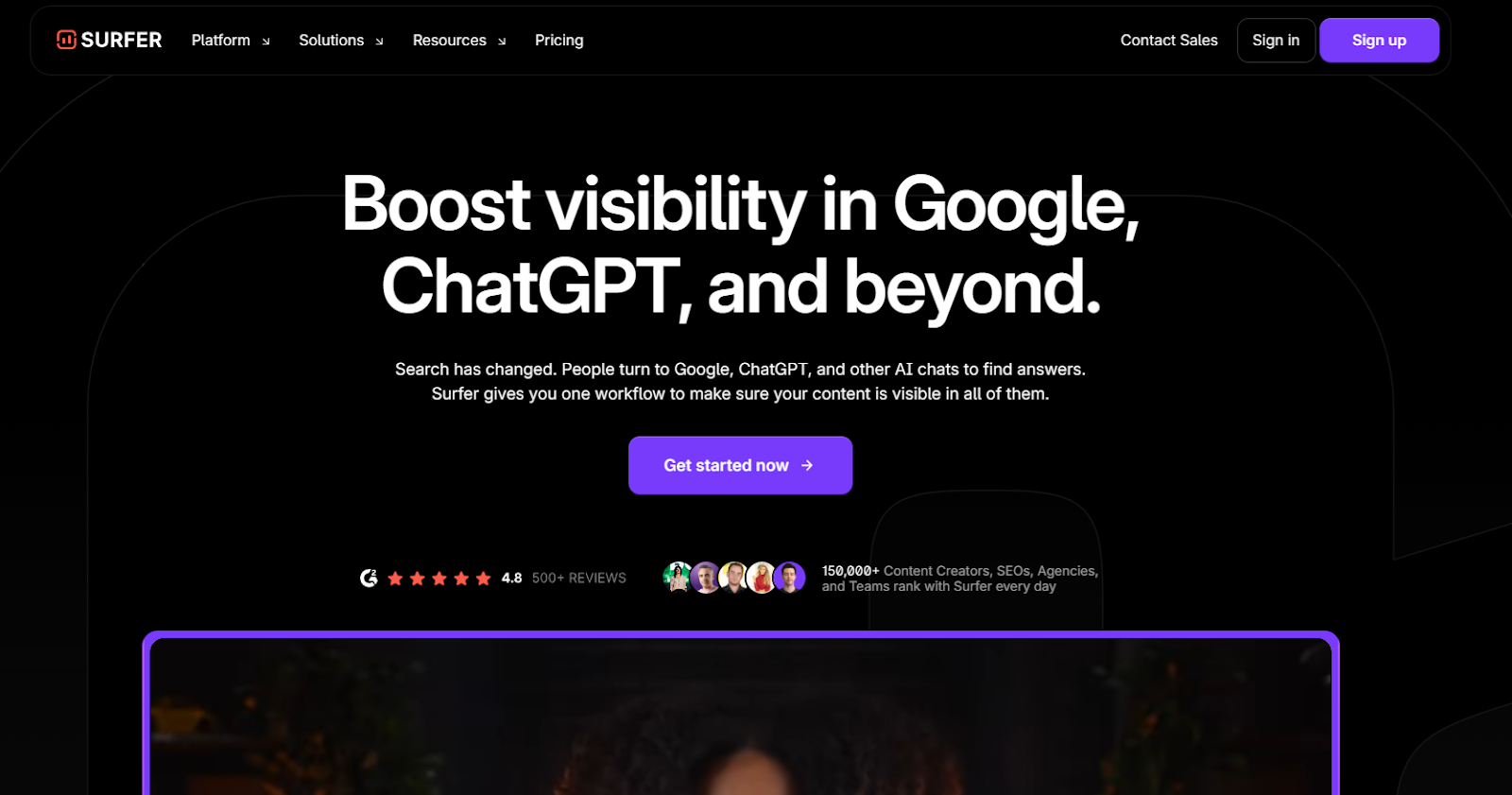
Surfer SEO helps you write content that’s more likely to rank by guiding structure and topical coverage. It’s less about “AI writing everything” and more about giving you guardrails: what themes to include, what gaps exist, and how your draft compares to what’s already performing.
This is useful even for social teams, because strong SEO content becomes a repurposing engine. One good article can feed weeks of posts, especially if you build it around questions your audience keeps asking.
Best for: SEO teams and content writers optimizing for organic traffic
4) Notion AI (for productivity)
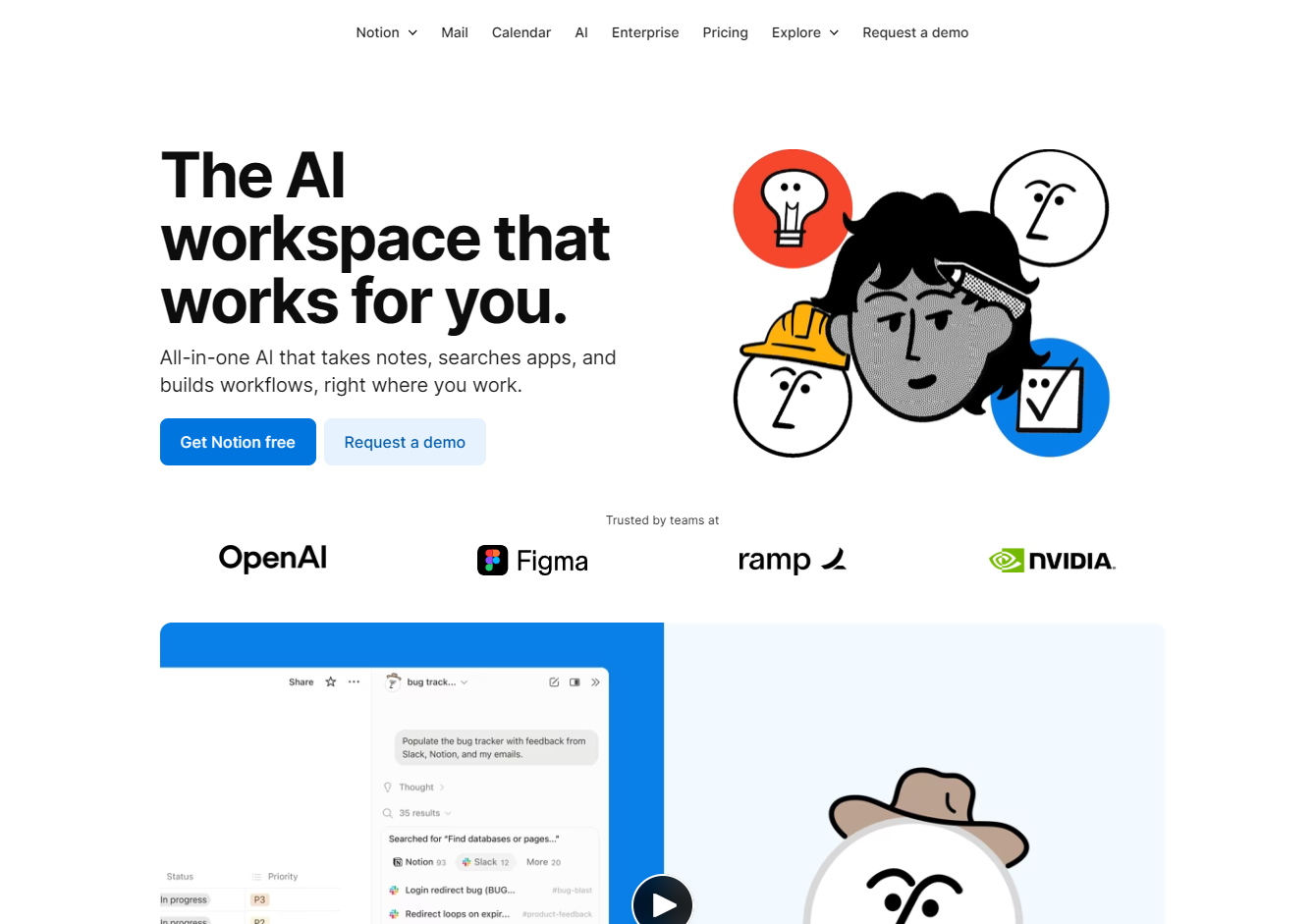
Notion AI is a great “glue tool” for marketing teams: brainstorming, summarizing long docs, rewriting notes into briefs, and pulling answers from your workspace. The biggest benefit is speed, especially when you’re juggling content calendars, campaign plans, and meeting notes.
If you run social campaigns, use it to centralize your content system: store themes, hooks, post templates, and results. Then use AI to turn last month’s insights into next month’s plan.
Best for: Planning, knowledge management, and team productivity
5) Jasper (for copywriting)
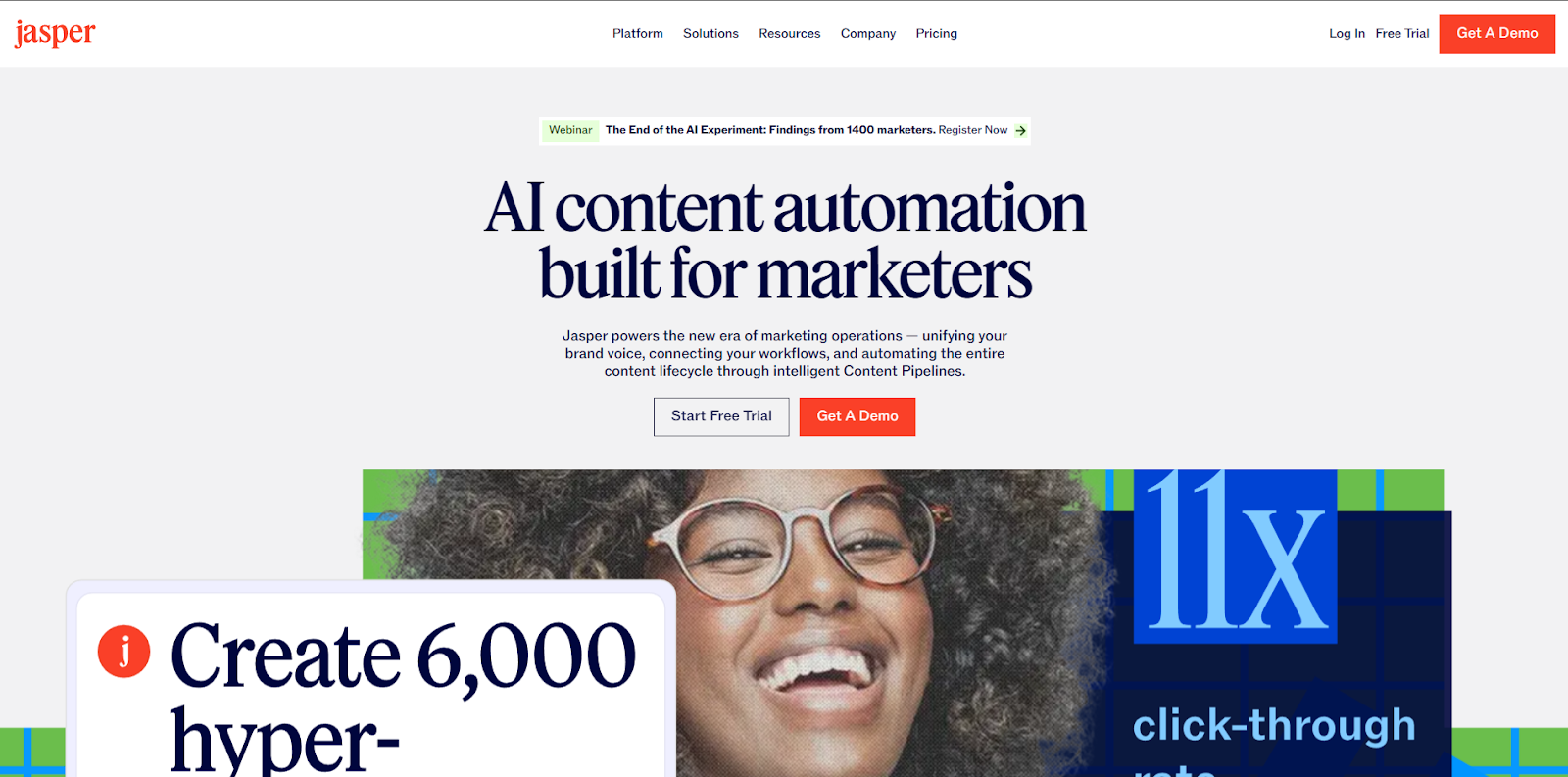
Jasper is a copywriting-focused platform that helps generate variations quickly, useful for ads, landing pages, emails, and social captions. The value isn’t “perfect final copy.” It’s producing multiple angles fast so your team can choose, refine, and test.
A practical use: write three versions of a campaign message (direct, story-based, contrarian), then adapt each into short social posts and longer email copy.
Best for: Fast copy variations across channels
6) Lexica Art (for blog thumbnails and social graphics)
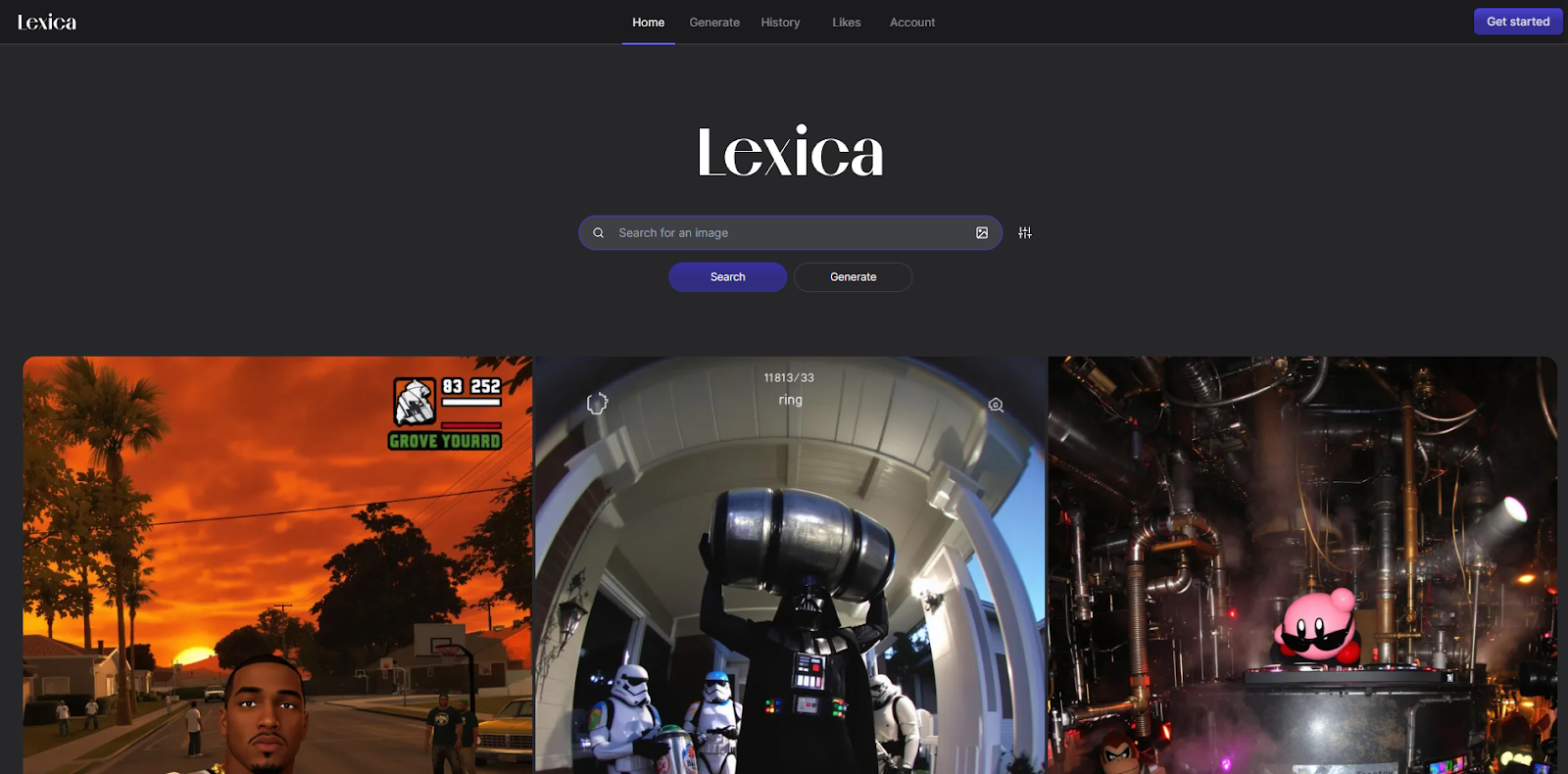
If you’re tired of generic stock images, AI visuals can give you more distinctive creative, especially for social posts and thumbnails. Tools like Lexica Art help you produce consistent visual styles by reusing prompts and refining outputs until they match your brand vibe.
Keep it practical: create a small prompt library (3–5 styles), then reuse it for campaigns so your visuals stay recognizable.
Best for: On-brand visuals without a full design sprint
7) LALAL.AI (for cleaner audio)
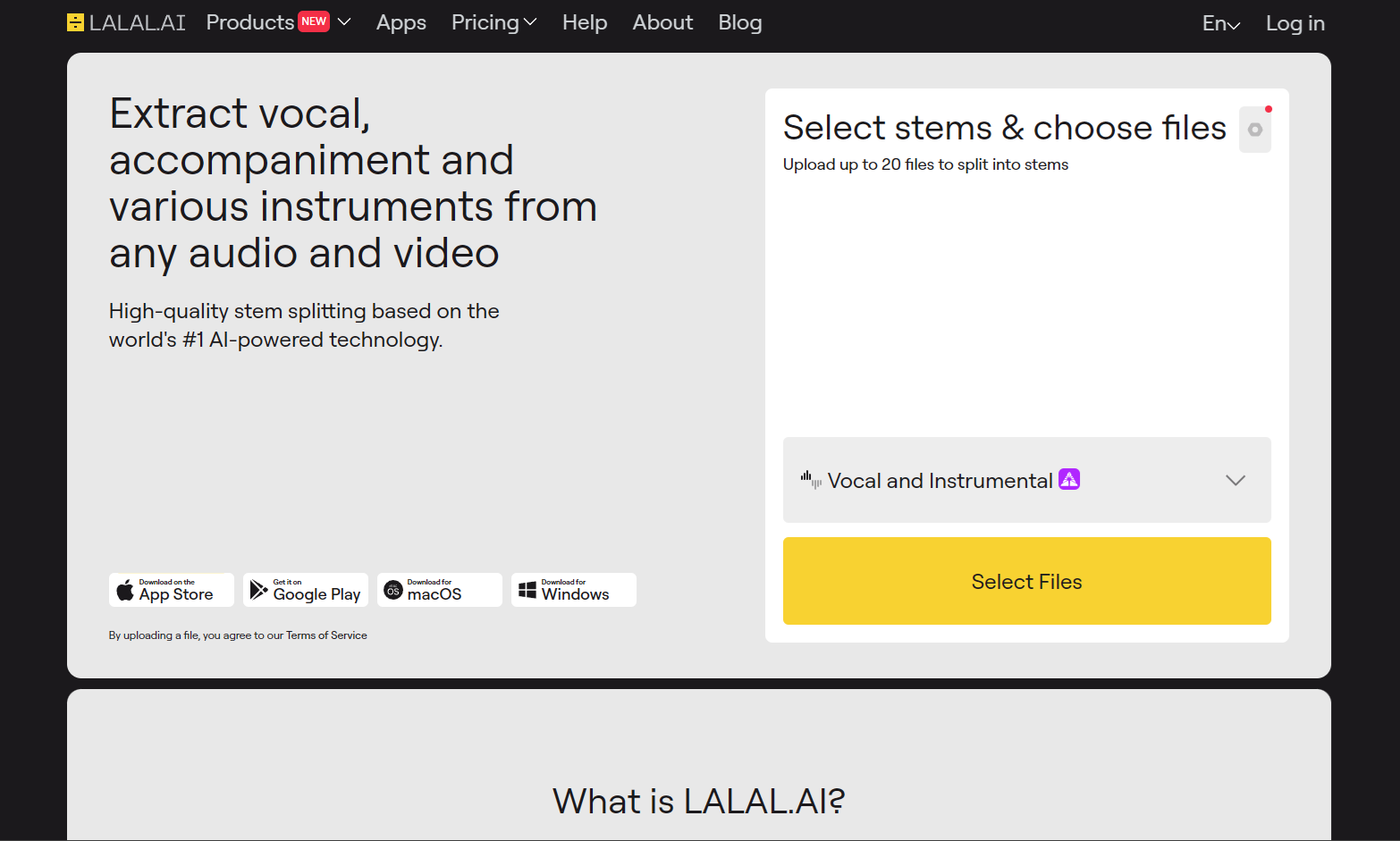
Audio quality can make or break short-form content, podcasts, or video clips. Tools like LALAL.AI help isolate voice and reduce background noise so your content sounds cleaner without complicated editing.
This is especially useful if you’re clipping long interviews into shorts, audio cleanup first, then video edits.
Best for: Podcasters, video marketers, and content teams repurposing clips
8) Crayo (for short-form videos)
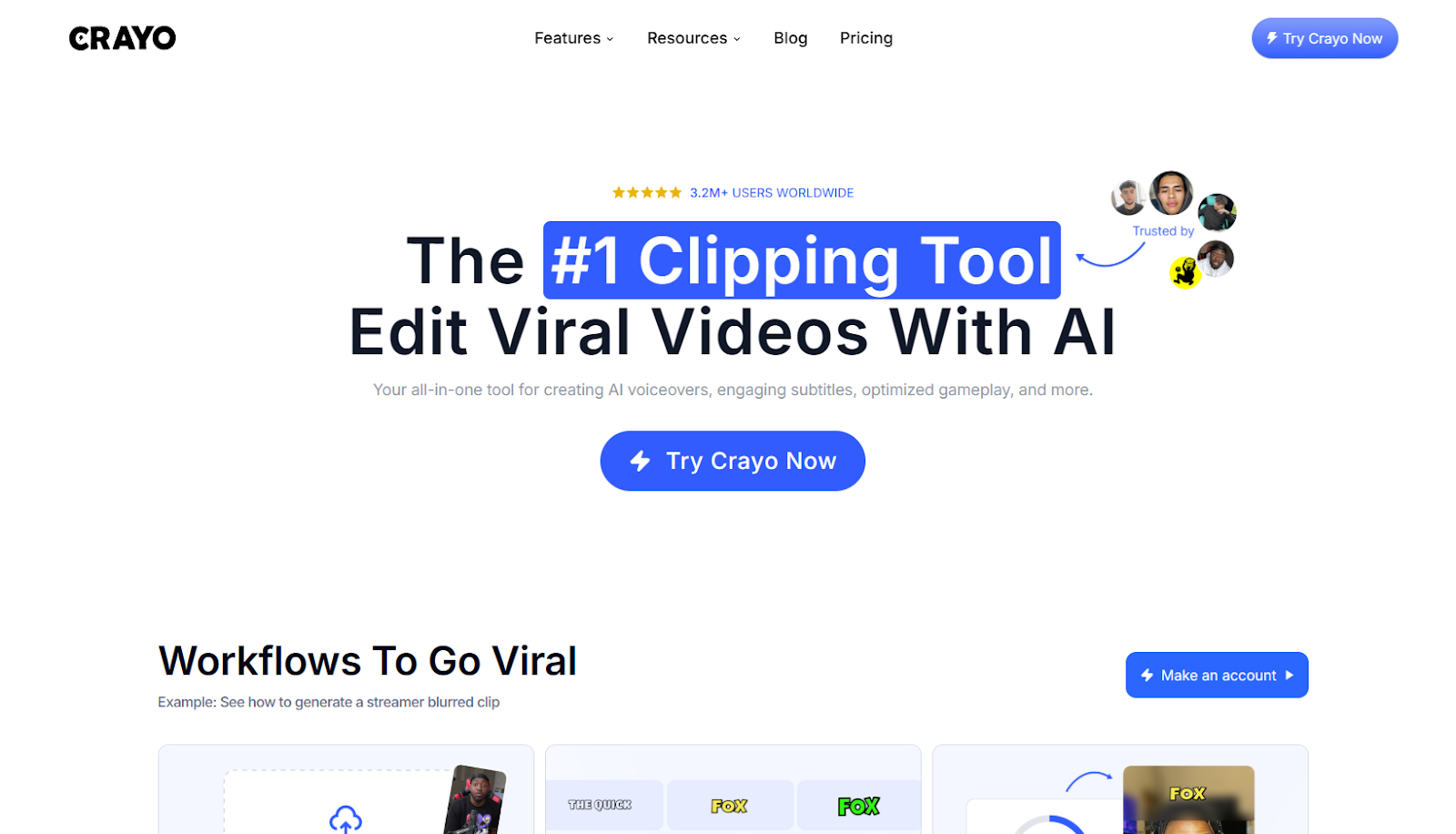
Short-form is a volume game, and tools like Crayo aim to reduce production friction, ideation, scripting, and assembling content faster. If your strategy involves consistent reels/shorts, speed matters.
Use it as a “first draft machine,” then add your brand touch: hooks, pacing, and a clear CTA.
Best for: Reels/Shorts production and rapid iteration
9) Brandwell (for generating SEO blog drafts)
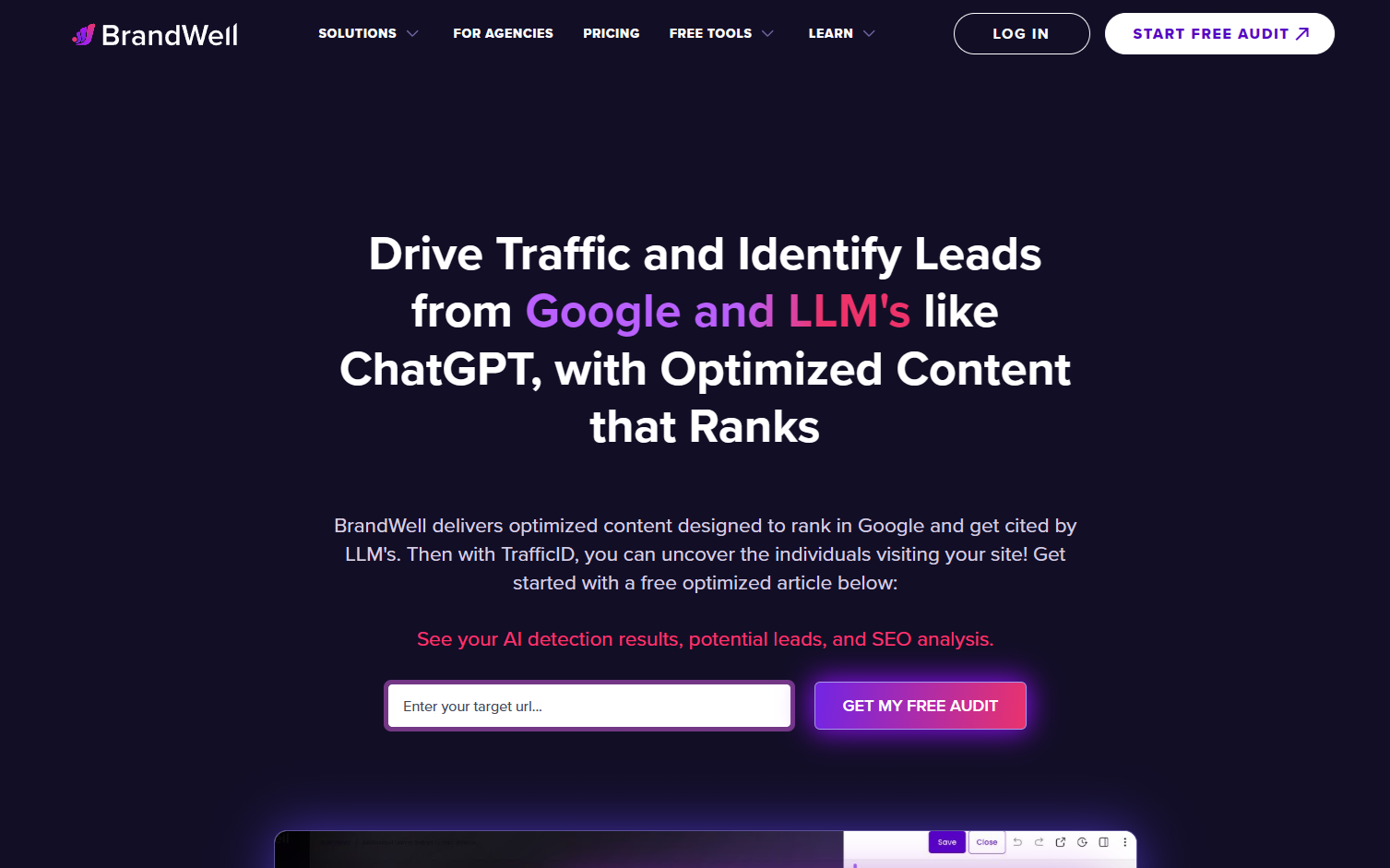
Long-form content is still one of the best sources for social repurposing, if you can publish consistently. Tools like Brandwell help create draft posts faster so your team can spend time editing, adding examples, and improving clarity.
The winning approach is editorial: treat AI drafts as a rough outline + first pass, not a finished product.
Best for: Teams scaling content production with human editing
10) Originality AI (for AI content detection)

If your workflow includes AI drafts and freelancers, detection tools can help with quality control and originality checks. They’re not perfect, but they can surface “this feels machine-y” sections worth rewriting.
Use it as a QA step, not a judge and jury.
Best for: Editorial teams managing quality and originality
11) Writer.com (content writing for teams)
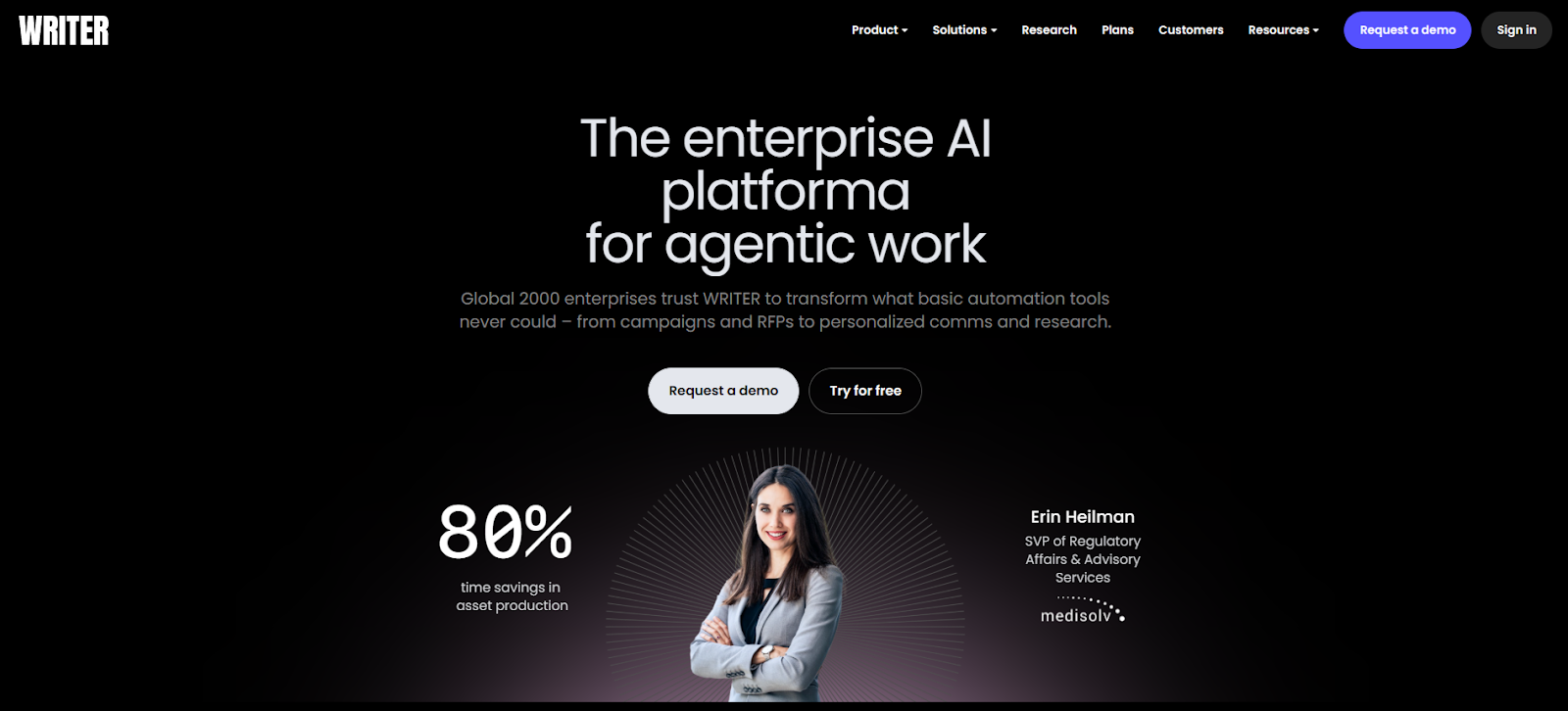
Writer.com leans toward governance: brand voice, terminology, consistency, and team-wide standards. If you have multiple writers (or multiple stakeholders), maintaining a unified style becomes hard, and that’s where tools like this help.
It’s especially valuable for regulated or technical industries where wording and claims matter.
Best for: Larger teams that need consistent voice and approved language
12) Undetectable AI (for rewriting AI content)
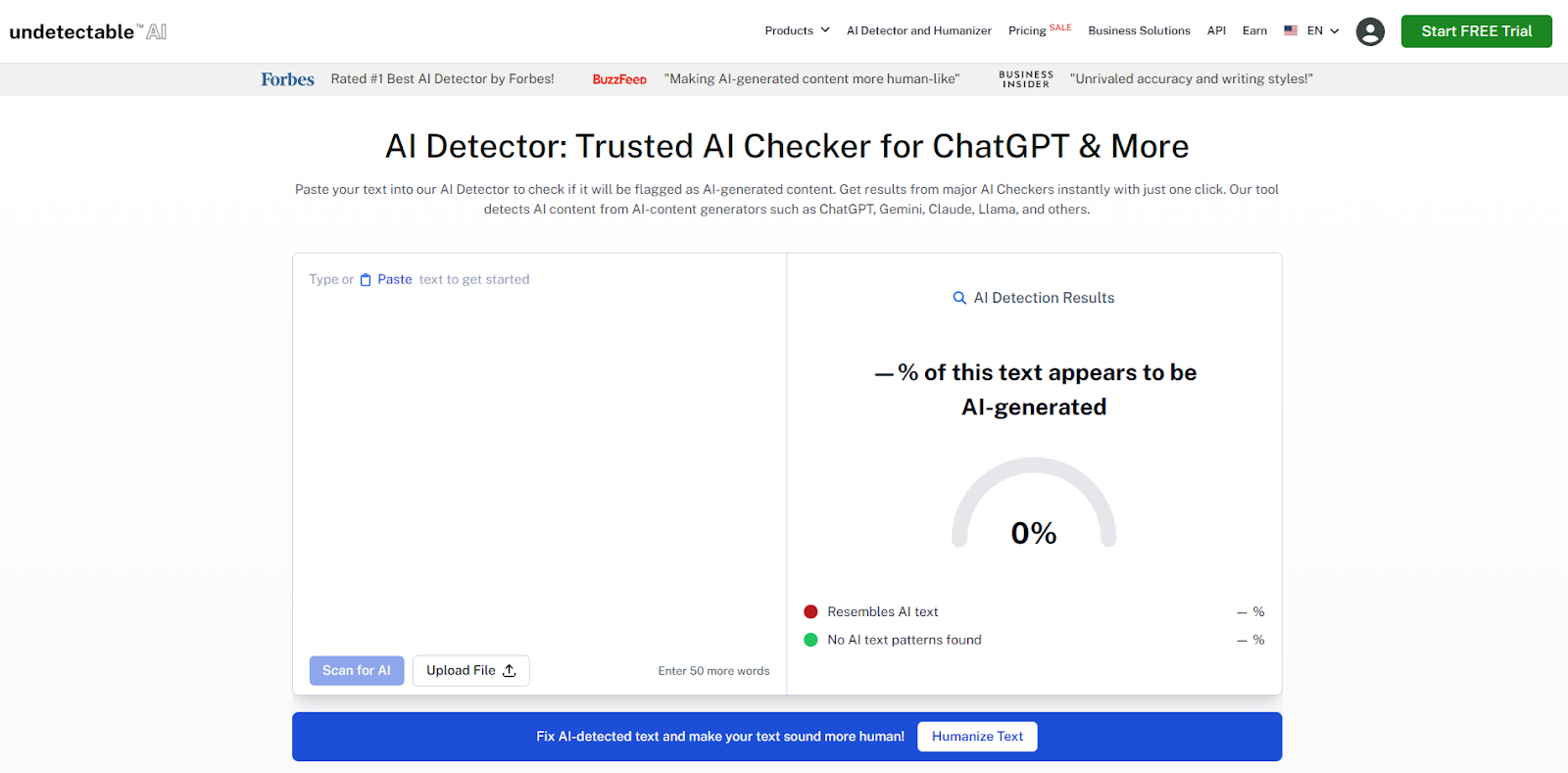
Rewriting tools are useful when you have a rough AI draft that needs to sound more natural. The best use case is cleanup: reduce repetition, smooth awkward phrasing, and make content feel more human before final editing.
Still, always do a human pass, especially for factual claims and tone.
Best for: Polishing rough drafts and improving “human-ness”
13) ContentShake AI (for SEO blog writing)

SEO writing gets easier when your workflow is guided: topic ideas, outlines, draft generation, and optimization signals in one place. Tools like ContentShake AI are built for that end-to-end flow.
If your goal is more inbound traffic and more social content, this is a two-for-one: publish articles, then repurpose highlights into posts.
Best for: SEO-focused teams that want faster publish cycles
14) FullStory (for digital experience insights)
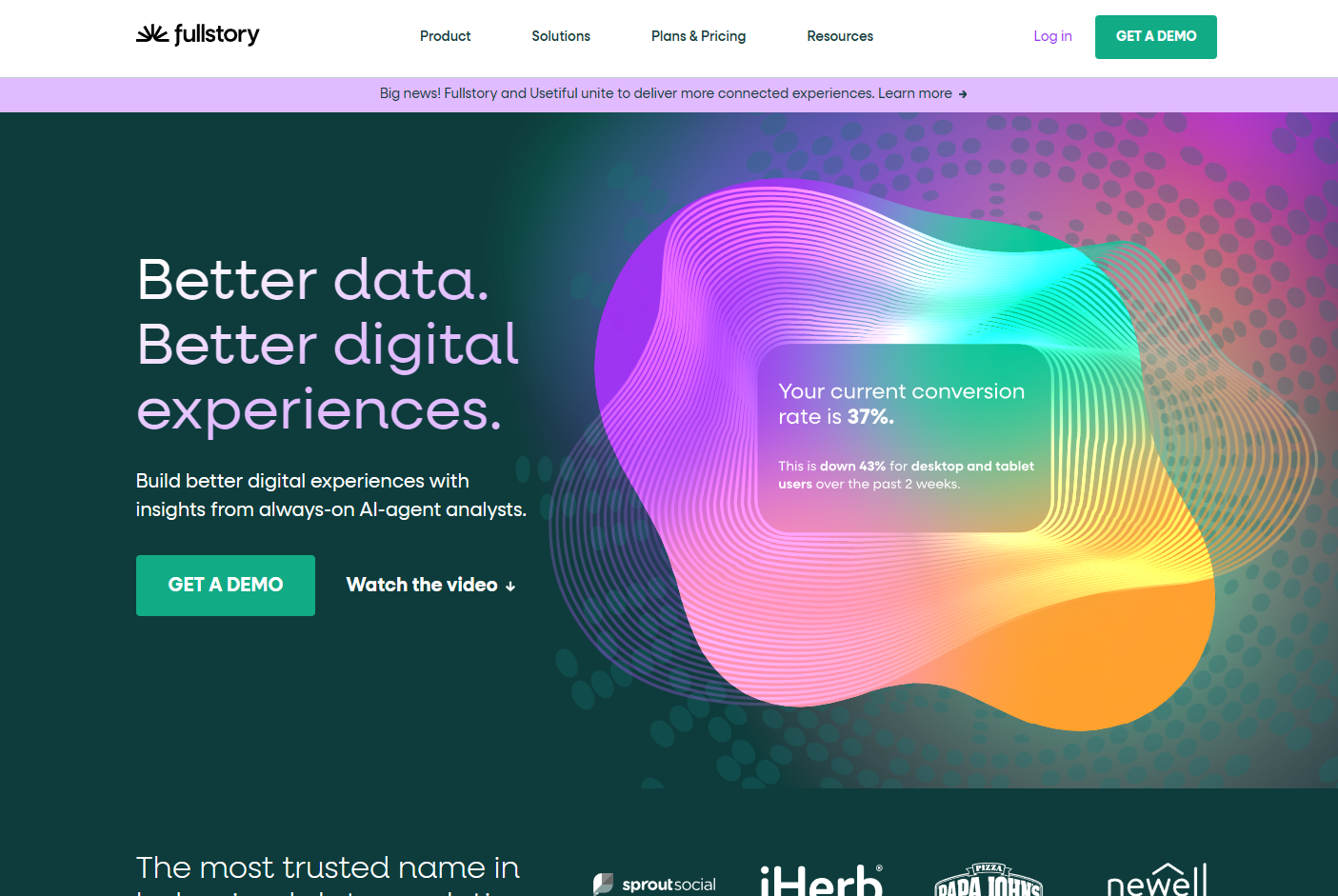
FullStory-style tools help you understand what users actually do on your site, where they struggle, what they click, where they drop off. That’s gold for marketers because it turns “opinions” into observable behavior.
Pair insights with messaging changes: fix confusing pages, refine CTAs, and tighten the funnel.
Best for: Conversion-focused teams improving UX and on-site journeys
15) Zapier (for automating tasks)
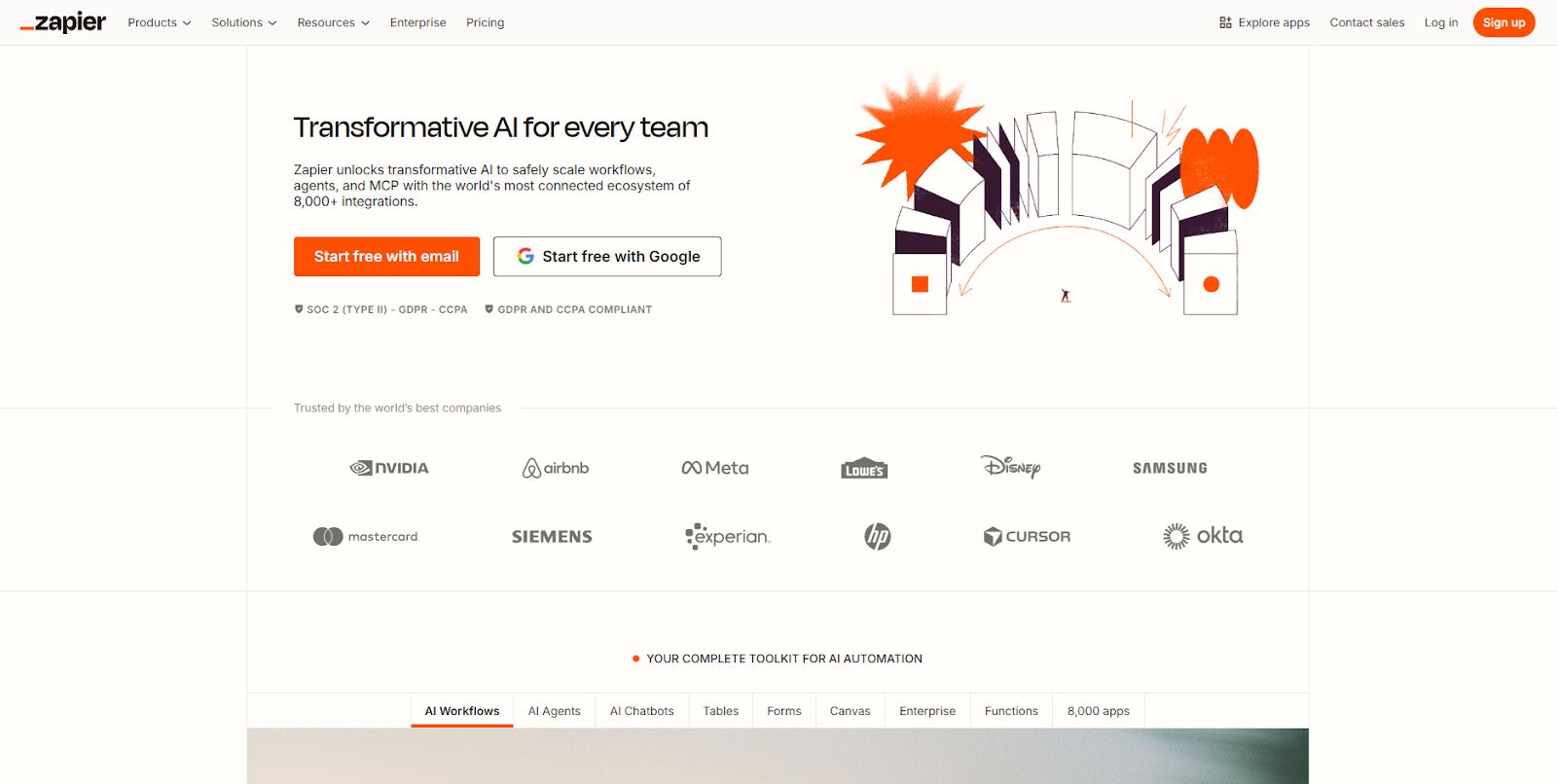
Zapier connects your marketing stack so triggers and actions happen automatically. Even without deep “AI,” automation saves time, then adding AI into steps can speed up writing, sorting, tagging, and summarizing.
Start small: automate handoffs between lead capture, CRM updates, and content tracking.
Best for: Connecting tools and reducing manual busywork
16) Hemingway App (for content editing)
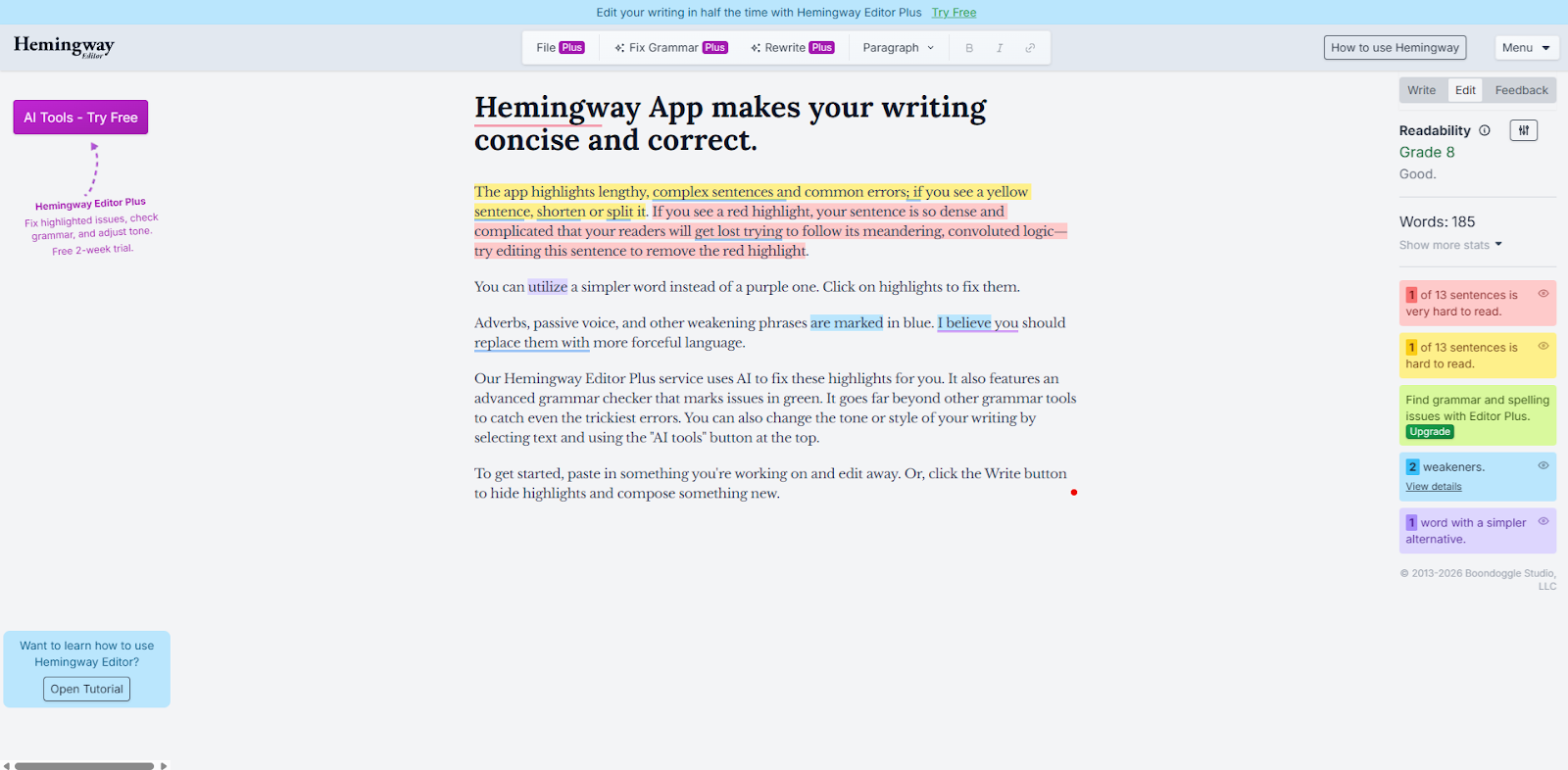
Hemingway helps you simplify. If you publish lots of content (especially social threads and landing pages), clarity wins. Run drafts through it to catch overly complex sentences and tighten your writing.
Use it most on posts where the message must land fast, hooks, CTAs, and ads.
Best for: Improving readability and punchiness
17) Chatfuel (for chatbots)

Chatbots can handle FAQs, lead capture, and basic support flows, especially on messaging-heavy platforms. The best bots feel helpful, not spammy, and they route complex issues to humans.
For marketing, the highest ROI is often in lead qualification: ask a few smart questions, then send the right person to the right next step.
Best for: Lead capture and customer support workflows
18) Grammarly (for content editing)
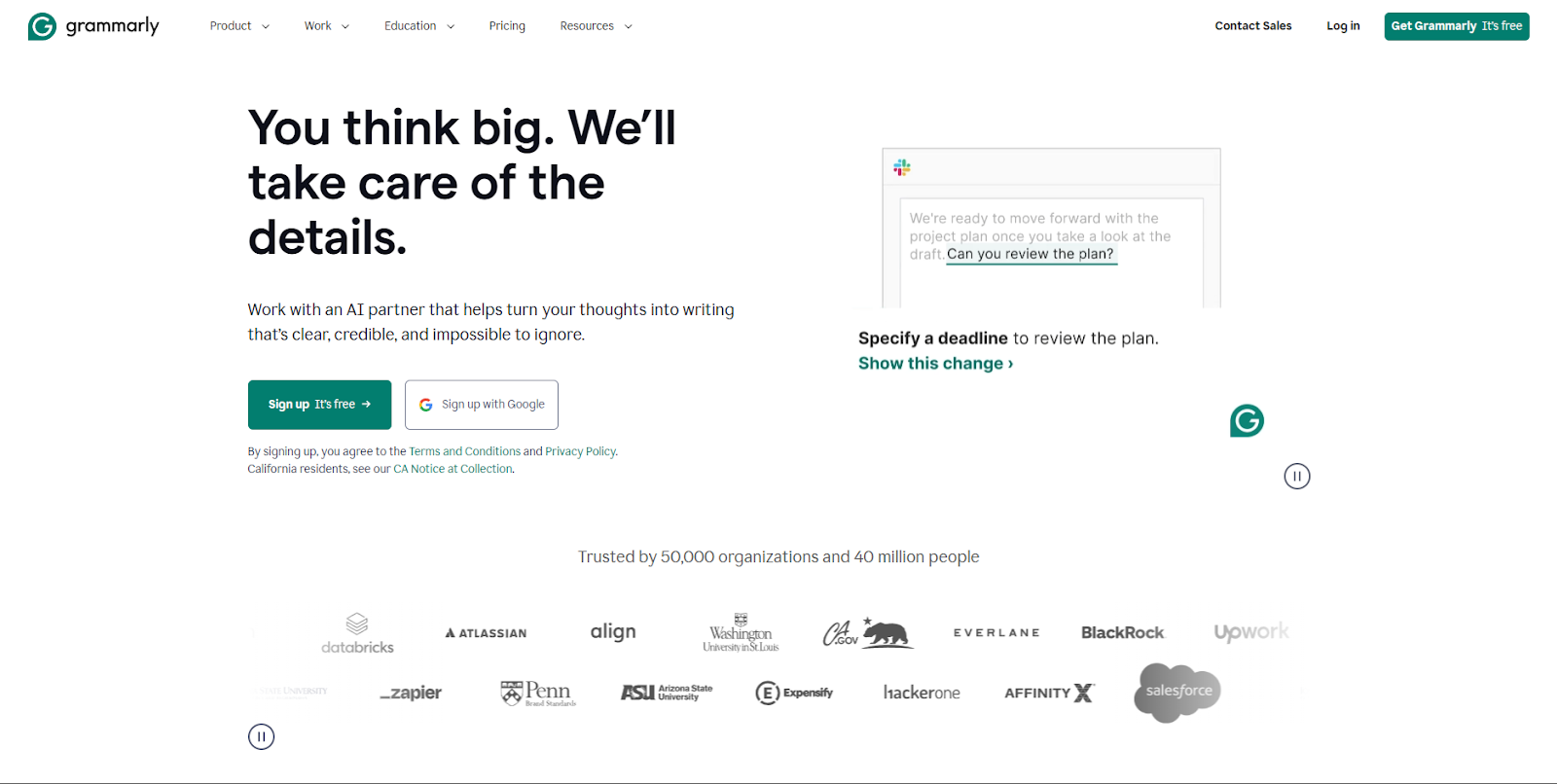
Grammarly is the always-on assistant: grammar, clarity, and quick rewrites across apps. For teams writing constantly (social, email, docs), it’s a baseline quality tool that reduces small mistakes.
Best for: Everyday writing improvements across tools
19) Albert.ai (for digital advertising optimization)
Paid media can be a lot of testing, iteration, and optimization. Tools like Albert.ai aim to improve targeting and performance by learning what works and adjusting faster than manual processes.
If you’re running ads alongside social, use insights from paid tests to inform organic messaging, and vice versa.
Best for: Teams running performance marketing campaigns
20) Headlime (for landing pages)
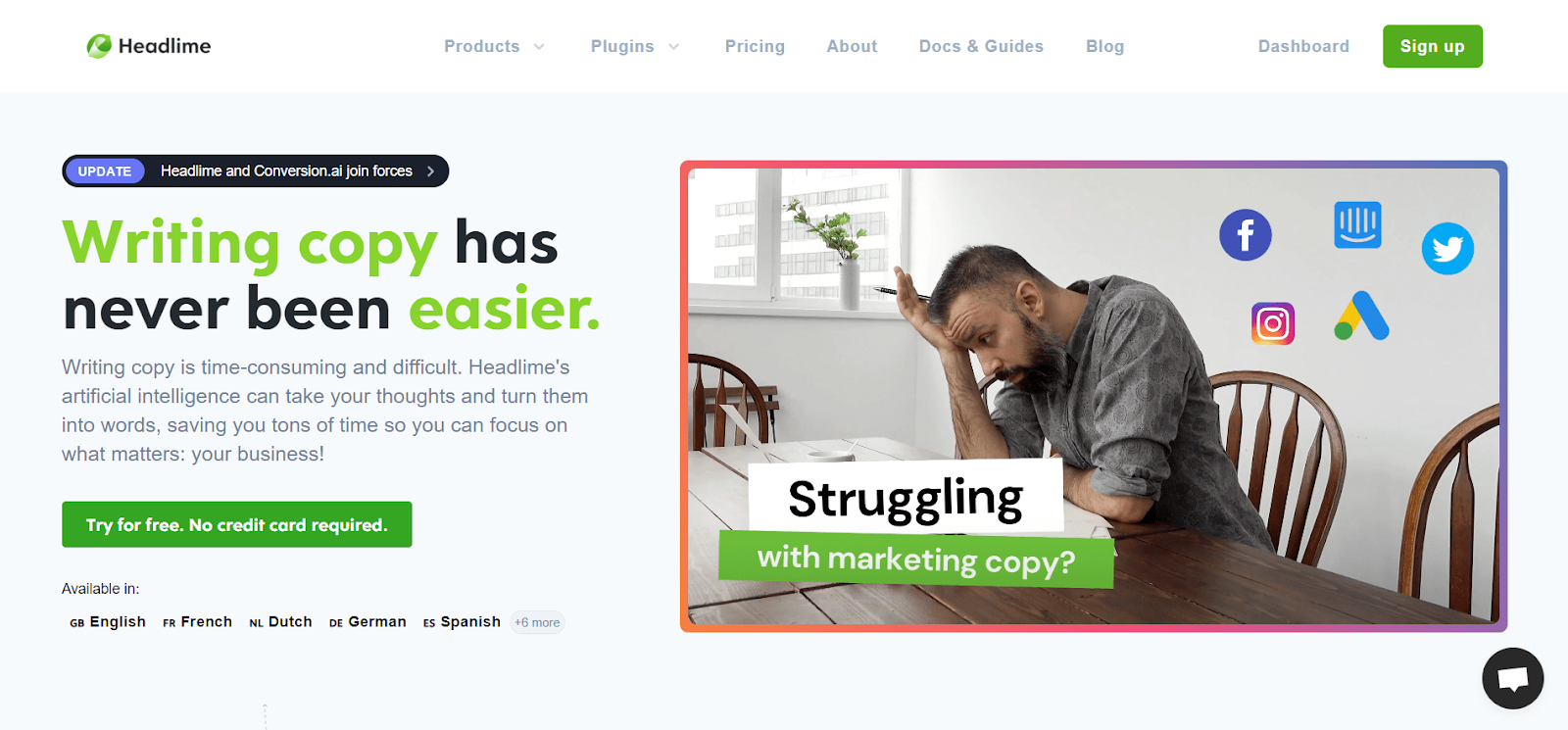
Landing pages live or die on messaging. Headlime-style tools help generate headline and section copy variations, which speeds up testing and iteration.
Use it for drafts and variants, then refine with your brand voice and customer language.
Best for: Faster landing page copy and headline testing
21) Browse AI (for scraping web pages)
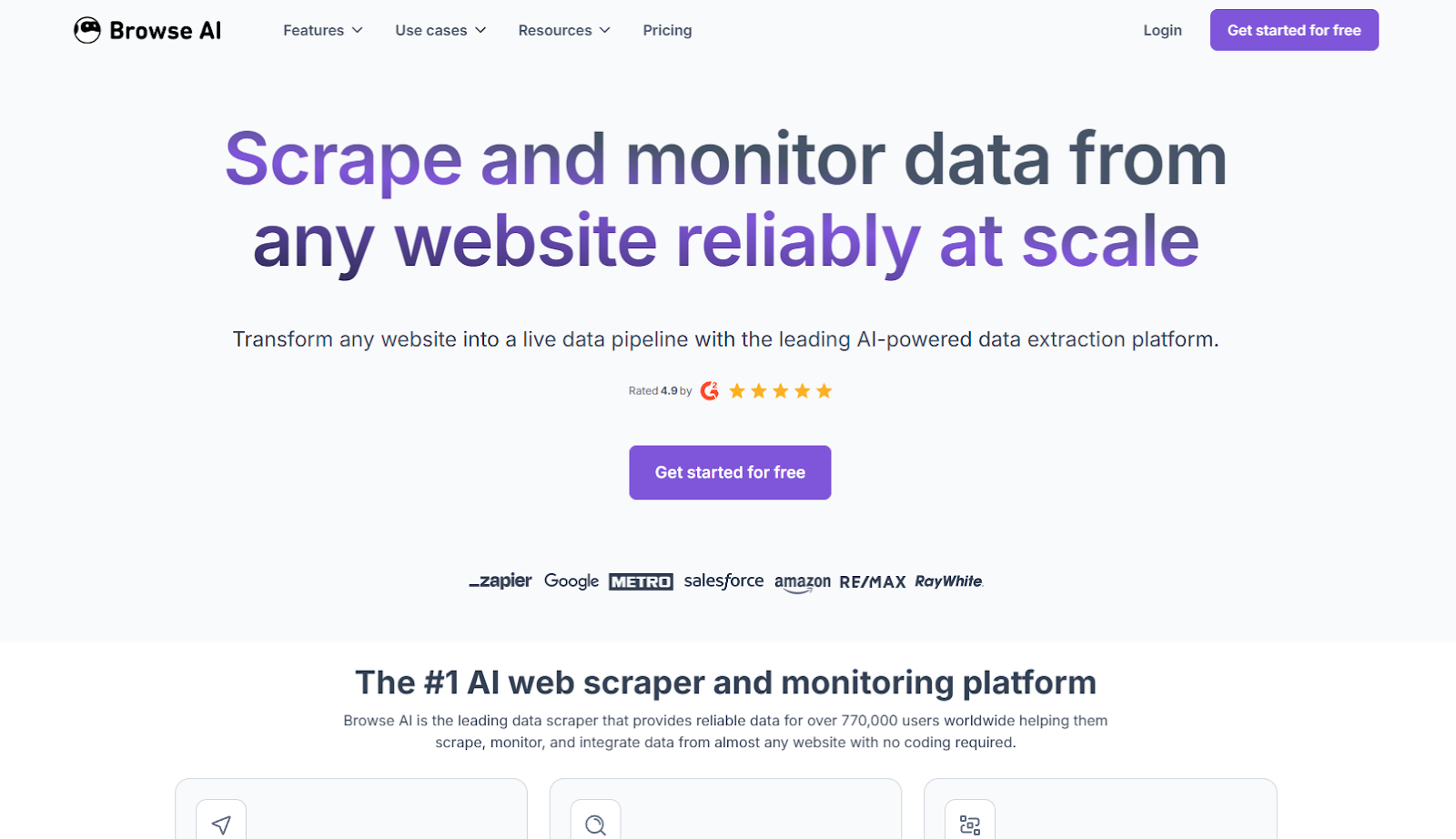
Sometimes your marketing job is simply “know what’s happening.” Browse AI helps extract data from pages and track changes, useful for competitor monitoring, pricing pages, feature updates, and announcements.
This is especially useful for social teams that create commentary posts or industry updates.
Best for: Competitive intelligence and monitoring page changes
22) Algolia (for search and recommendations)
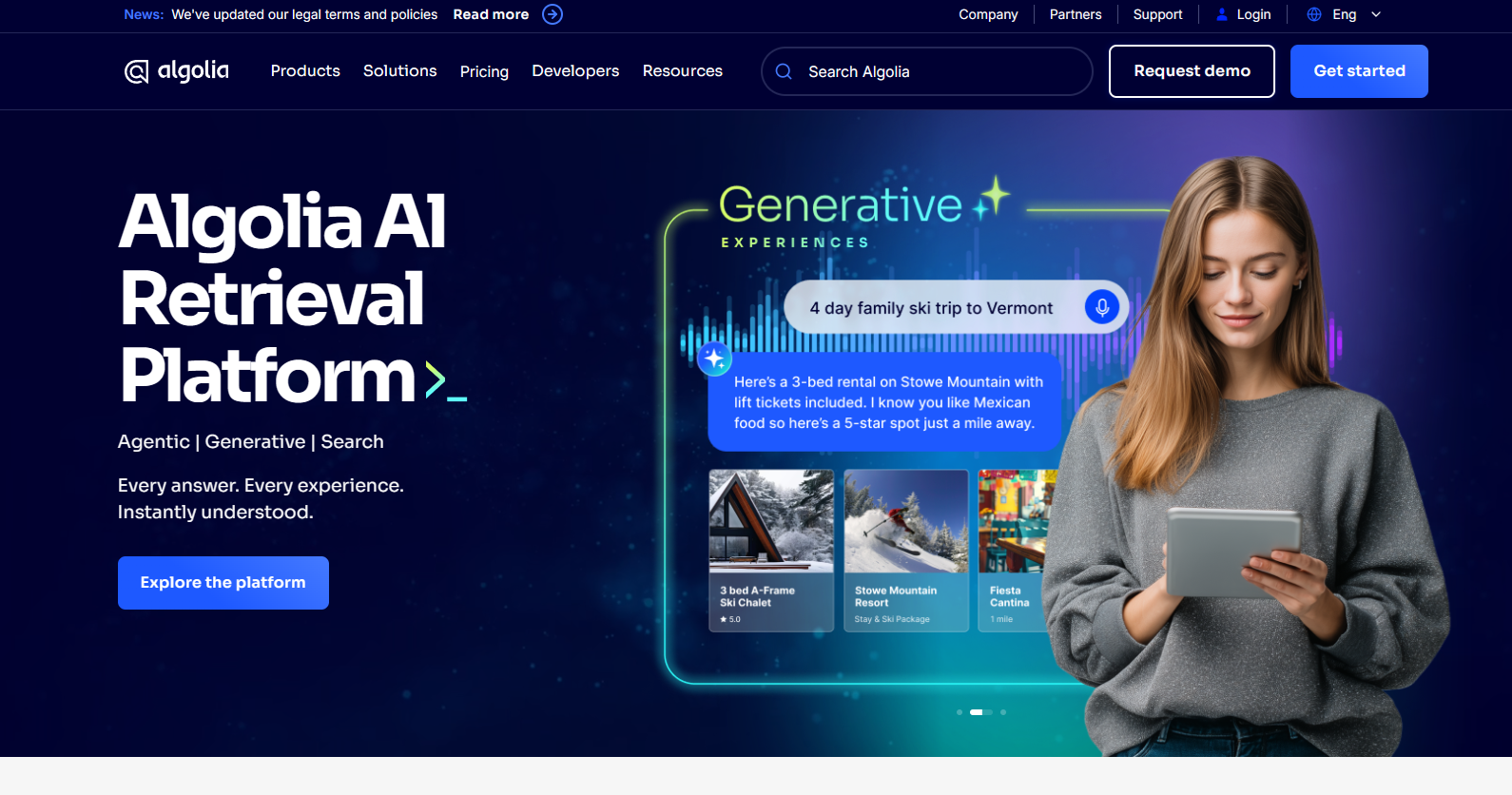
If your site has content, docs, or a product catalog, search quality matters. Algolia powers fast, relevant on-site search and can improve discovery, which supports conversion and retention.
It’s not a “social tool,” but it strengthens the destination your social traffic lands on.
Best for: Improving on-site discovery and recommendations
23) PhotoRoom (for removing image backgrounds)
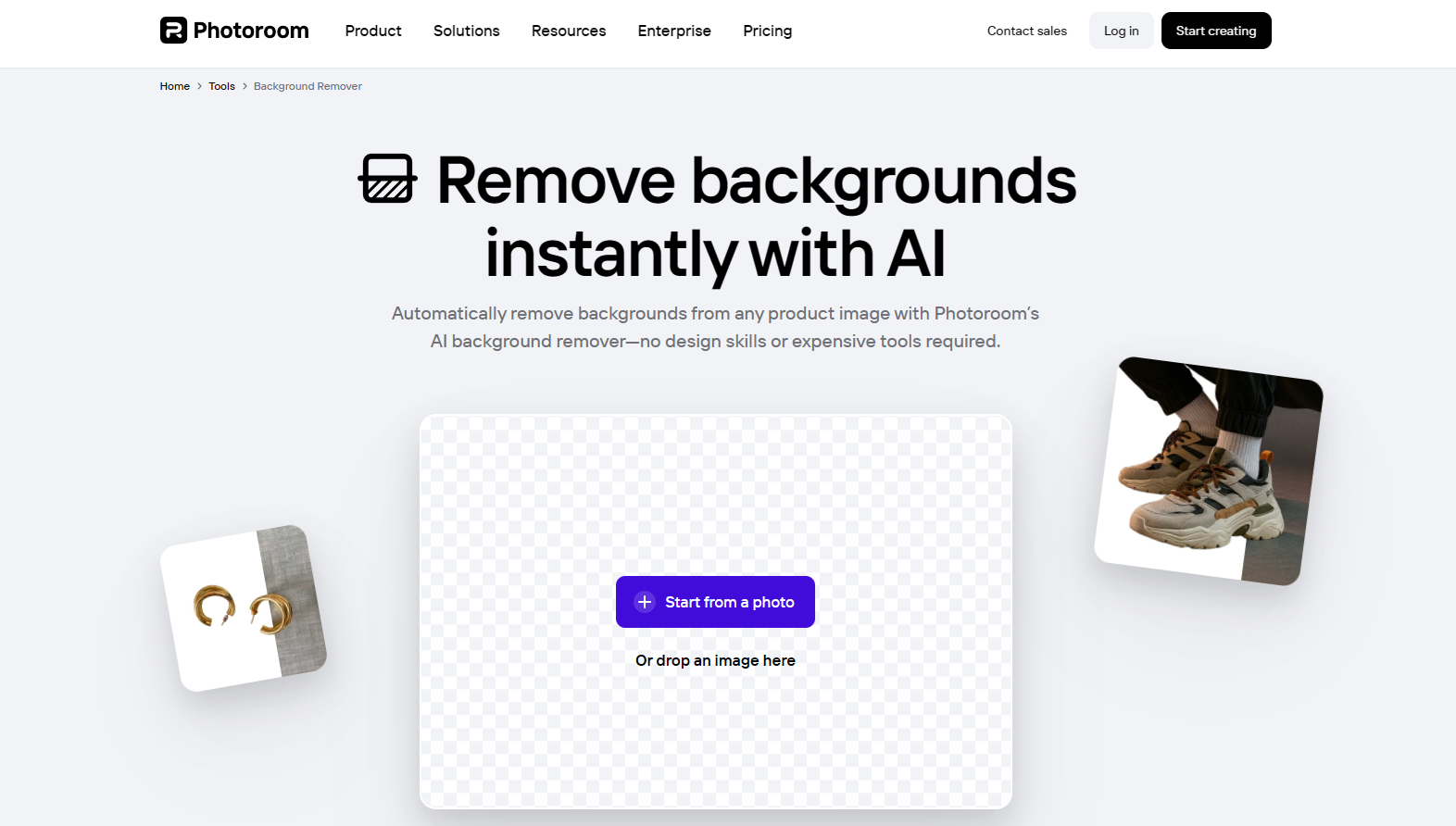
PhotoRoom is a quick win for creative teams: clean cutouts, polished visuals, and fast asset creation. Great for social graphics, product visuals, team photos, and promotional posts.
Best for: Quick visual polish without heavy design work
24) Reply.io AI Sales Email Assistant (for email replies)
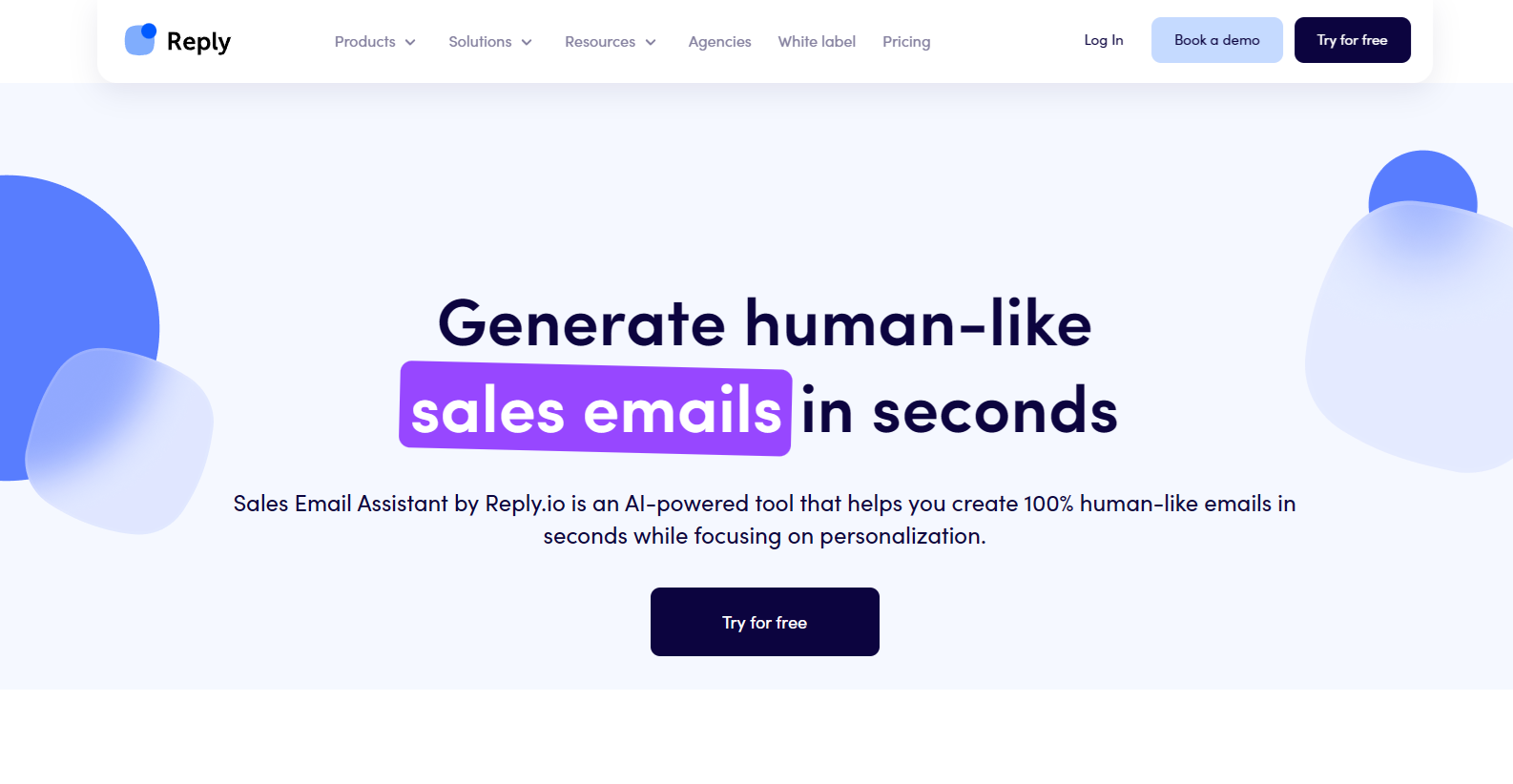
Marketing and sales overlap most in follow-up. AI email assistants help draft responses and sequences faster, especially when you’re handling repetitive replies.
Keep it human: edit the final message so it sounds like your team, not a template.
Best for: Faster follow-ups and sales enablement
25) Brand24 (for media monitoring)
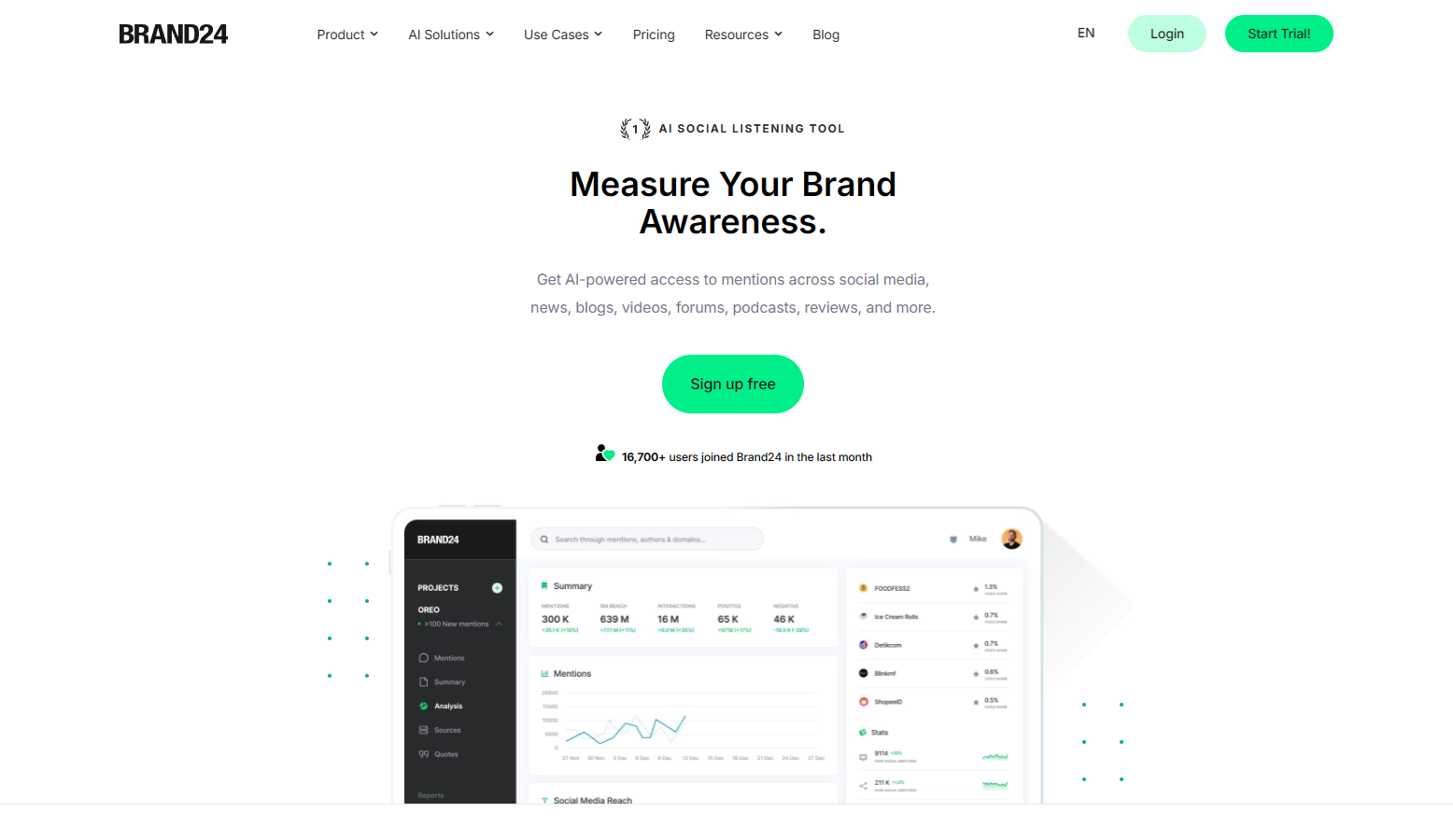
Brand24-style tools monitor mentions across the web and social, then help you see trends and sentiment. If you’re serious about AI social media marketing, listening matters as much as posting.
Use it to find content opportunities (what people complain about, praise, or ask), then turn those insights into posts and FAQs.
Best for: Social listening, reputation monitoring, and trend spotting
26) Influencity (for influencer marketing)
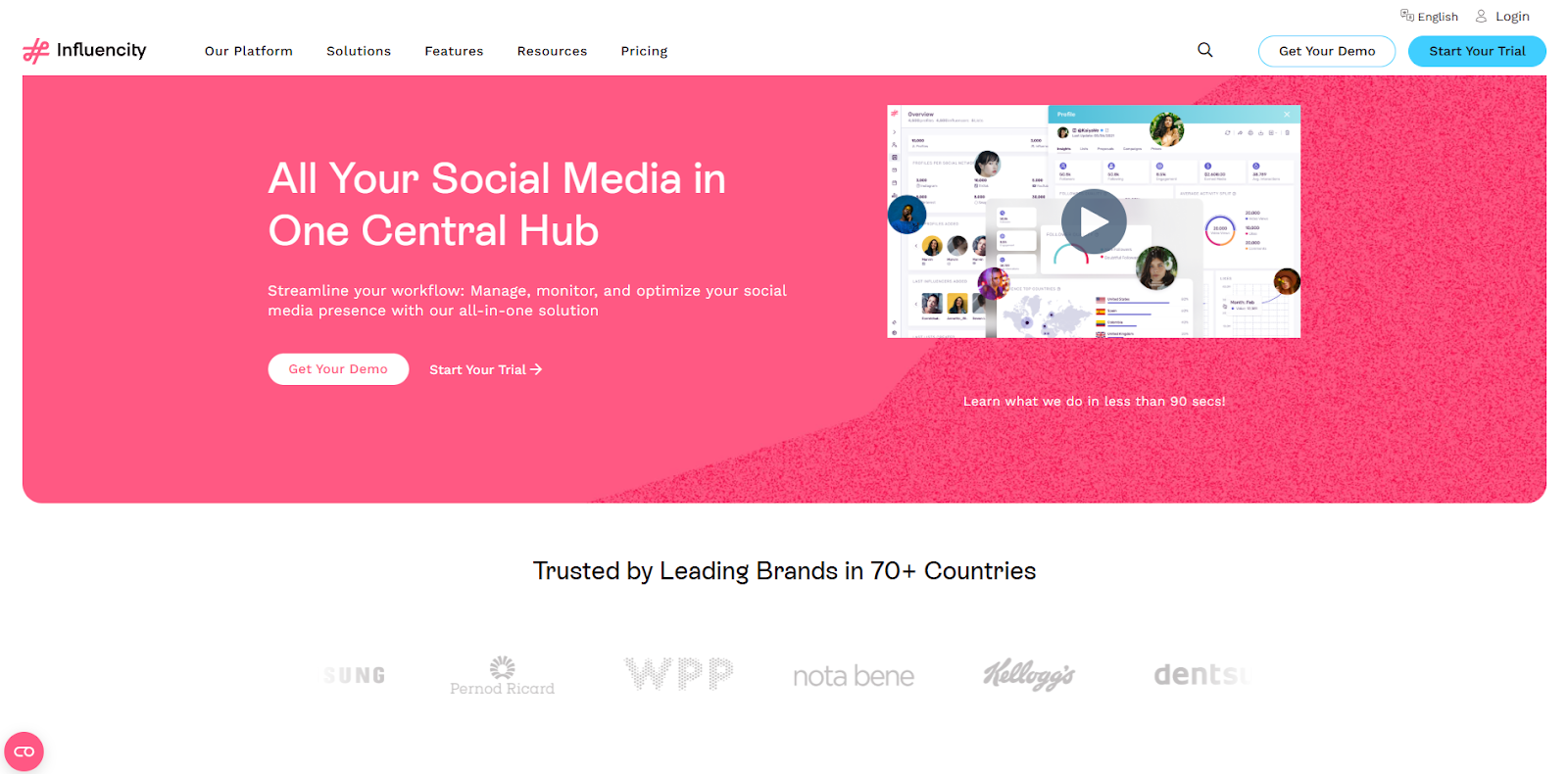
Influencer marketing is easier when you can find the right creators, evaluate fit, and manage outreach. Tools like Influencity support discovery and organization so campaigns don’t become spreadsheet chaos.
The best influencer campaigns feel native: creators tell real stories, not stiff scripts.
Best for: Creator discovery, vetting, and influencer campaigns
AI-driven marketing isn’t slowing down, so build a stack you’ll actually use
You don’t need 26 tools to start. You need the right first few that solve today’s bottlenecks, usually content output, consistency, and workflow friction. For most teams, that means starting with a social execution tool, one automation layer, and one quality/optimization tool.
If your immediate goal is AI social media marketing, start with TweetPeek to generate and schedule consistently, then layer in automation and listening as you grow. Want a simple next step? Pick one weekly workflow (batch posts, schedule, review results), commit to it for 30 days, and let the tools do the heavy lifting.

.png)
.png)
