
.png)

Why twitter analytics tools are worth using
A strong analytics setup helps you move faster and waste fewer posts. Here’s what the right tool typically unlocks:
Identify your best-performing posts (and why they worked)
Go beyond “likes went up” to uncover which topics, formats, hooks, and posting times consistently earn impressions and engagement.
Understand who your audience actually is
Audience insights (location, interests, language, and behavior) help you tailor content and improve conversion-heavy posts like lead magnets and product launches.
Track sentiment and brand health
Social listening tools help you measure brand mentions, sentiment shifts, and emerging issues, so you can respond before a narrative spreads.
Measure campaign performance with real KPIs
Track outcomes (link clicks, conversions, share of voice, hashtag reach) instead of only surface-level engagement.
Monitor competitors
Benchmark your growth, content themes, and engagement rate against competitors to spot gaps and opportunities.
17 X Twitter analytics tools to level up your reporting
1. TweetPeek (Browser Extension for X)
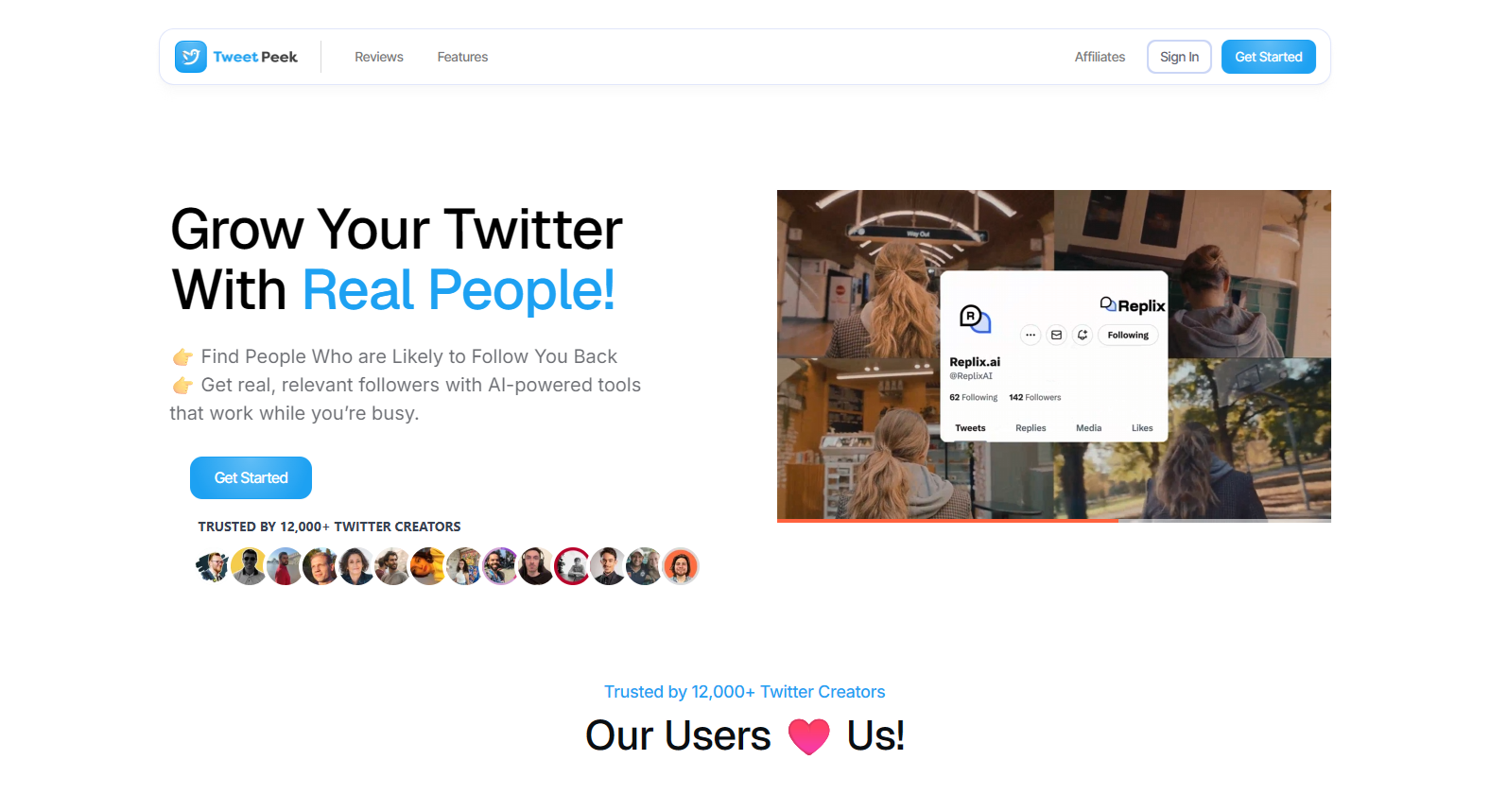
TweetPeek is a browser extension for X (Twitter) designed to help you grow and maintain a healthier following, without turning your account into a chaotic follow/unfollow machine. It’s especially useful if growth is part of your strategy, and you want targeting + transparency instead of random bulk actions.
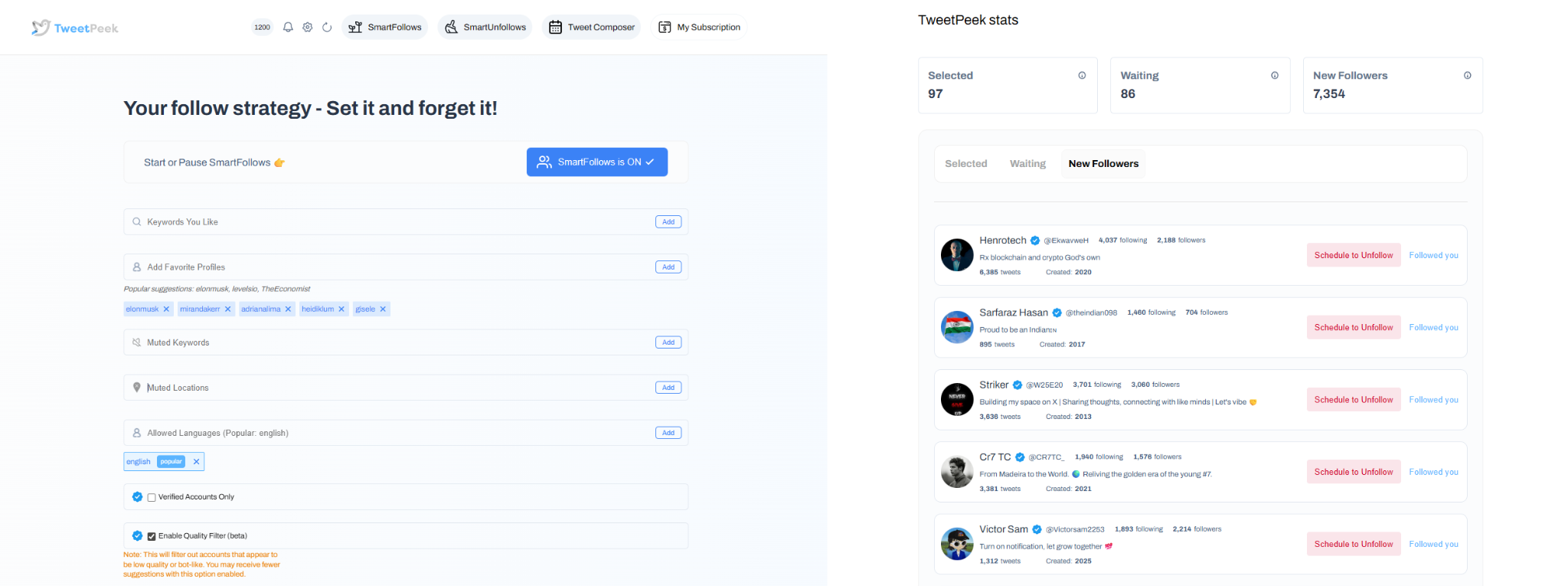
Smart Follows (growth, but targeted)
- Automatically follows people who match your interests.
- If they don’t engage back, Smart Follows unfollows them for you.
- Helps you:
- Find relevant people to follow
- Find people who are likely to engage
- Find people who are likely to follow you back
- Targeting controls you can use:
- Keywords you like
- Favorite Profiles
- Mute Keywords
- Locations
- Languages
- Option to only follow verified accounts (if enabled)
- Transparency built in:
- You can see accounts selected to be followed
- You can see accounts that already followed back
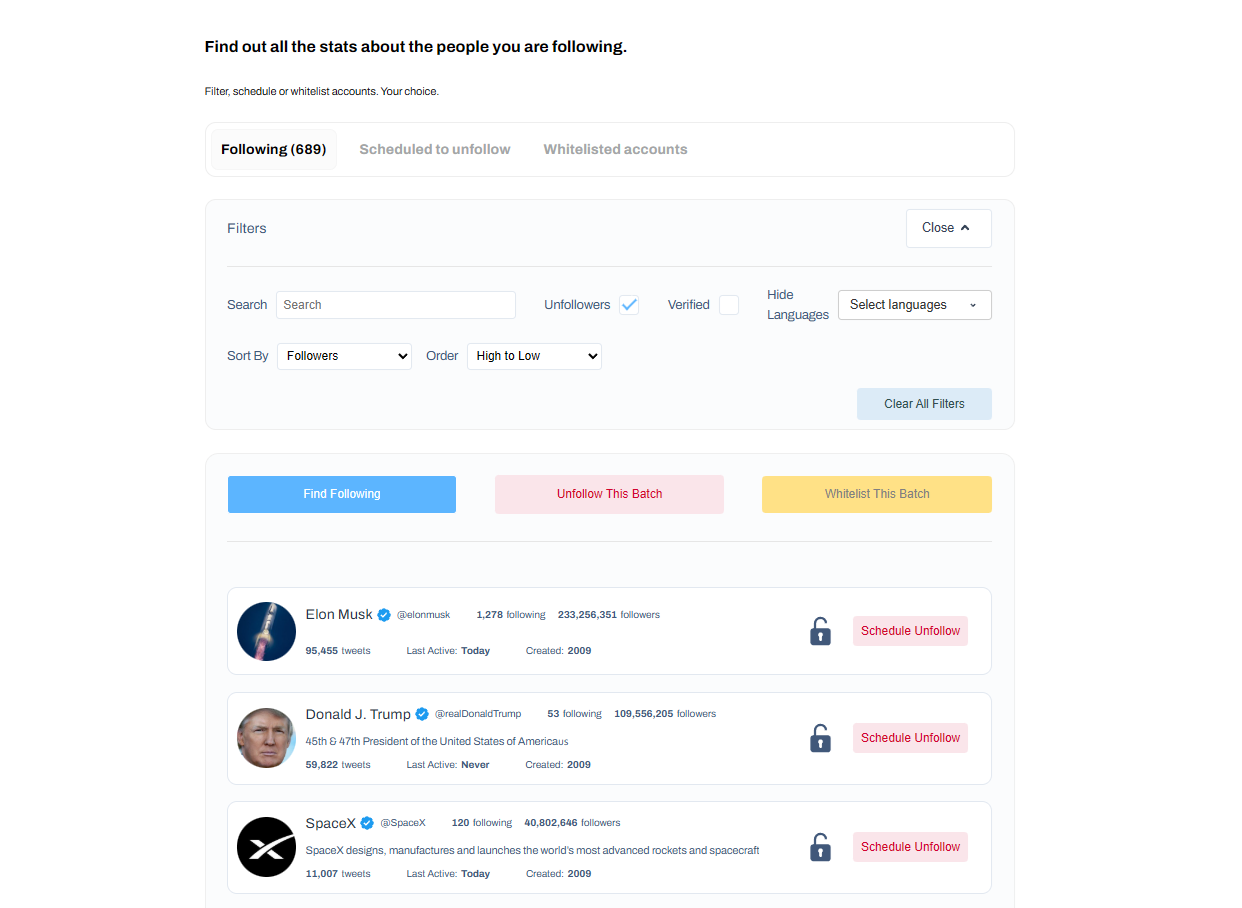
Smart Unfollows (clean up your following, intelligently)
- See who isn’t following you back and decide to engage or unfollow.
- Easily find people who aren’t following you back.
- Filtering + sorting options:
- Search accounts
- Filter by: unfollowers, verified, languages
- Sort by: followers, following, last active, tweets count (low→high / high→low)
- Actions you can take:
- Batch unfollow results
- Whitelist accounts so they will never be unfollowed
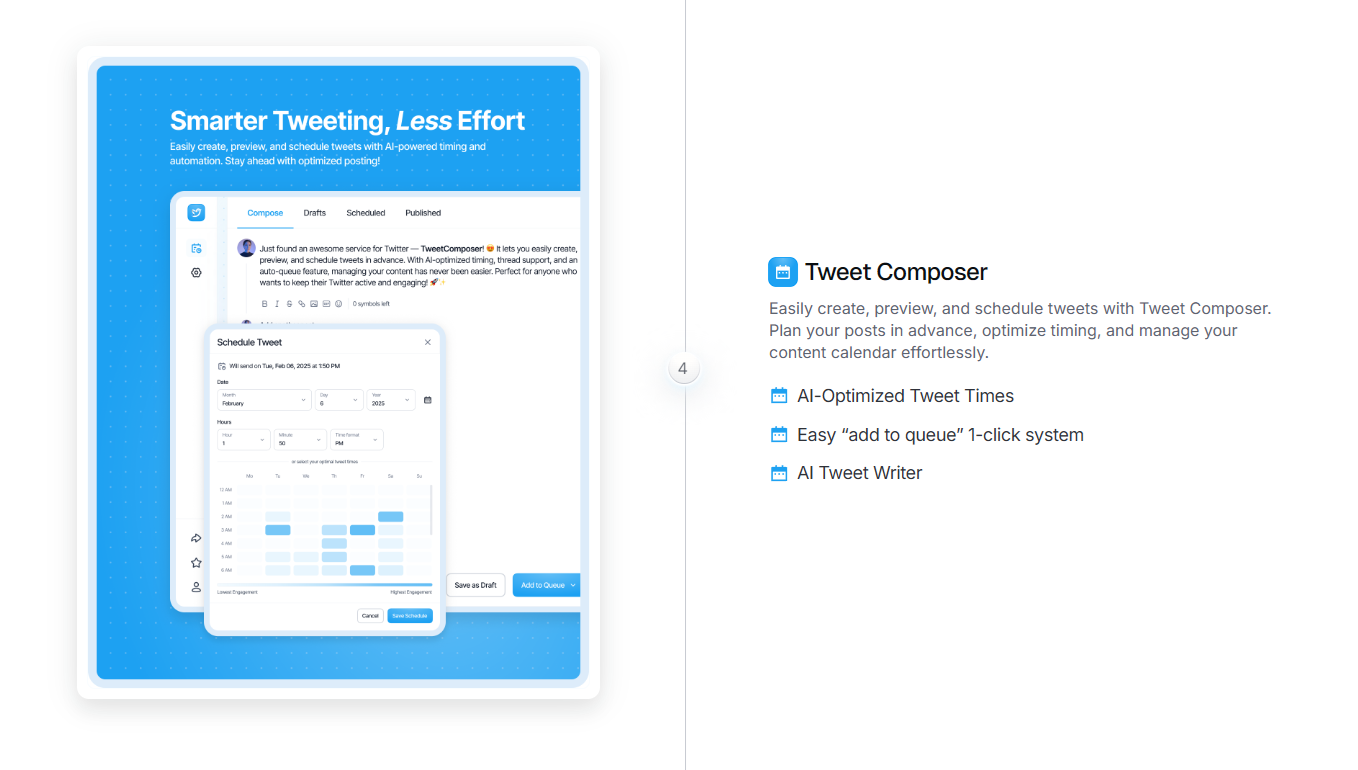
Scheduling/content
TweetPeek also supports creating, previewing, and scheduling posts, handy for staying consistent while you refine growth and engagement.
Why TweetPeek stands out
Because it lives directly inside your browser, TweetPeek fits naturally into how you already use X, no switching tabs, no exporting lists, no messy spreadsheets. The real differentiator is the balanced combo of Smart Follows + Smart Unfollows, so you can grow while keeping your following list intentional. Scheduling is a nice add-on for consistency, but the core value is targeted growth plus cleanup controls. And since you can review selections, whitelist accounts, and avoid aggressive behavior, it supports a more responsible approach to audience building.
2. Sprout Social
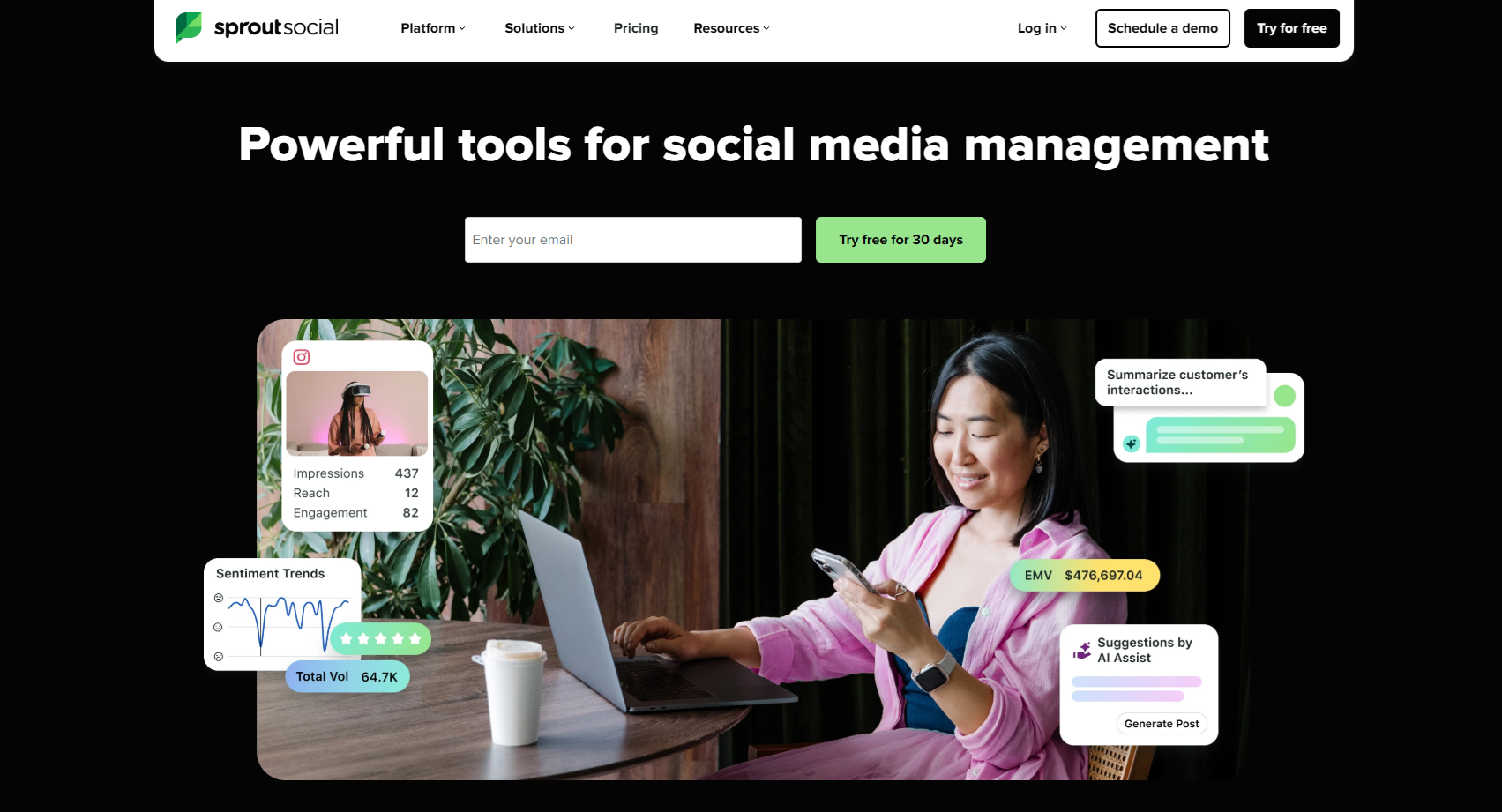
A robust analytics and social management platform that’s strong on reporting depth, cross-channel insights, and social listening, useful when you need stakeholder-ready dashboards and repeatable performance reporting.
Features to look for:
- Unified analytics dashboards across profiles
- Hashtag and keyword tracking
- Social listening for sentiment + trend insights
- Presentation-ready reporting for teams and stakeholders
3. Buffer
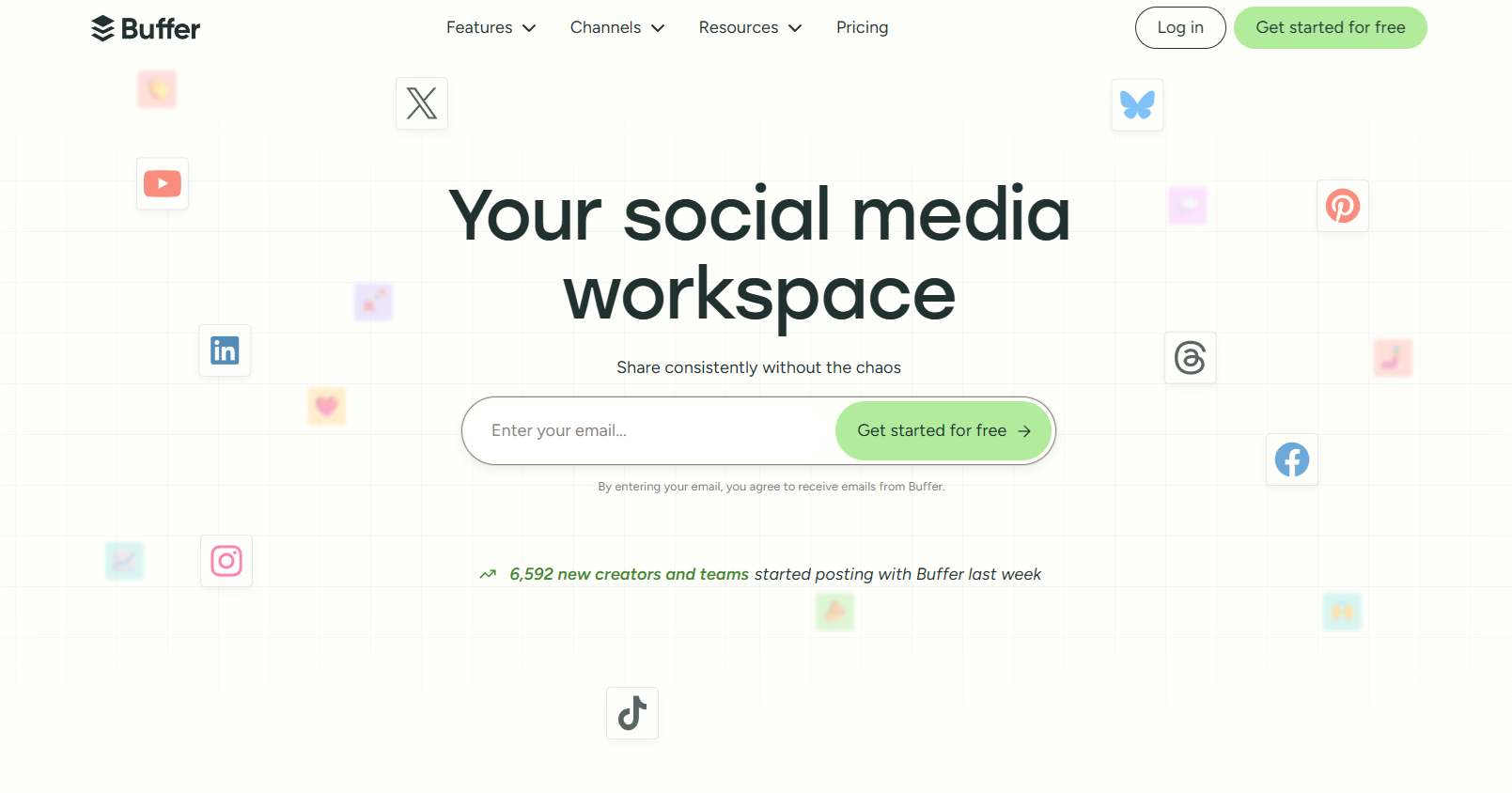
A lightweight option popular with creators and small teams, especially if you want clean post analytics and a straightforward workflow.
Features to look for:
- Post performance insights
- Engagement trend tracking
- Simple reporting that’s easy to act on
4. SocialPilot
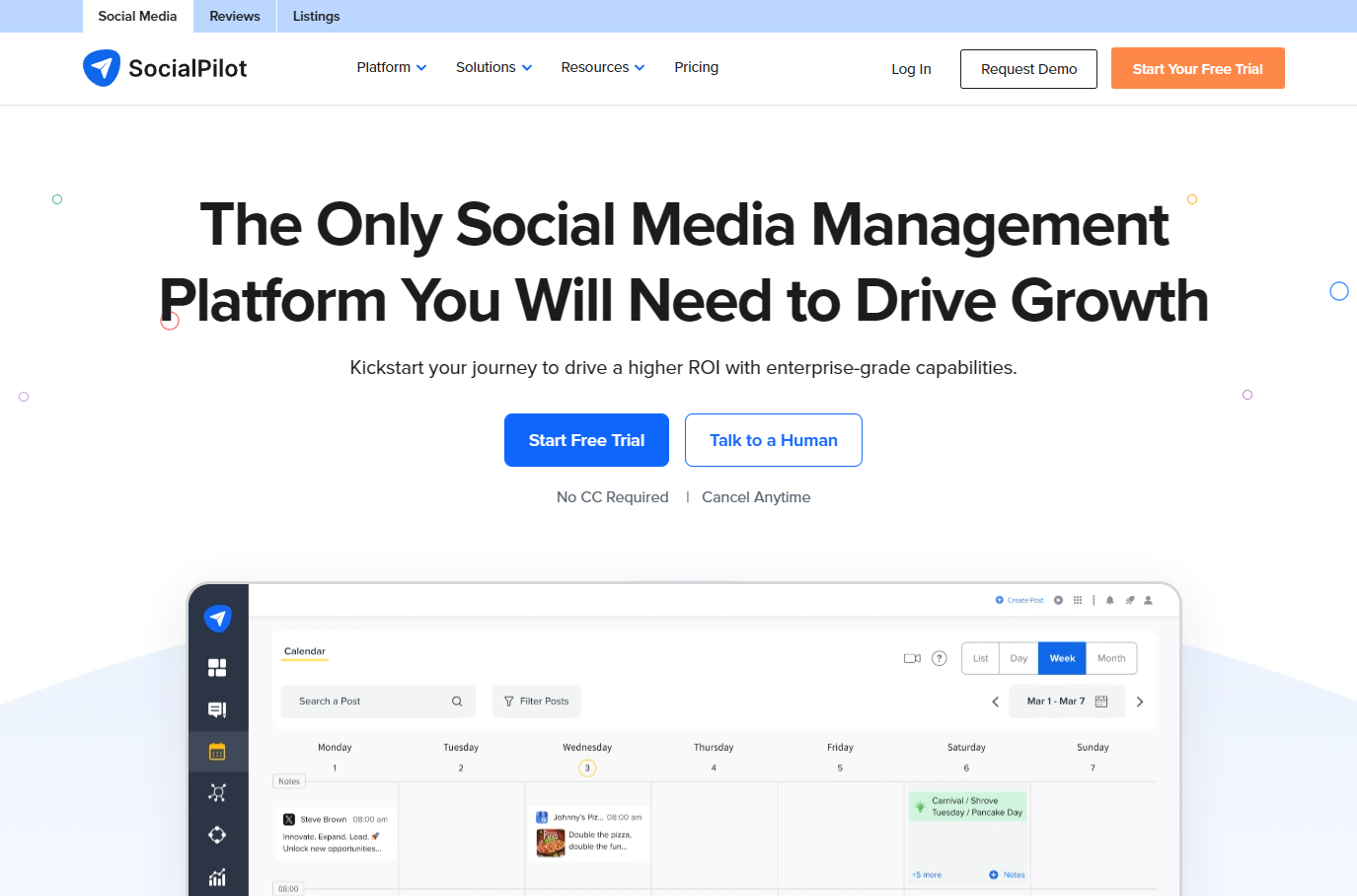
A scheduling-first platform with analytics and reporting add-ons, useful if you want publishing + measurable performance in one place.
Features to look for:
- Automated reporting (weekly/monthly)
- Performance tracking with filters and comparisons
- Mentions and follower engagement insights
5. Keyhole
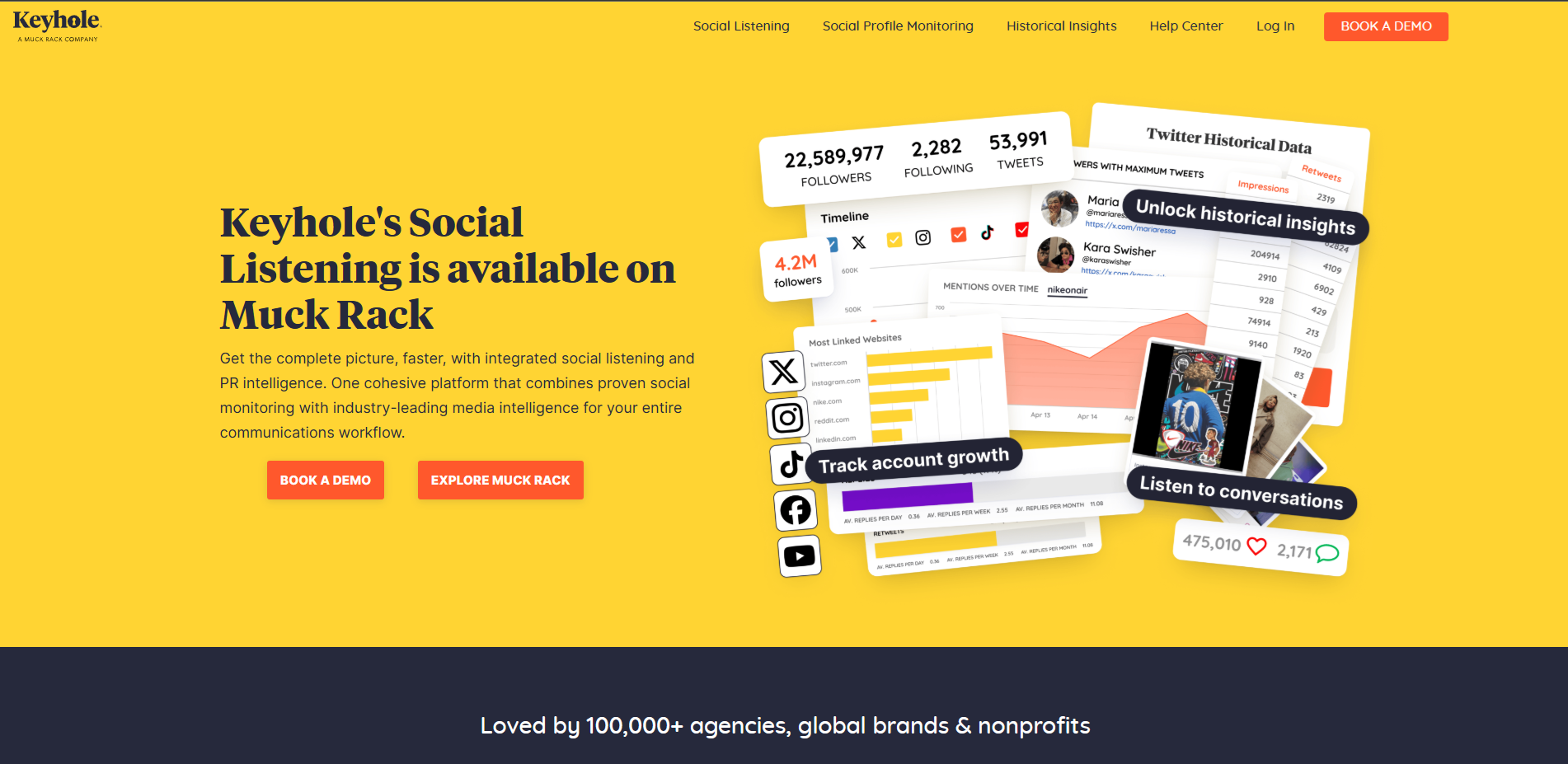
Best known for monitoring and listening, helpful when hashtags, keywords, and campaign tracking are central to your strategy.
Features to look for:
- Hashtag and keyword monitoring
- Campaign reporting
- Timing and content-type performance insights
6. Meltwater
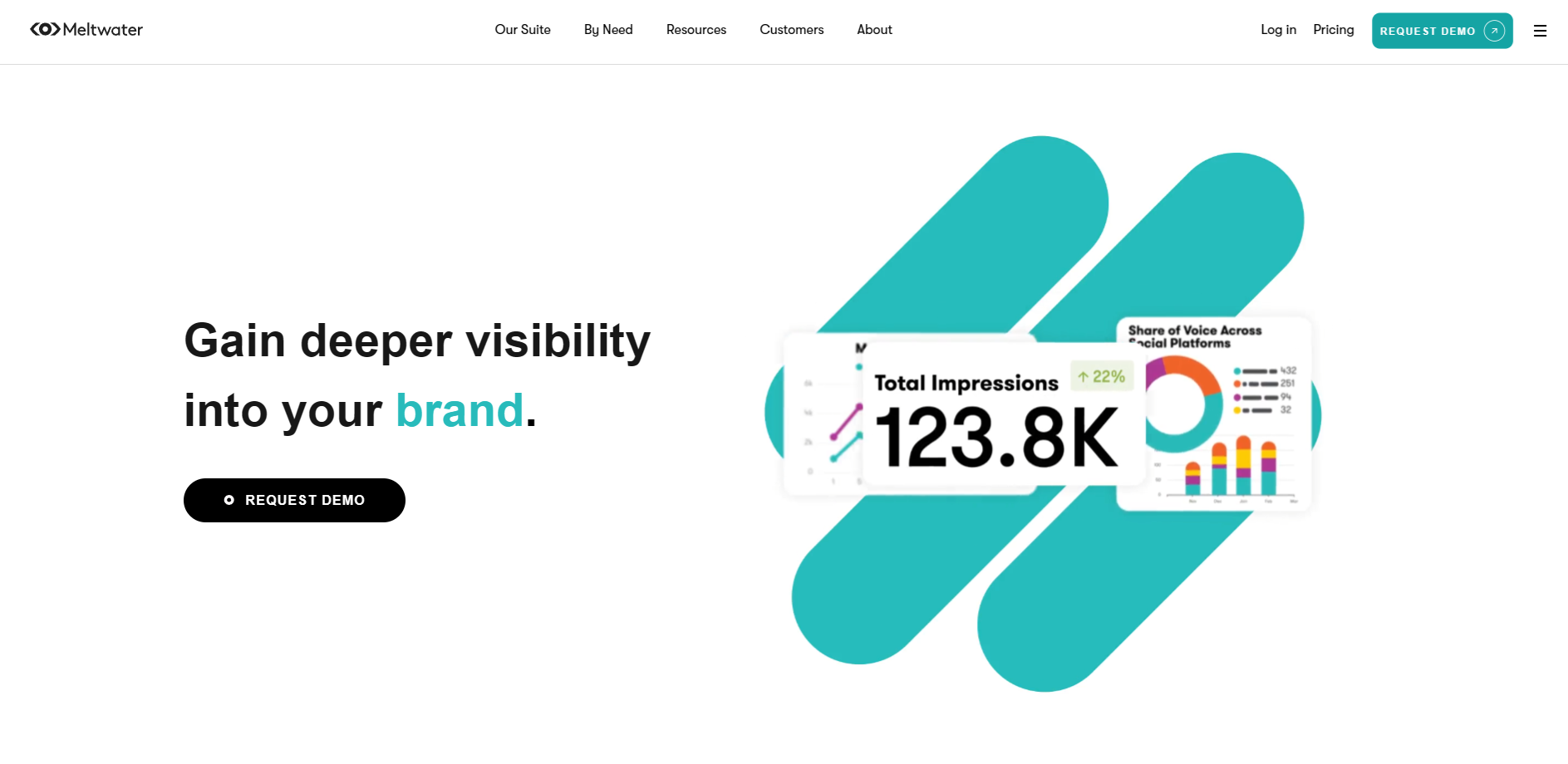
A strong choice for brands tracking conversations across multiple markets and languages, often paired with PR and media monitoring needs.
Features to look for:
- Broad monitoring across social + media sources
- Audience segmentation and sentiment signals
- Longer-range data history for trend spotting
7. SparkToro
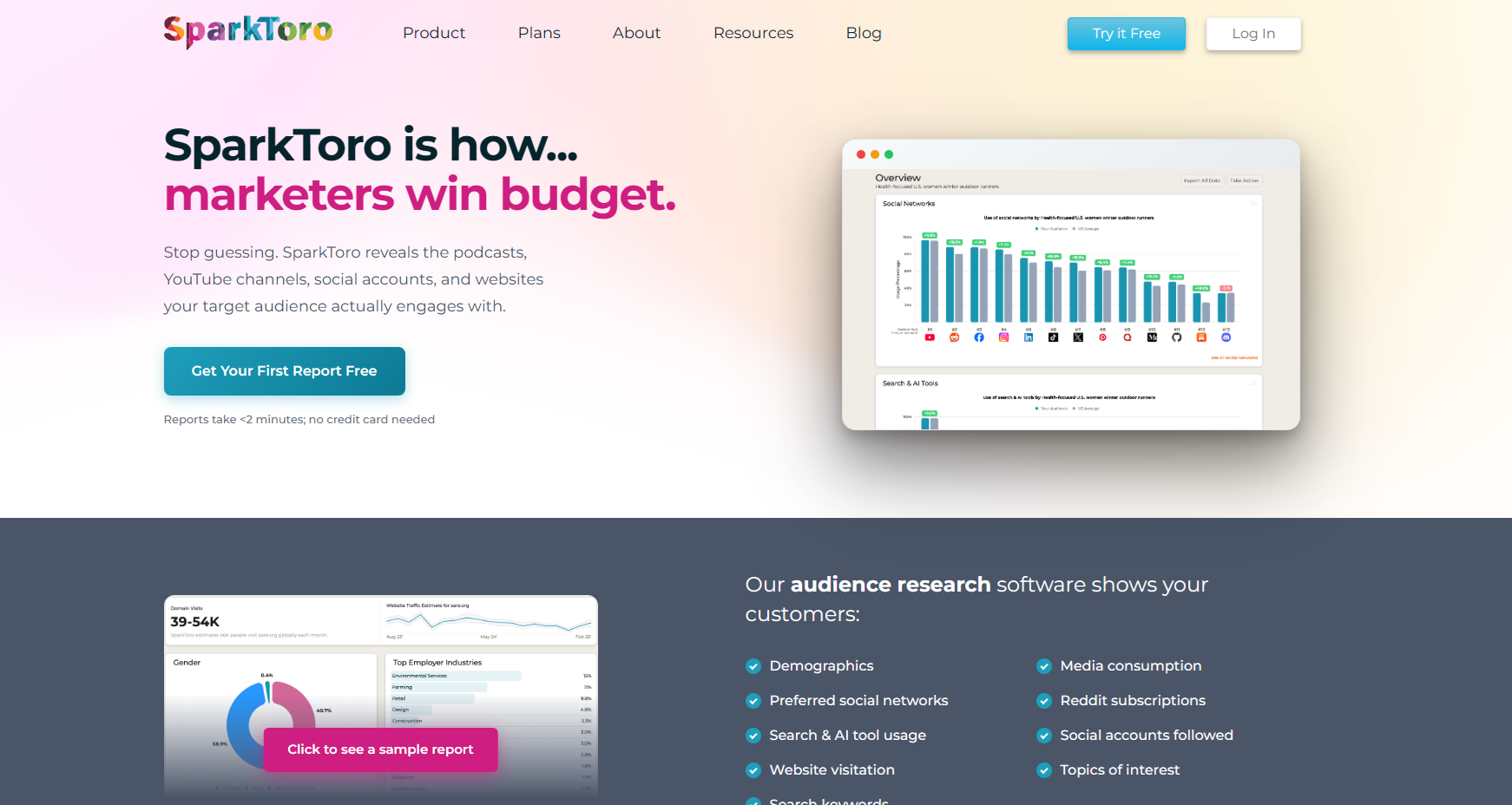
Audience research for discovering where your target audience pays attention, great for content partnerships, influencer discovery, and strategic distribution.
Features to look for:
- Audience affinity mapping (accounts, sites, podcasts, channels)
- Competitor audience overlap analysis
- Outreach and influencer discovery workflows
8. Brand24
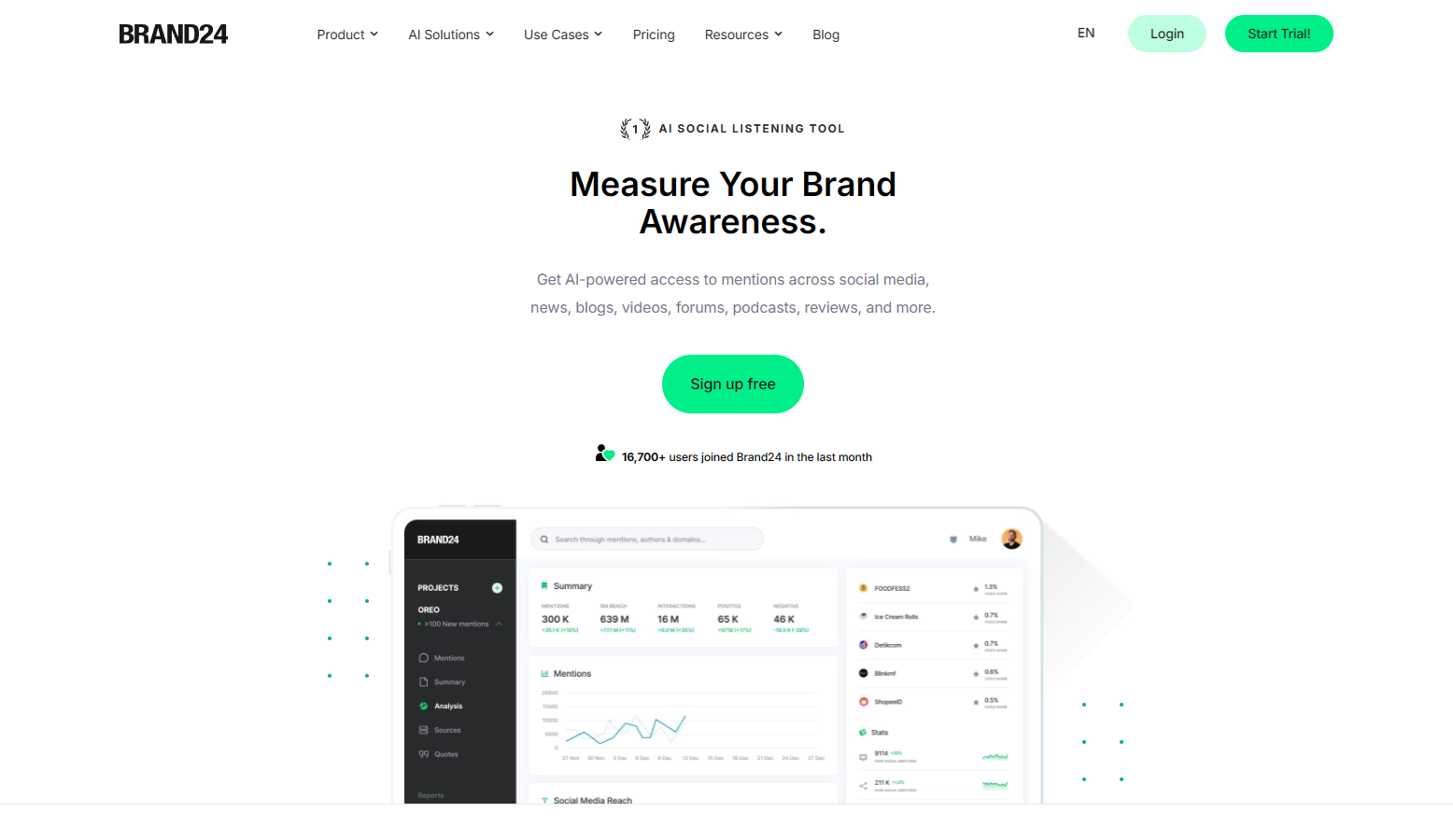
Designed for tracking brand mentions and sentiment across the web, with alerts and reporting that help you stay on top of reputation shifts.
Features to look for:
- Mentions monitoring
- Sentiment analysis
- Trend and event detection
9. X Premium
X’s paid subscription tiers include enhanced platform features and access to analytics-related tools and experiences depending on tier.
Features to look for:
- Analytics for post and profile performance
- Access to X Pro (formerly TweetDeck), depending on tier/features
10. Tweet Binder
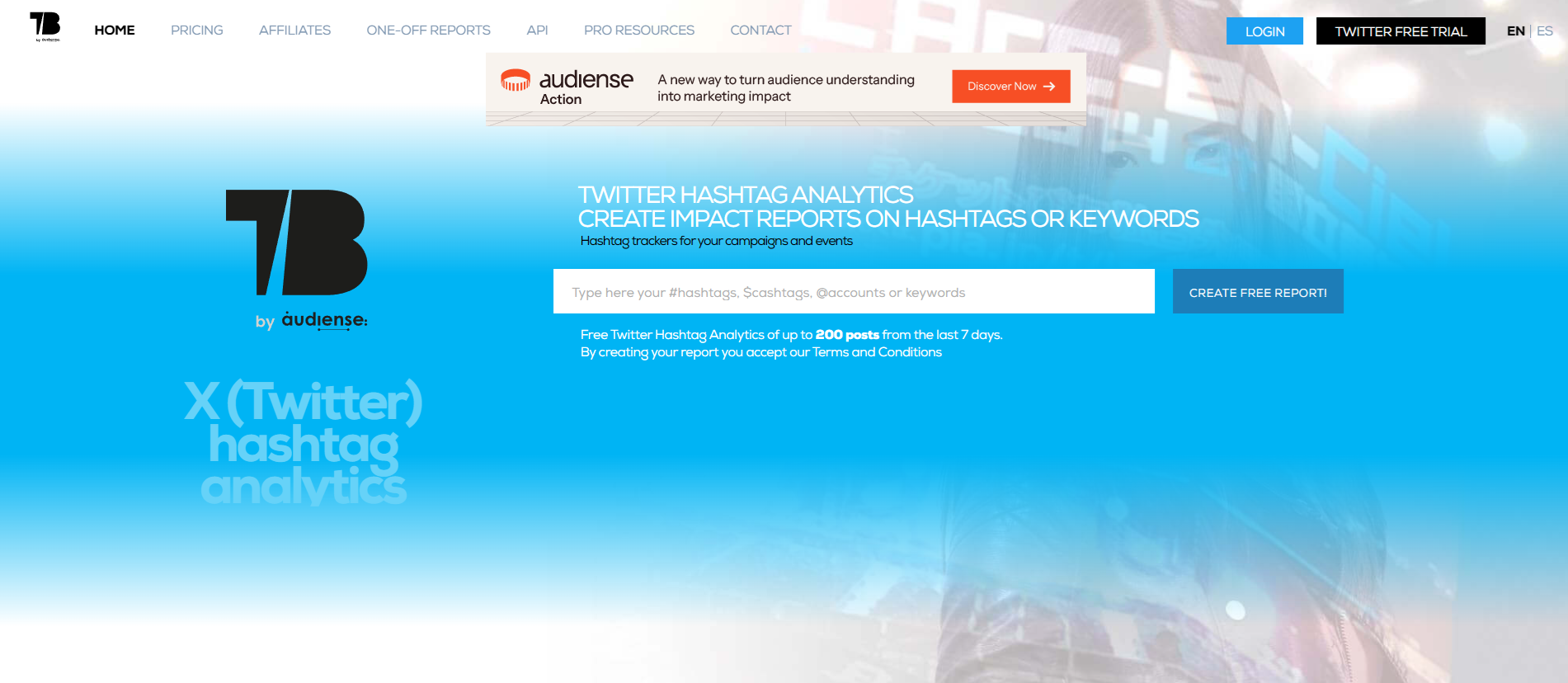
A hashtag analytics tool built for campaign reporting, useful when you need detailed hashtag history and impact reports.
Features to look for:
- Hashtag reporting and historical analysis
- Campaign-focused dashboards
- Shareable reports
11. Hootsuite
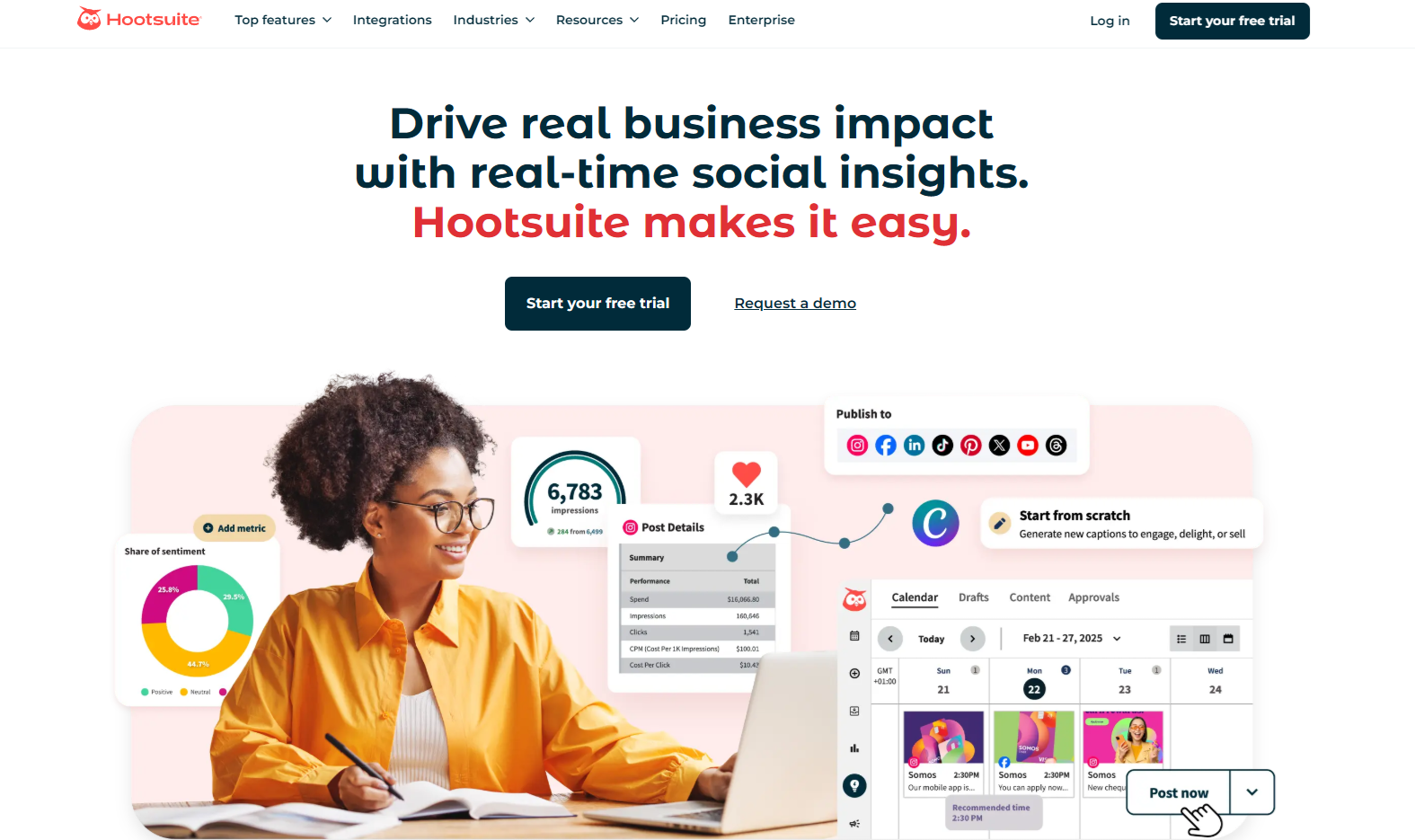
A classic all-in-one social tool that combines publishing, analytics, and monitoring in a single dashboard.
Features to look for:
- Unified management dashboard
- Analytics for trends and team performance
- Monitoring streams for conversation tracking
12. Rival IQ
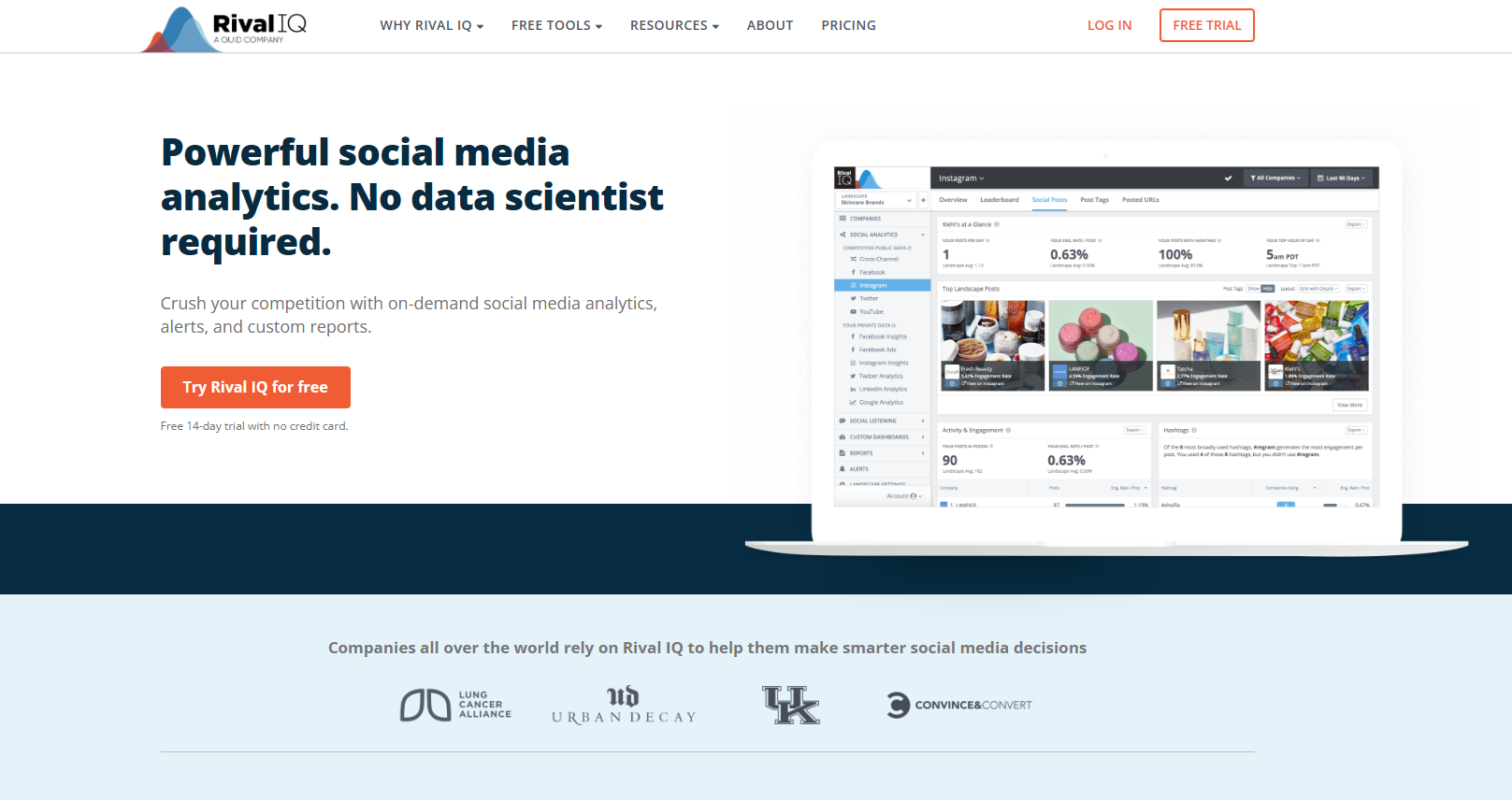
Built for competitive benchmarking, ideal if comparing performance against peers is a major requirement.
Features to look for:
- Competitive reports and benchmarking
- Side-by-side profile and content comparisons
- Boosted content detection and auditing
13. Sprinklr
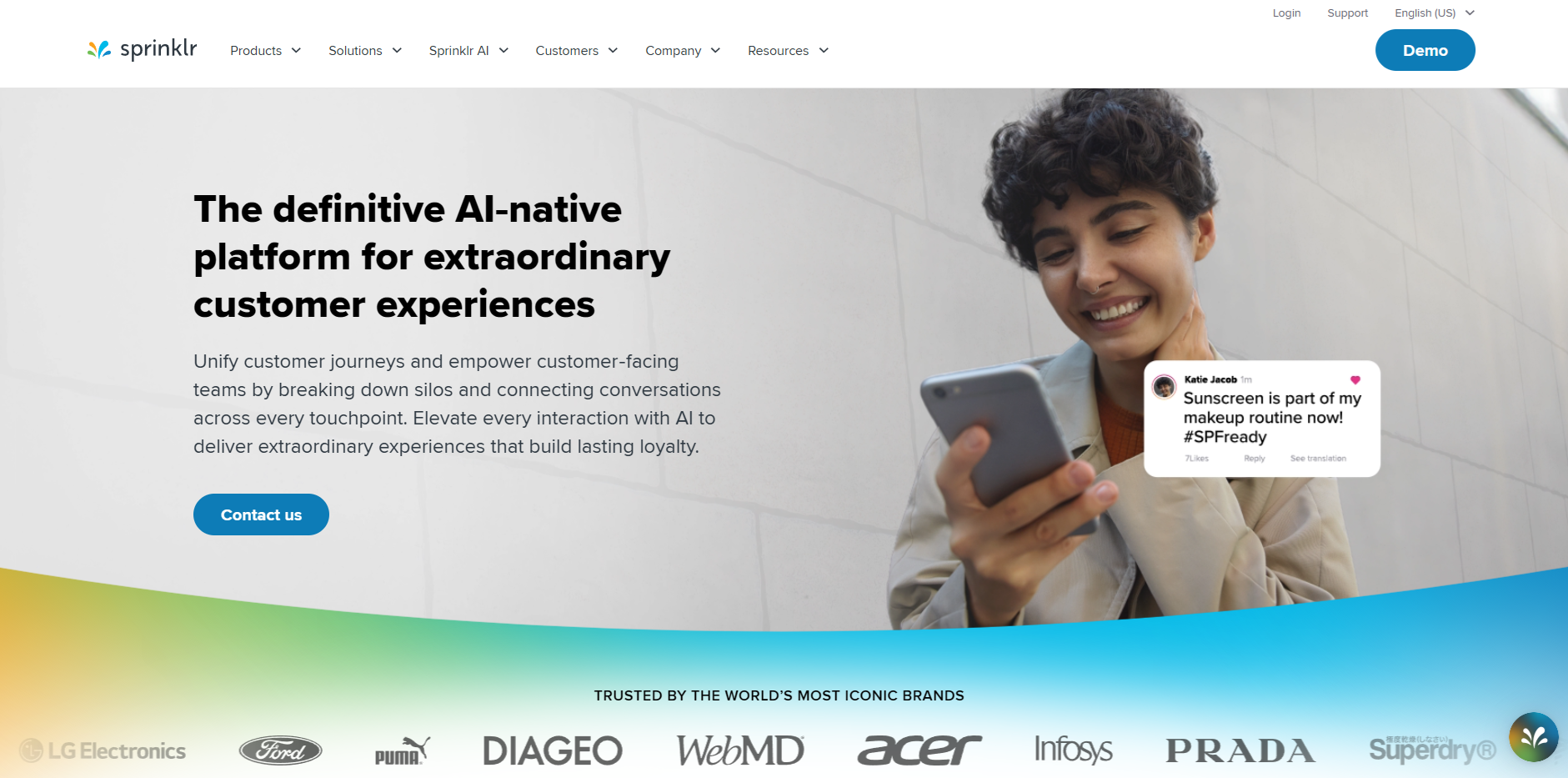
Enterprise-grade “customer experience” style platform that unifies social with governance, security, and large-scale listening needs.
Features to look for:
- Advanced AI listening across many channels
- Governance and compliance controls
- Predictive trend detection
14. Talkwalker
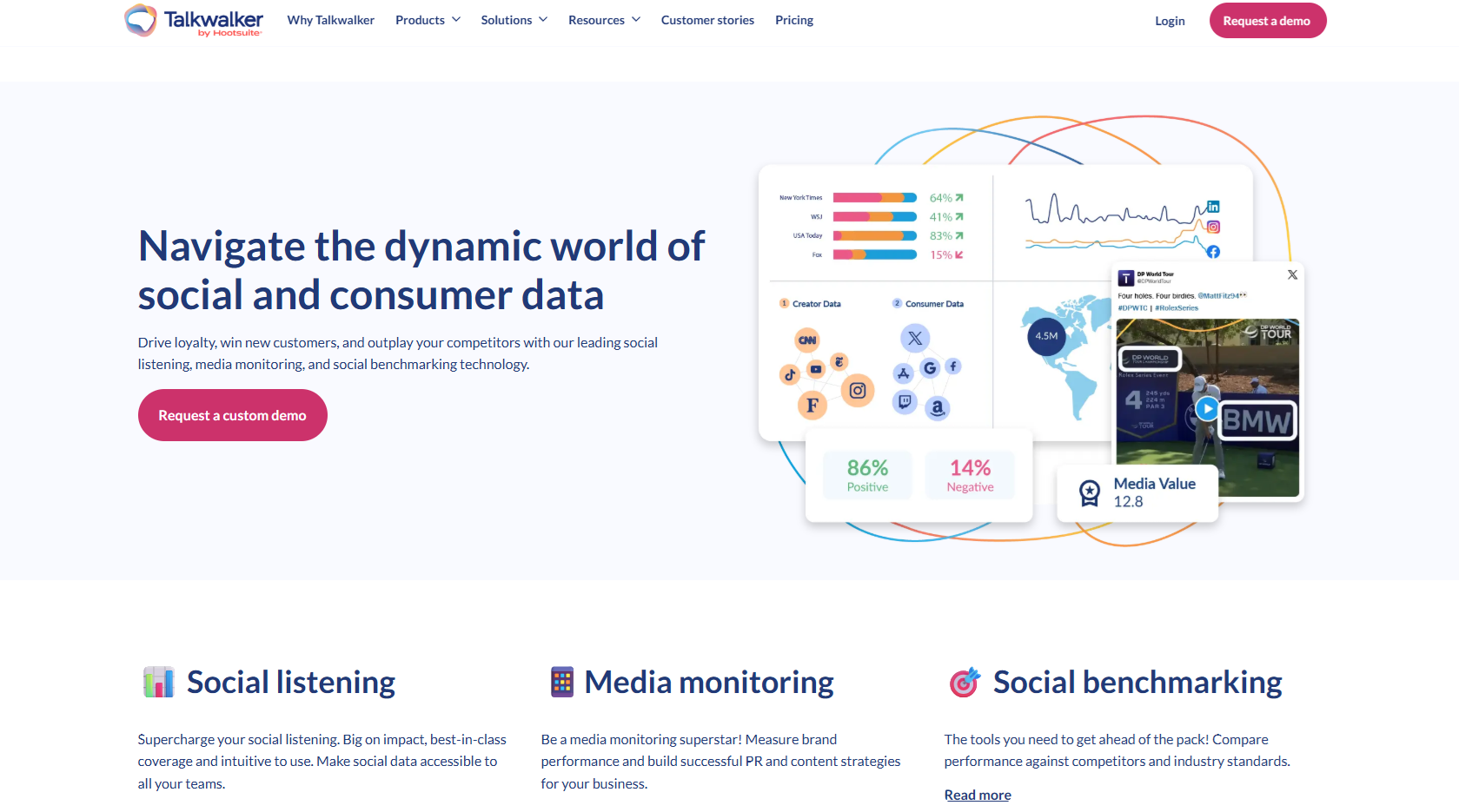
A consumer intelligence and social listening platform with strong trend forecasting and media monitoring breadth.
Features to look for:
- AI sentiment + intent analysis
- Visual/logo recognition
- Crisis alerts and large-scale monitoring
15. Minter.io
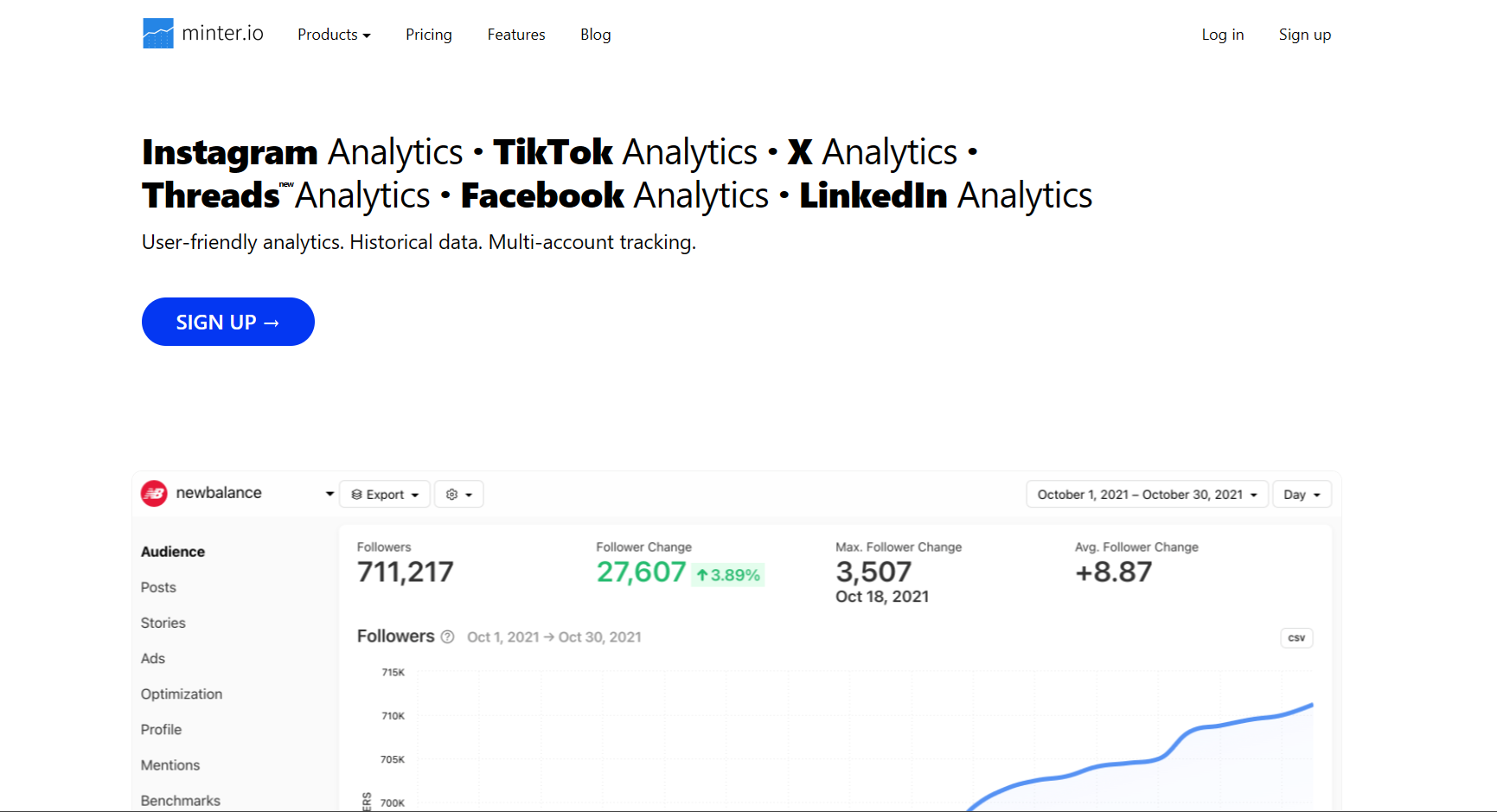
A specialized analytics tool that leans into detailed reporting, competitor benchmarks, and exportable reports.
Features to look for:
- Profile analytics and follower tracking
- Hashtag/keyword monitoring
- PDF/PPTX reporting exports
16. Audiense
Audience intelligence and segmentation, useful if your strategy depends on deep audience clusters and targeted community building.
Features to look for:
- Advanced audience segmentation
- Competitor audience comparisons
- Custom audiences for ads targeting
17. Agorapulse
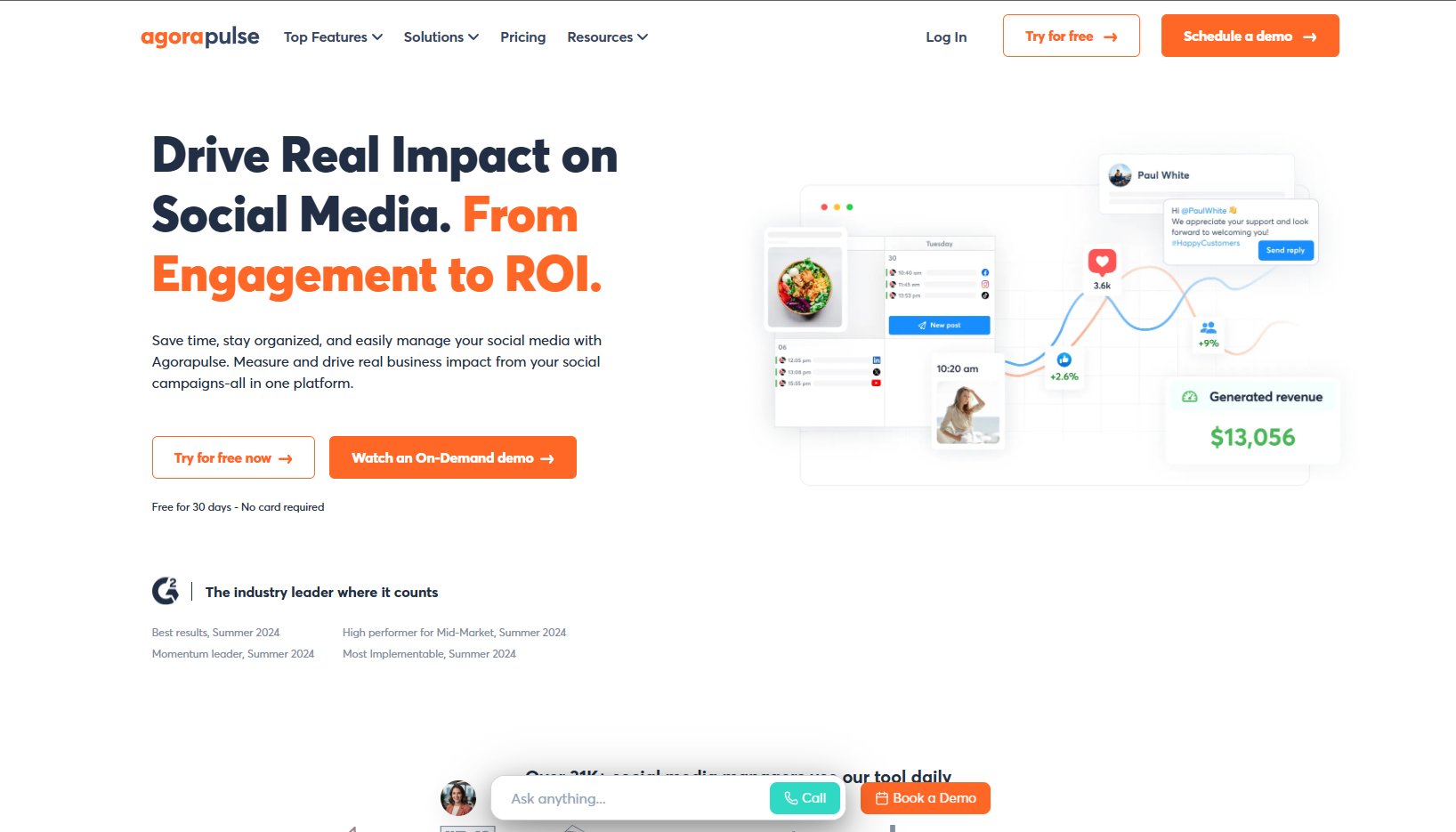
A management platform that blends publishing, engagement, and analytics, often used by agencies and growing teams.
Features to look for:
- Unified inbox for replies/mentions
- Analytics and response-time reporting
- Scheduling support for threads
Real-world example of twitter analytics in action
Imagine a DTC brand launching a limited drop with a campaign hashtag and a short “reply-to-enter” giveaway. During the first 48 hours, the team notices impressions are high, but link clicks are flat. A deeper analytics view reveals the posts that drive clicks share two patterns: (1) they include a clear CTA above the fold, and (2) they go out during two specific time windows when their audience is most active.
They also monitor brand mentions and sentiment: one product detail is confusing people, so they publish a clarifying thread and pin it, then track whether negative mentions drop over the next day. That’s the point of analytics: faster feedback loops, smarter iteration, and fewer “we’ll know later” guesses.
What to look for in a Twitter analytics tool
If you’re deciding between tools, start with your use case:
1) Audience insight + listening (for strategy)
Look for sentiment, topic clustering, keyword tracking, and competitor share-of-voice style reporting.
2) Post-level performance (for content optimization)
You want post performance reports, trend lines, and filters (by format, theme, campaign tag, time range).
3) Competitive benchmarking (for positioning)
Side-by-side comparisons, alerts, and historical benchmarks matter more than one-off snapshots.
4) Reporting that’s actually usable (for teams)
Exports, scheduled reports, dashboard links, and stakeholder-friendly visuals save hours.
Features to prioritize in the best twitter analytics stack
- Deep metrics that go beyond basics (demographics, trends, performance drivers)
- Actionable reporting (dashboards you can share, filters that answer real questions)
- Integrations (so data works with your CRM/BI/workflows)
- Social listening (mentions + sentiment + trend detection)
- Automation/AI support (alerts, suggested insights, time-saving analysis)
- Scalability (works when you go from 1 profile to 10+)
FAQ
What are Twitter (X) analytics tools?
They’re tools that help you track performance metrics (like impressions, engagements, engagement rate, clicks, and audience changes), then turn that data into insights you can act on, often with better filtering, reporting, and competitive context than native dashboards.
What are the most important twitter analytics metrics?
Different teams care about different outcomes, but these are the usual “core” buckets:
Visibility
- Impressions (how often posts were shown)
Engagement
- Engagements (total interactions)
- Engagement rate (engagements relative to impressions)
Interest/Intent
- Profile visits, link clicks, and other actions that show people are moving closer to following or converting
How do you choose the right Twitter analytics tool?
Use this quick filter:
- If you’re optimizing content performance, prioritize post-level analytics and reporting.
- If you’re protecting brand perception, choose listening + sentiment tools.
- If you’re trying to outpace competitors, go heavy on benchmarking.
- If growth is the goal, consider tools that support audience development, like TweetPeek’s Smart Follows + Smart Unfollows, so you can grow and keep your network clean without aggressive behavior.
Wrap-up: turn twitter analytics into a repeatable growth loop
The best twitter analytics setup isn’t about collecting more numbers, it’s about getting answers faster: what to post next, what to stop posting, who to engage, and how to prove impact. Start with one goal (content performance, brand health, competitive benchmarks, or growth), pick a tool that matches it, and build from there.
If growing the right audience is part of your plan, TweetPeek is a solid place to start, especially if you want an X browser extension that balances Smart Follows with Smart Unfollows, plus light scheduling to help you stay consistent.

.png)
.png)
