
.png)

Best Social Media AI Post Generators to Boost Your Content
If you’re using social media AI to keep up with posting, you’re not alone. Social platforms reward consistency, but writing fresh captions, hooks, and calls-to-action every day can get exhausting fast, especially when you’re juggling content, customers, and everything else.
That’s exactly where AI social media post generators come in. With a few inputs (a topic, a URL, a product angle, or even just a rough idea), these tools can spin up platform-ready copy in minutes, often with variations for different channels and tones.
Below, I’ll break down what these tools are, why they matter, and the best options to consider right now, including TweetPeek near the top of the list.
What Is an AI Social Media Post Generator?
An AI social media post generator is a tool that uses AI models (often large language models) to create social post copy from minimal input. You might give it:
- A topic or headline
- A link to a blog post or product page
- A few keywords or hashtags
- A target audience and tone
- A goal (clicks, comments, awareness, sign-ups)
Then it generates captions, tweets, LinkedIn updates, short-form hooks, and sometimes even ideas for visuals, so you can publish faster and stay consistent without staring at a blank screen.
Benefits of an AI Social Media Post Generator
Here’s what you typically gain by adding an AI generator to your workflow:
- Speed without sacrificing quality: Draft captions and variations quickly, then polish what you like.
- More ideas, fewer creative blocks: Great for hooks, angles, and “how do I say this differently?” moments.
- Better platform fit: Many tools help adapt the same idea into a short tweet, a longer LinkedIn post, or an IG caption.
- More consistent posting: When your draft pipeline is full, staying active becomes much easier.
- Scales with your needs: Whether you need a few posts a week or content for multiple brands, AI makes volume manageable.
Best Social Media AI Post Generators: My Top Picks
Here are the tools I’d put at the top of the list if you want faster, more consistent social content creation.
1. TweetPeek
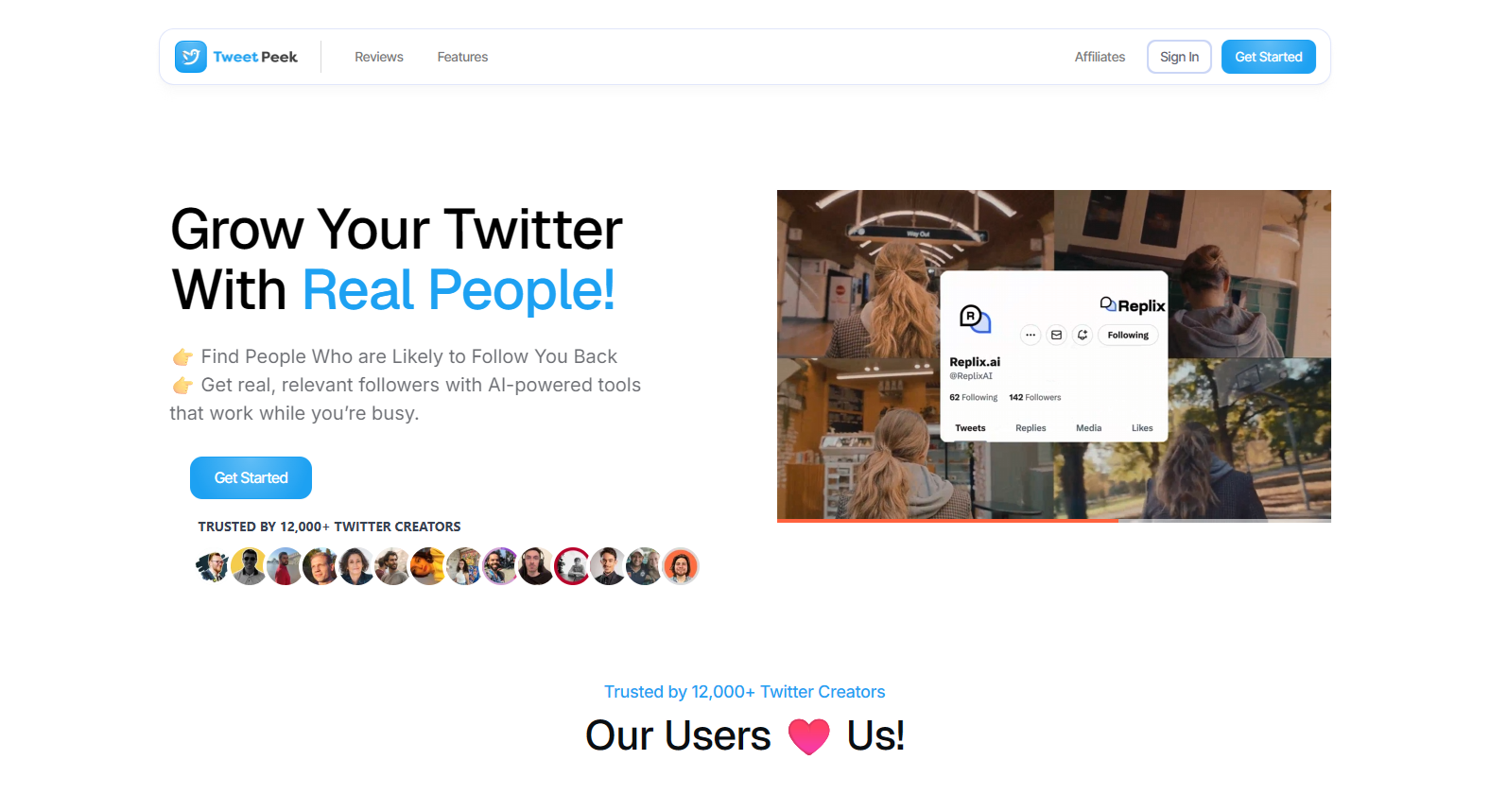
TweetPeek is a strong pick if X (Twitter) is a major part of your growth strategy and you want more than “just a post generator.” It works as a browser extension that helps you stay consistent with AI-assisted writing + scheduling, while also supporting audience growth through Smart Follows and Smart Unfollows.
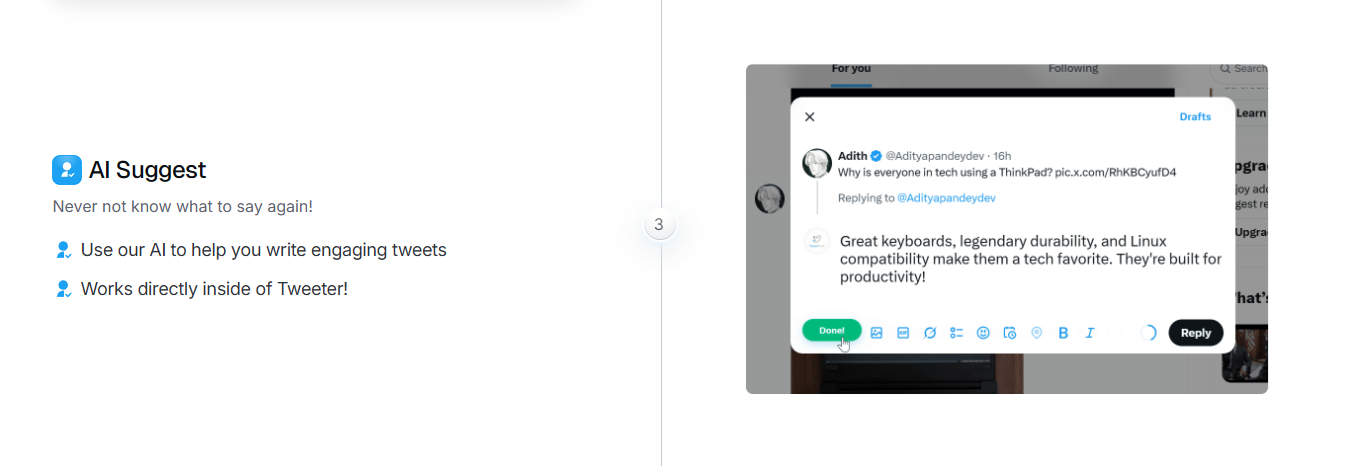
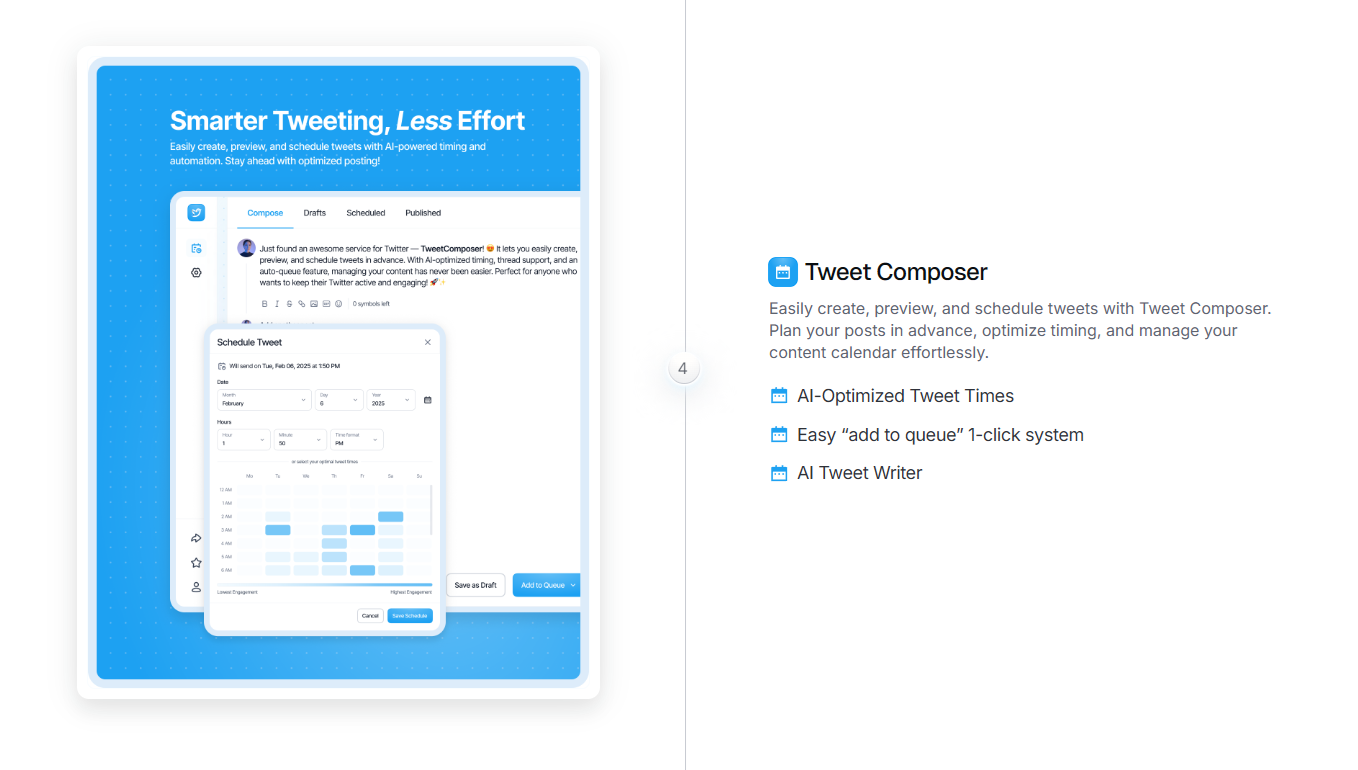
For content creation, TweetPeek helps you generate tweet drafts from a simple prompt, spin up variations, and keep a pipeline ready so you’re not starting from scratch every day. You can then create, preview, and schedule tweets into a queue (including timing support) so your account stays active even during busy weeks. It also supports longer formats like threads, which is useful when you’re publishing higher-retention content.
Where TweetPeek really stands out for X growth is the extension’s built-in audience workflows:
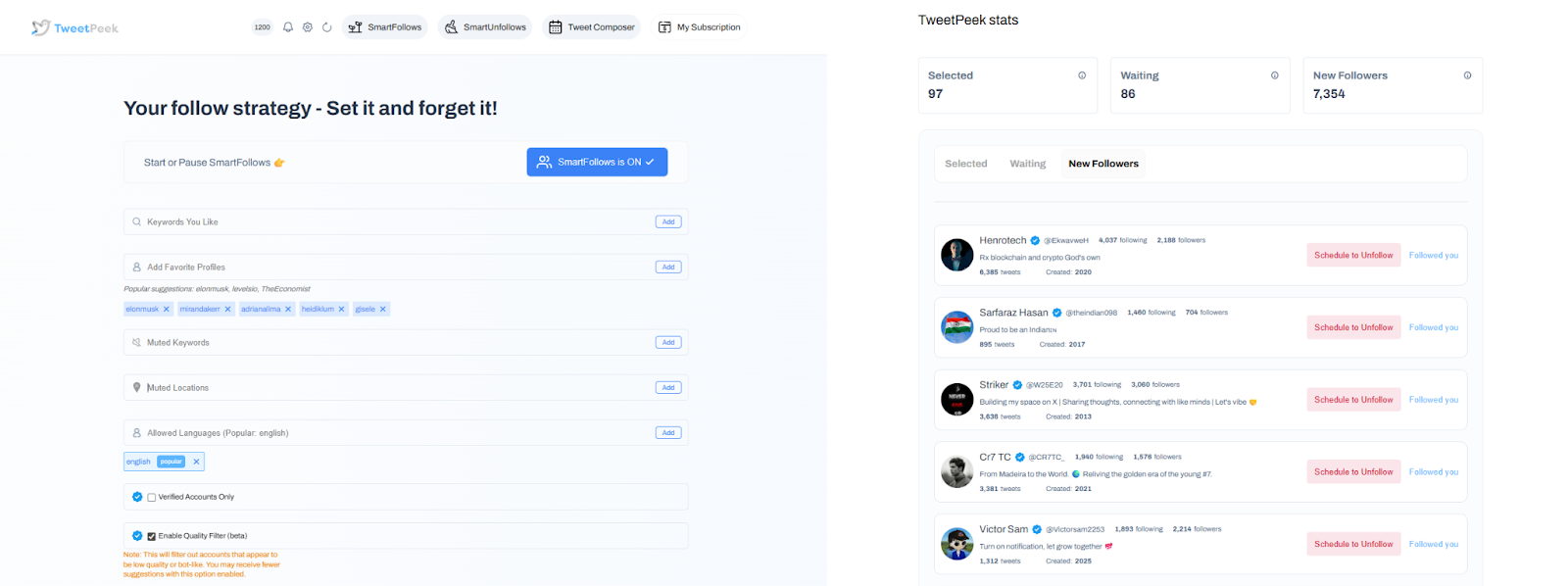
- Smart Follows: Automatically follows people who match your interests. If they don’t engage back, Smart Follows can unfollow them for you. It helps you find relevant people to follow, find people likely to engage, and find people likely to follow you back. You can fine-tune targeting using Keywords you like, Favorite Profiles, Mute Keywords, Locations, Languages, and an option to target only verified accounts (if enabled). You can also see which accounts were selected to be followed and track which accounts already followed back.
- Smart Unfollows: Helps you easily find people who aren’t following you back, then decide whether to engage or unfollow. You can search accounts, filter (unfollowers, verified, languages), and sort by followers, following, last active, or tweet count (low → high or high → low). From there, you can batch unfollow your filtered results or whitelist key accounts so they’ll never be unfollowed.
Why TweetPeek stands out:
TweetPeek doesn’t just help you write, it supports a practical “create + plan + grow” system for X. You can batch-generate posts, schedule them into a queue, and use Smart Follows/Unfollows to keep your network relevant while your content is rolling out. That combination, consistent publishing + intentional audience management, is what makes growth sustainable.
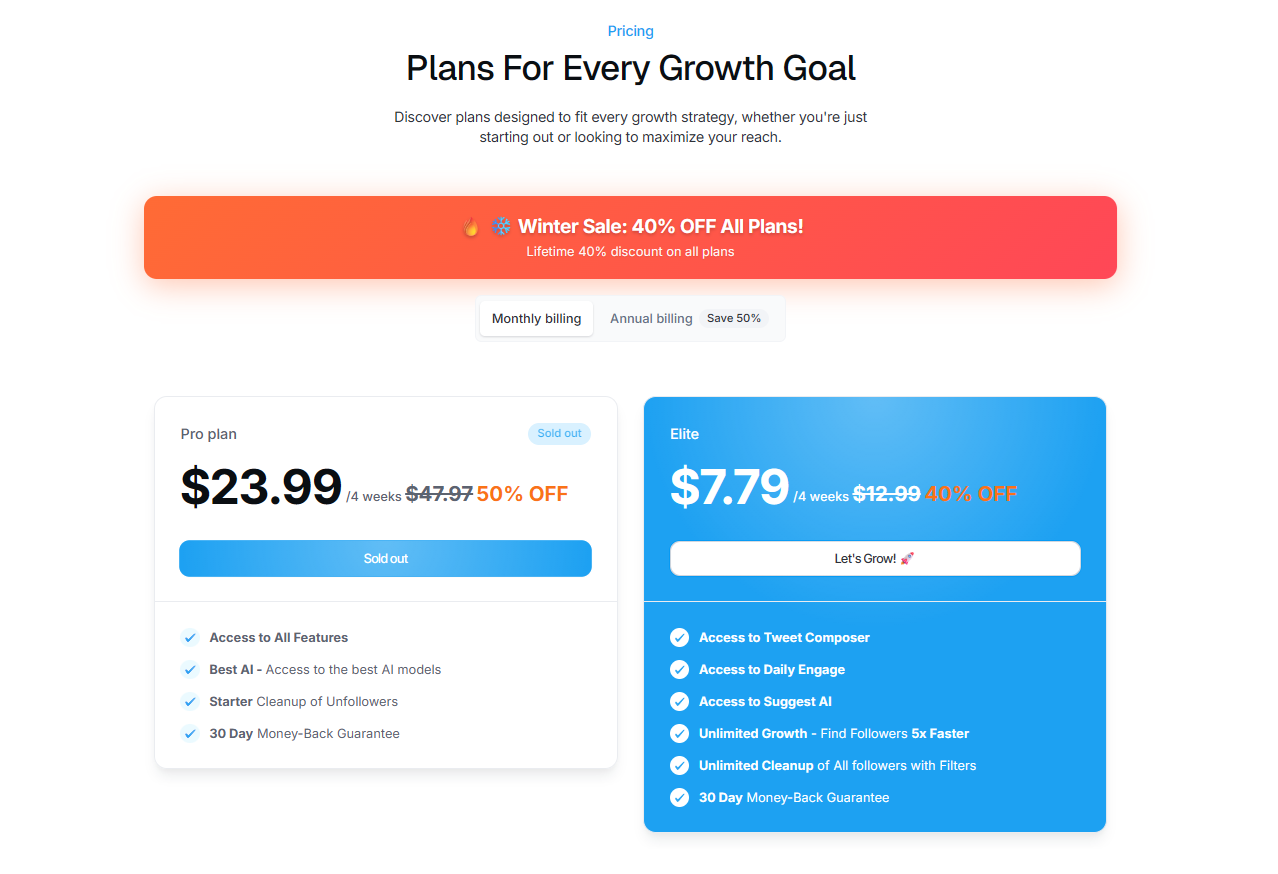
Pricing: Plans start around $7.79 per 4 weeks (entry tier), with higher tiers available.
2. SocialPilot

SocialPilot offers AI-assisted caption generation designed to help you create post copy quickly for different platforms. If you want a tool that supports both creation and management, it fits nicely into a “plan + publish” workflow.
It’s a practical pick when your goal is consistent output without spending hours writing every post manually.
Pricing: Paid plans start at $25.50/month.
3. ChatGPT
ChatGPT isn’t a dedicated social media platform, but it’s one of the most flexible tools you can use for social post creation, especially if you want complete control over tone, structure, and variations.
It’s great for:
- Generating multiple caption options from one idea
- Rewriting posts for different platforms (X vs LinkedIn vs IG)
- Creating content from raw notes or bullet points
- Adjusting voice (professional, playful, minimal, bold, etc.)
- Producing quick campaign prompts you can reuse later
If you’re willing to get slightly better at writing prompts, ChatGPT becomes a powerful “content partner” for drafting and iterating quickly.
Pricing: Free option available. Paid plans typically start at $20/month.
4. SocialBee
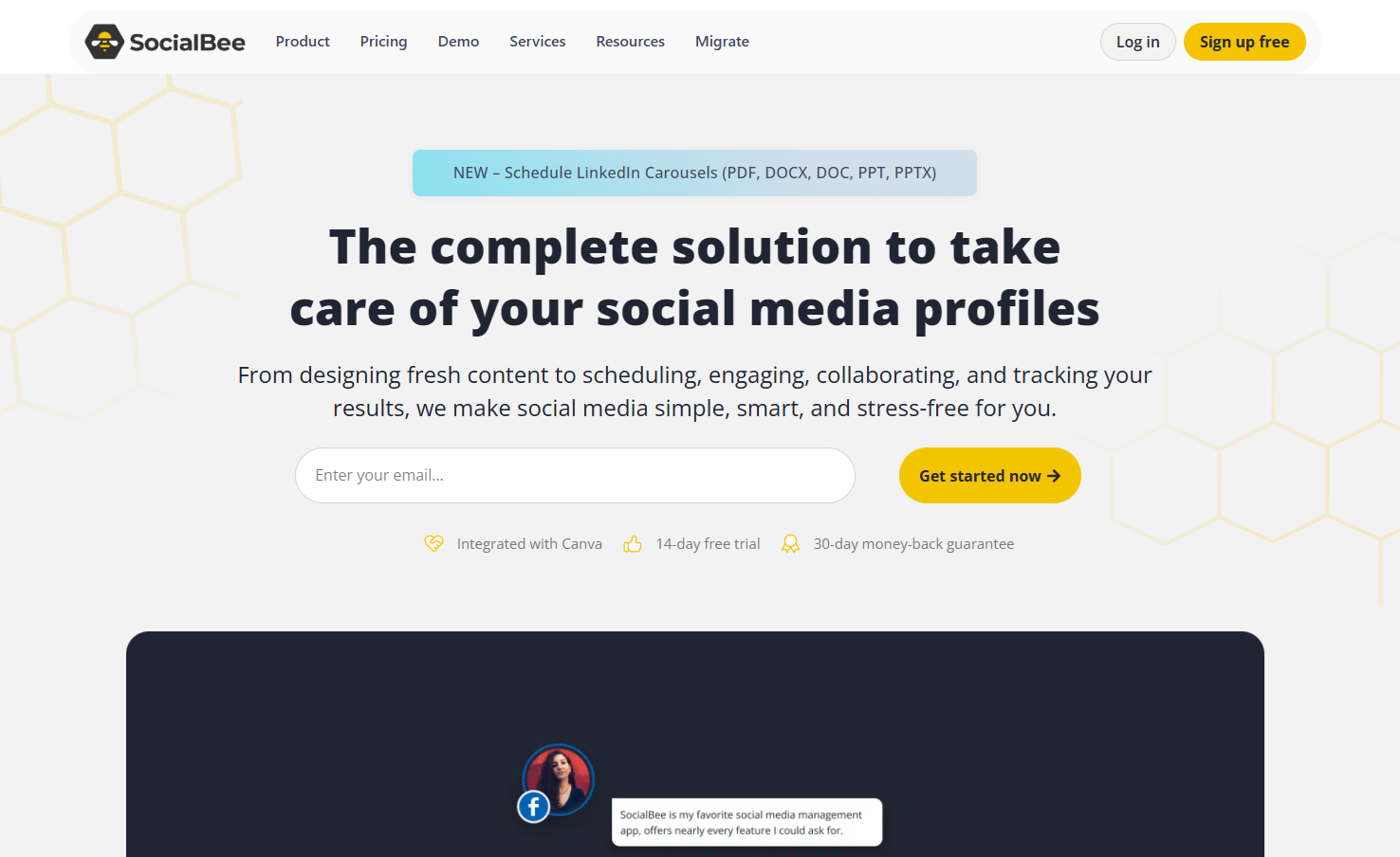
SocialBee is a social media management platform with an AI post generator built in, which makes it useful when you want creation and publishing in the same workflow. If your biggest challenge is keeping your content calendar full, SocialBee is built for that.
It’s especially helpful if you’re managing multiple content categories (tips, promos, educational posts, engagement prompts) and want to generate posts quickly without starting from zero each time.
Pricing: Paid plans start at $24.20/month.
5. Buffer
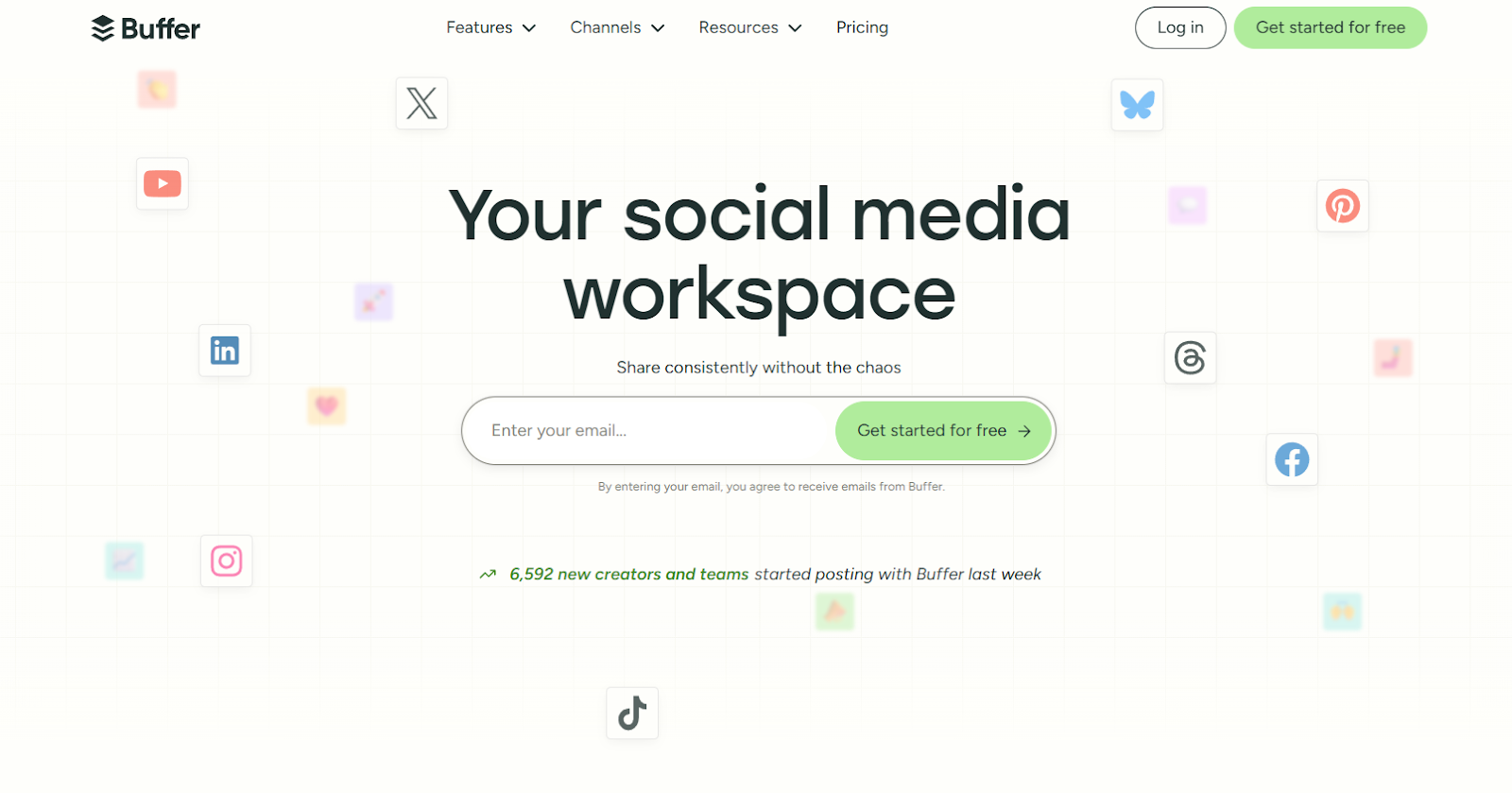
Buffer is a widely used scheduling tool, and its AI assistant fits naturally into the “write while you schedule” flow. It’s designed to help you draft content while planning your calendar, instead of bouncing between tools.
A big win here is creating platform-friendly versions of the same message, so you can keep the brand voice consistent while still adjusting length and style depending on the network.
Pricing: Paid plans start at $5/month.
6. Predis.ai

Predis.ai is built for speed: generate captions, ideas, and supporting elements quickly so you can publish more often. It’s especially useful if you want help brainstorming post angles and keeping content fresh.
Many people like tools like this when they’re trying to stay relevant with trends and need quick inspiration that can be adapted into their brand voice.
Pricing: Paid plans start at $23/month.
7. HubSpot
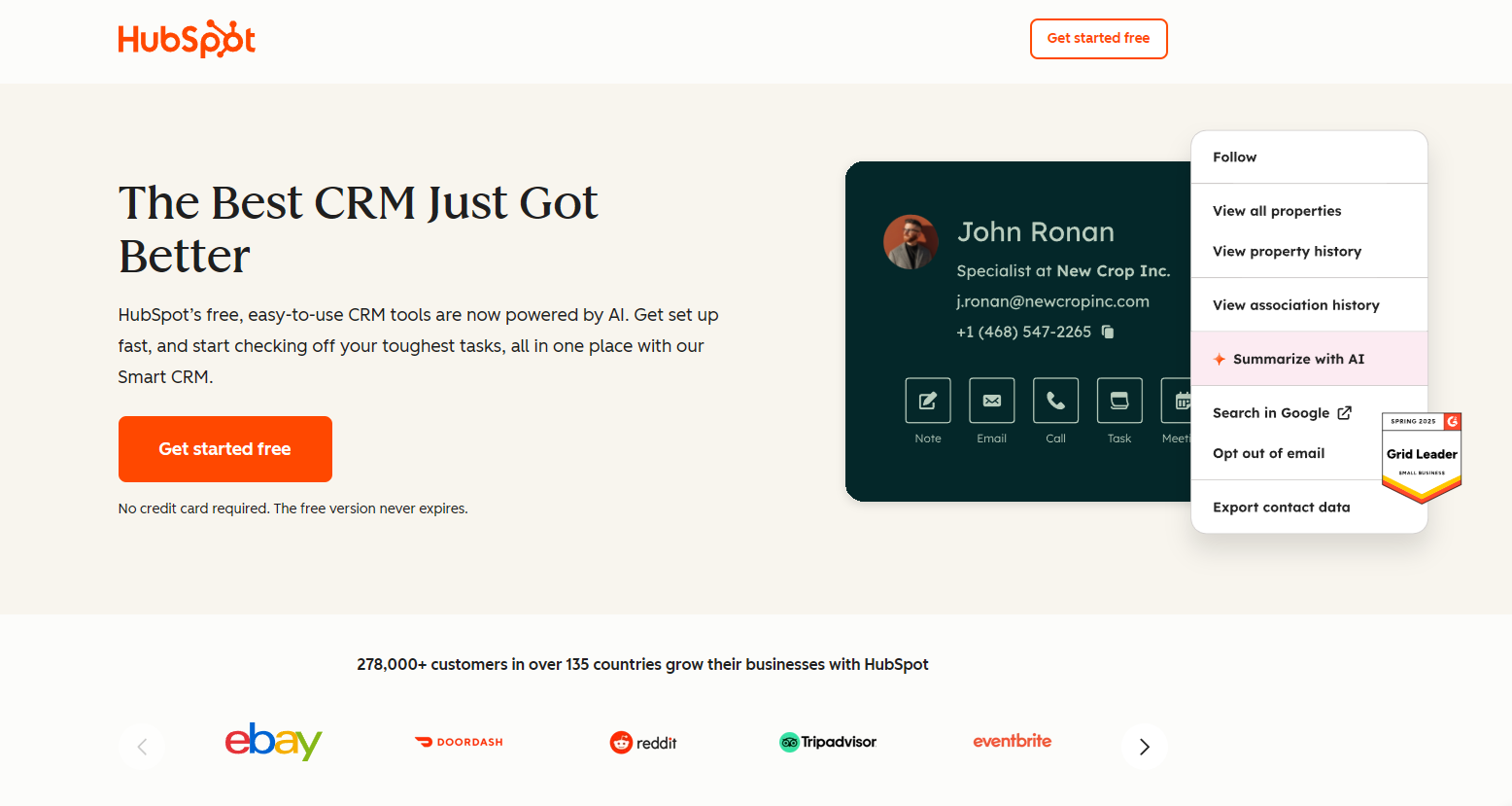
If you’re already using HubSpot for marketing, its AI tools can be a convenient way to produce social copy without leaving your broader campaign workflow. The value here is integration, social content generation sits closer to your CRM, campaigns, and performance tracking.
That’s useful when you want social posts aligned with lead-gen, offers, and measurable marketing goals rather than just “posting to post.”
Pricing: Paid plans start at $9/month/seat.
8. Hootsuite

Hootsuite includes an AI caption generator (often associated with its OwlyWriter feature set) that helps teams create social copy at scale. It’s useful when you’re managing multiple accounts and need quick drafts from common inputs like URLs, campaign themes, or seasonal moments.
It’s typically positioned for teams that want to move fast while keeping content flowing across multiple platforms.
Pricing: Paid plans start at $99/month.
9. Flick

Flick positions itself like a social media co-pilot, helping with ideas, captions, and hashtag suggestions. If you’re active on visual-first platforms and want more support around content planning plus post optimization, Flick is a solid option.
It’s also useful when you want multiple variations of a post quickly so you can pick the one that fits your brand best.
Pricing: Paid plans start at £11/month.
Behind the Picks: How These AI Social Media Tools Were Chosen
When comparing AI social media post generators, flashy features matter less than what actually helps you ship content faster. The most important criteria usually come down to:
- Output quality: Does it produce usable drafts that sound human and on-brand?
- Ease of use: Can you get results quickly without a learning curve?
- Workflow fit: Does it integrate with how you already write, schedule, and publish?
The “best” tool is the one that reduces friction in your process, whether that means writing inside WordPress, drafting in a chat interface, or generating captions while scheduling content.
Best AI Social Media Post Generators: FAQs
What is an AI social media post generator?
It’s a tool that creates social post drafts using AI. You provide a prompt, topic, or link, and it generates captions, tweets, and other social copy you can edit and publish.
What’s the biggest advantage of using one?
Time and momentum. You can generate drafts faster, get more variations, and keep posting consistently, without burning hours on brainstorming.
Can these tools write for every platform?
Many can. Most will produce copy that works across platforms, and some help tailor length and style for specific networks like X, Instagram, Facebook, LinkedIn, and TikTok.
Do you need to be a social media expert to use them?
Not really. If you can describe what you want (topic + tone + goal), you can get value quickly. The main “skill” is learning what inputs generate the best outputs.
Is AI-generated content original?
In most cases, the generated copy is new text based on your inputs. Still, you should review and refine it, both for brand voice and to avoid overly generic phrasing.
Build Your Brand Faster With Social Media AI (and Stay Consistent)
Social media AI tools can be a real advantage when you’re trying to post more often, stay on-brand, and keep engagement up without doubling your workload. The right generator helps you move from “I need to post” to “Here are five solid options” in minutes.
If X is a key channel for your growth, TweetPeek is a strong place to start because it combines AI writing with queue-based scheduling, so you’re not just generating posts, you’re building a repeatable system.
Want to speed up your content creation this week? Try one tool from the list, set a simple goal (like 3 posts scheduled ahead), and use TweetPeek to keep your pipeline full and your posting consistent.

.png)
.png)
