

The 8 Best Social Media AI Tools to Plan, Write, Design, and Schedule Posts (2026)
Social media moves fast, ideas, captions, hashtags, images, posting times… it’s a lot. Social media AI tools help you generate content, recycle winning posts, plan campaigns, and keep your calendar full without burning out.
Quick pick: the best social media AI tools
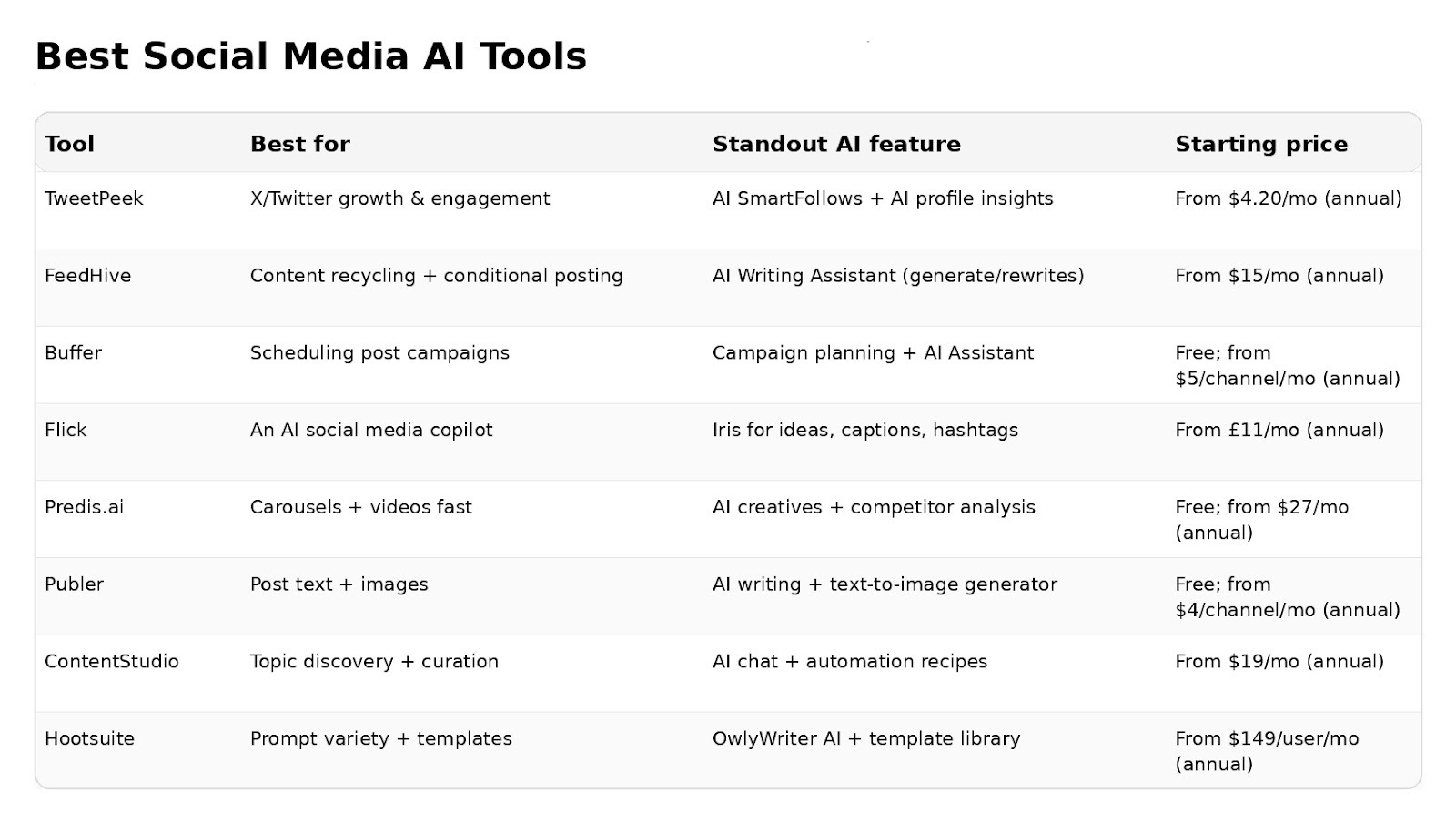
- TweetPeek – best for X (Twitter) growth + AI engagement
- FeedHive – best for content recycling + conditional posting
- Buffer – best for tailoring posts per channel
- Flick – best for an “AI copilot” workflow
- Predis.ai – best for carousels + quick creative batches
- Publer – best for AI captions + images on a budget
- ContentStudio – best for topic discovery + automation
- Hootsuite – best for prompt variety + enterprise management
What makes a great “social media AI” tool?
A solid social media AI platform should do more than just spit out captions. The best ones combine:
- Real AI help (not just templates): post ideas, rewrites, image generation, performance hints, audience insights
- Scheduling + workflow speed: drafts → approvals → calendar → publishing, ideally with automation
- Platform fit: tools that adapt writing and formats to each network
- Analytics you’ll actually use: what’s working, why it worked, what to do next
- Safety + compliance: especially if you use automation on X, bulk/aggressive following/unfollowing is explicitly restricted
Best AI social media management apps for tailoring posts to each channel
Tweetpeek.ai - Best social media AI for X (Twitter) growth + AI engagement
If your main platform is X, TweetPeek is a browser extension built to grow the right audience, with Smart Follows to find accounts worth connecting with and Smart Unfollows to clean up non-reciprocals, while still supporting writing and scheduling.
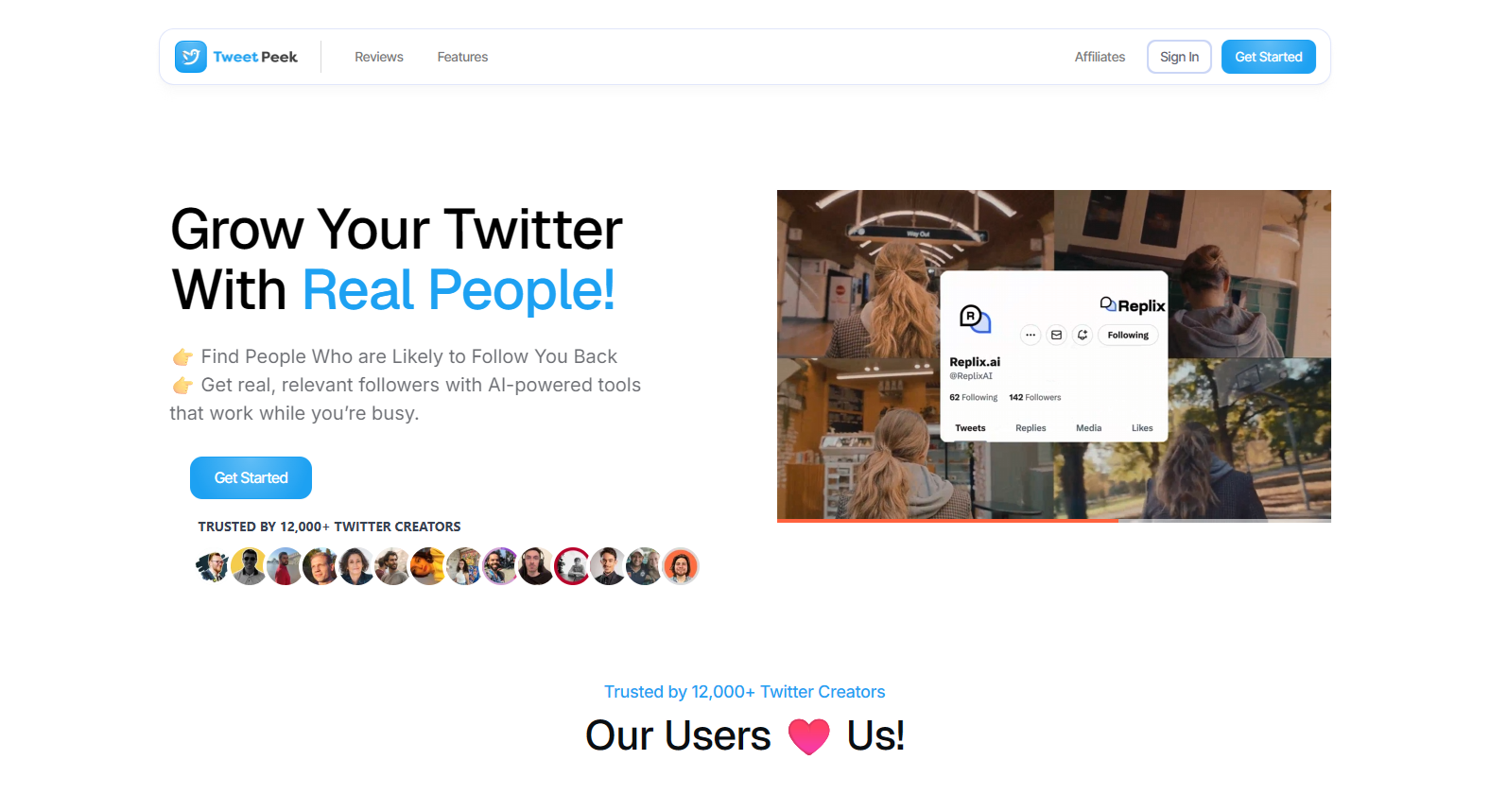
TweetPeek is built specifically for X (Twitter) and runs as a browser extension focused on two core growth workflows: Smart Follows and Smart Unfollows.
With Smart Follows, you can automatically follow accounts that match your interests, and if they don’t engage back, Smart Follows can unfollow them for you. It’s designed to help you find relevant people to follow, find people likely to engage, and find people likely to follow you back. You can fine-tune targeting using Keywords you like, Favorite Profiles, Mute Keywords, Locations, Languages, and even an option to target only verified accounts (if enabled). You also get visibility into the process, including seeing which accounts were selected to be followed and which accounts already followed back.
With Smart Unfollows, you can easily find people who aren’t following you back, then decide whether to engage or unfollow. It supports searching accounts, filtering by unfollowers, verified, and languages, plus sorting by followers, following, last active, or tweet count (low → high or high → low). You can then batch unfollow what you filtered, or whitelist accounts so they’re never unfollowed.
On top of that, TweetPeek includes writing + publishing support like AI Suggest, a Tweet Composer to create/preview and schedule posts (including AI-optimized timing/queueing), plus engagement helpers like SmartNudge and profile insights via SmartPeek.
If your goal is “grow on X without doing manual outreach all day,” TweetPeek is built around the actions that actually move the needle: follow the right people, remove dead weight safely, and stay consistent with scheduled posts, all while keeping control through filters, sorting, and whitelisting.
Why it stands out:
- Smart Follows to discover and follow accounts aligned with your interests (keywords, profiles, locations, languages, mutes, optional verified-only) while showing who was selected and who followed back
- Smart Unfollows to find non-follow-backs with search + filters (unfollowers/verified/languages) and sorting (followers/following/last active/tweet count), plus batch unfollow and whitelisting
- Tweet Composer to create, preview, and schedule tweets with queueing and AI-optimized timing
- AI Suggest for faster tweet drafting directly for X
Pros:
- Strong X-first extension workflow: audience growth (Smart Follows) + cleanup (Smart Unfollows) + writing + scheduling
- Targeting controls and visibility so you’re not “blindly automating” (review selected accounts + track follow-backs)
- Whitelisting makes it easier to keep important accounts protected from unfollow batches
Cons:
- If you need deep multi-network publishing (IG/FB/TikTok/LinkedIn), you may still want a broader cross-channel suite
- X automation requires restraint: avoid aggressive/bulk behavior and keep actions relevant to stay compliant
Pricing:
- Plans include Elite (example pricing shown as $4.20/mo billed yearly) plus other options listed on the pricing page.
FeedHive - Best for content recycling and conditional posting
FeedHive is great if you want to repurpose evergreen content and run smarter “if this happens, then do that” posting logic.
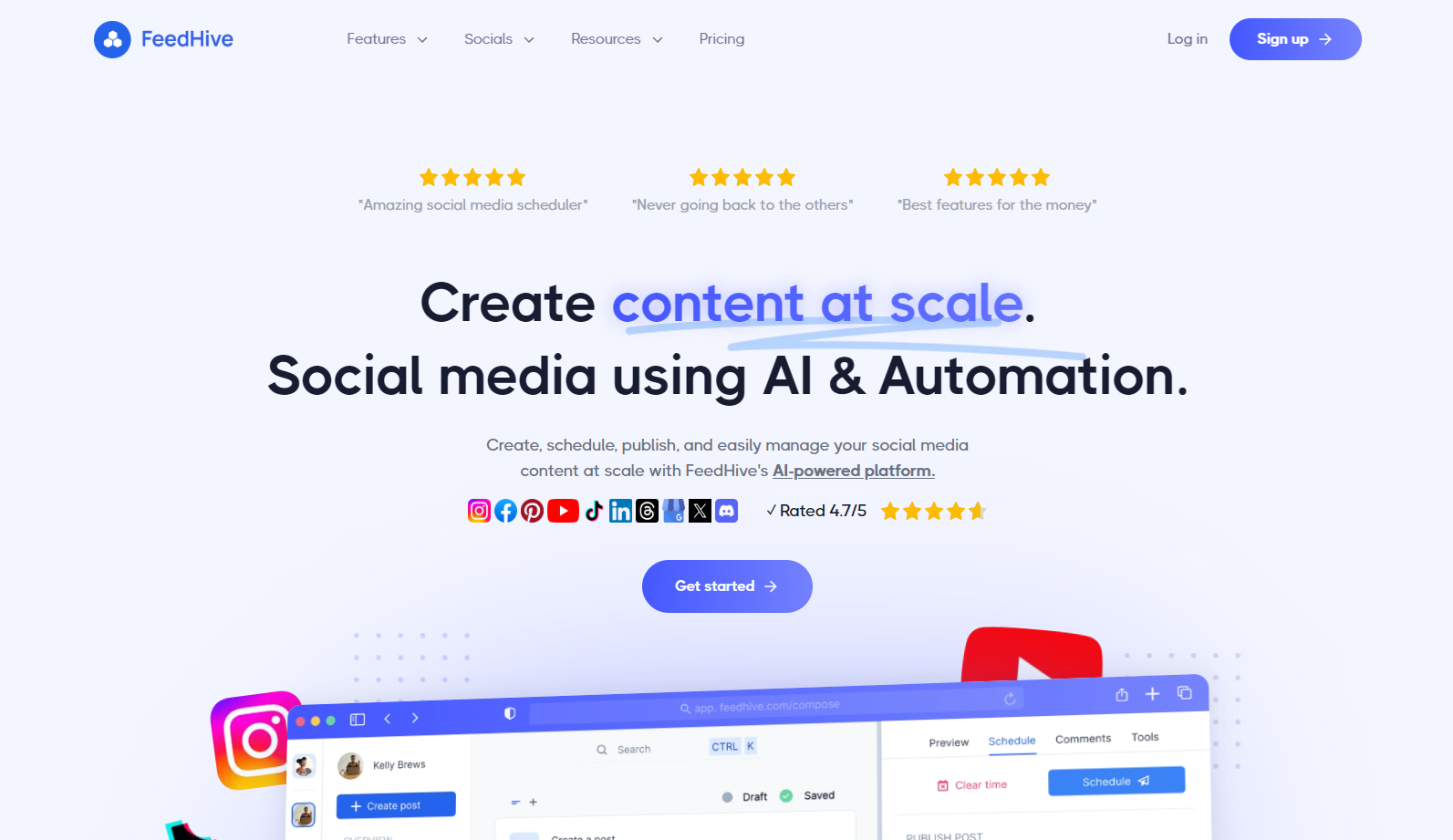
FeedHive is designed for repurposing and systemizing content, not just writing one post at a time. It includes an AI writing assistant, plus AI-driven features like recycling posts, performance prediction, and conditional posting (e.g., if engagement is high, trigger a follow-up comment).
It also helps you build a consistent schedule using post categories (like “how-tos Mondays” or “promo Fridays”) so content queues itself into the right slots. That’s why it’s strong for creators who want a repeatable engine instead of a random posting habit.
Pros:
- Strong AI features + post variables/dynamic content
Cons:
- Some AI features aren’t on the lowest plan
Pricing:
- Creator plan starts at $15/month (annual billing)
Buffer - Best for tailoring posts to each channel
Buffer’s AI shines if you post to multiple platforms and want quick rewrites that match each network’s “vibe.”
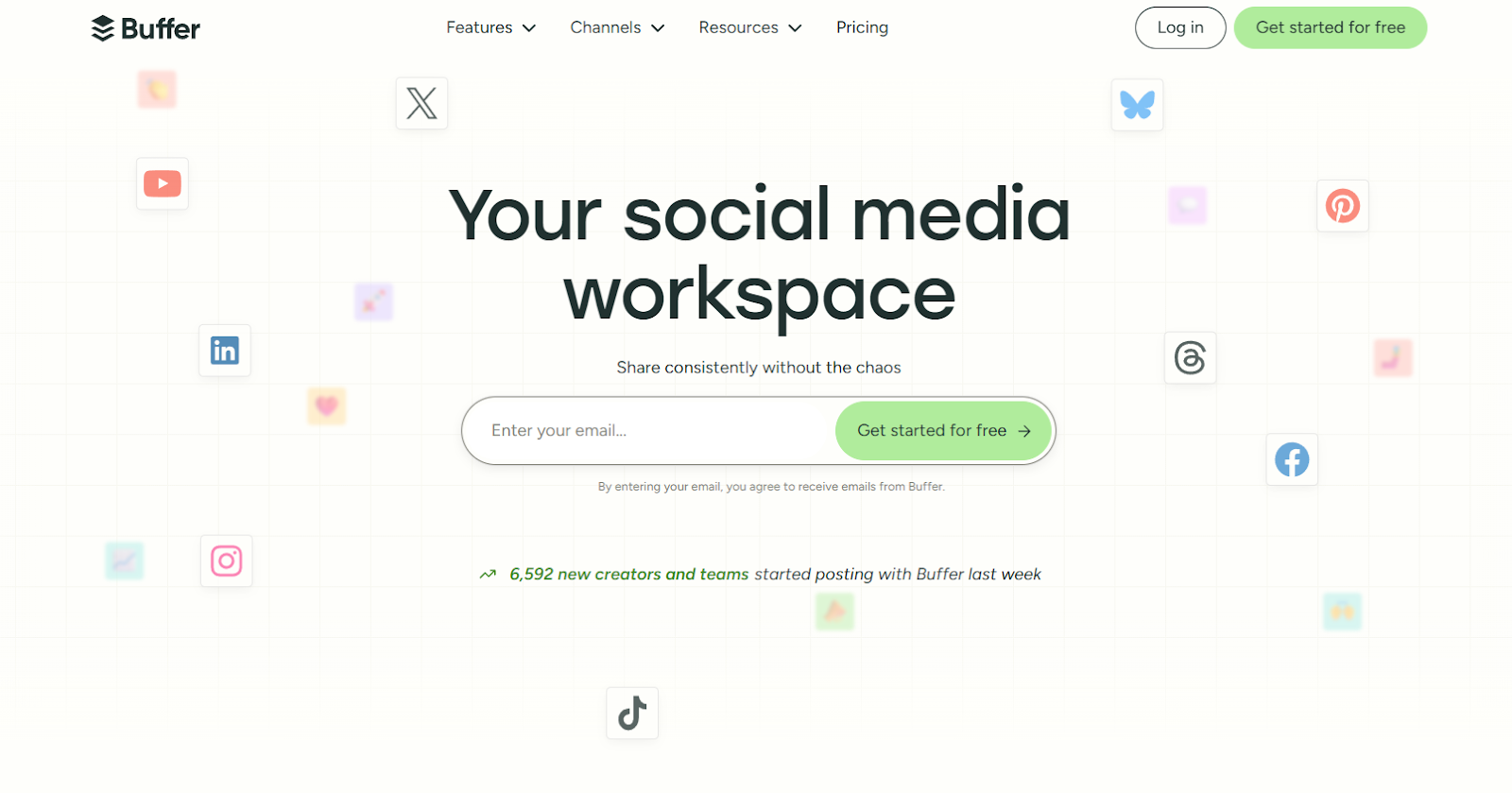
Buffer is great when you need to post to multiple platforms, but still make each post feel native. Its AI assistant detects which channel you’re writing for and helps you rewrite/adjust length and tone per network.
It also has an idea bank so you can store rough ideas first, then use AI to expand them into platform-specific drafts later. And if you run campaign-style posting (like recurring themes or promo arcs), Buffer supports multichannel campaigns so your content stays structured instead of chaotic.
Pros:
- AI assistant adapts copy per channel; strong idea bank workflow
Cons:
- Costs scale as you add channels
Pricing:
- Free plan available; paid starts at $5/month/channel (annual billing)
Flick - Best AI copilot workflow
Flick is the “AI copilot” pick: it helps you go from topic → ideas → drafts → repurposed posts.
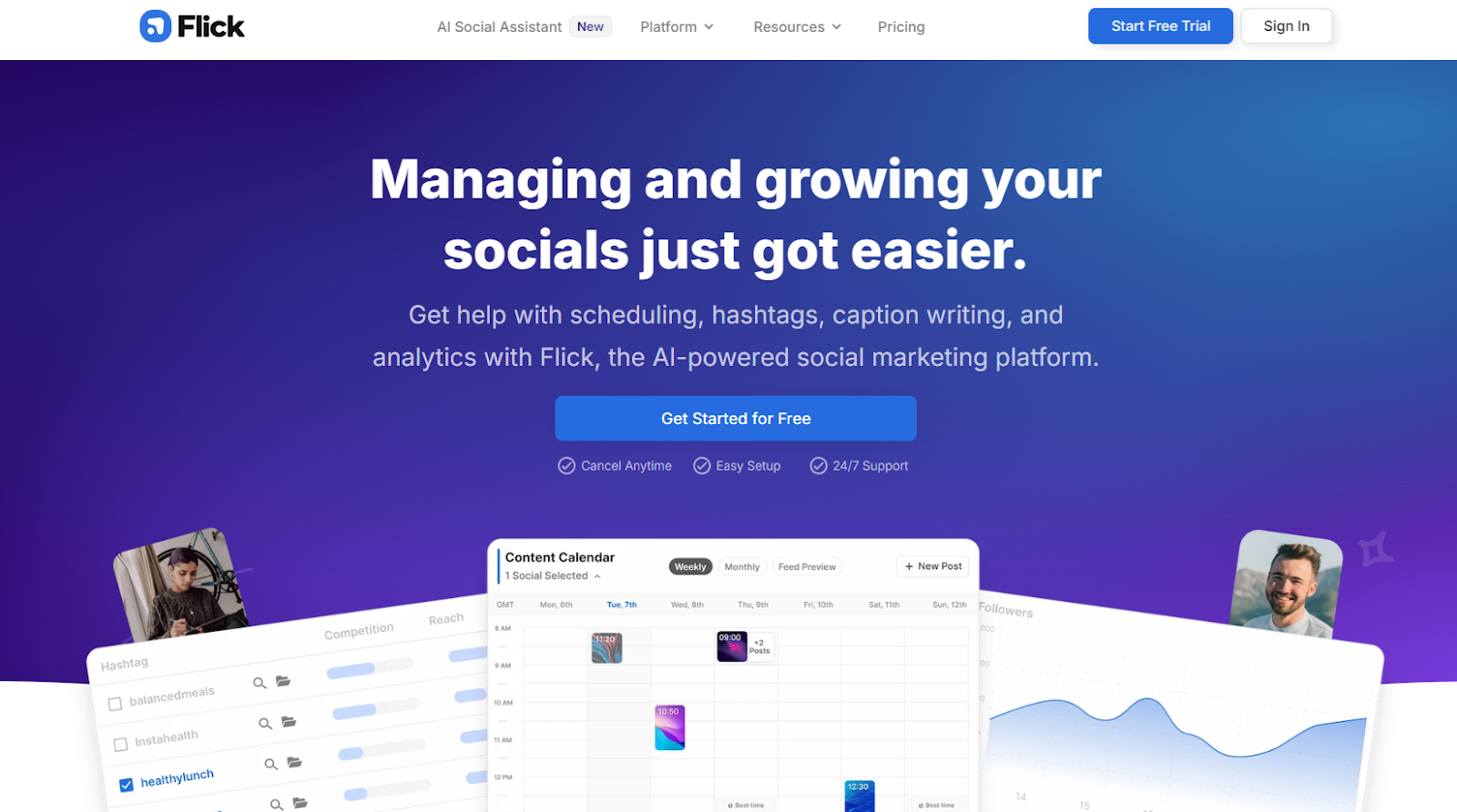
Flick works like an AI copilot called Iris. Instead of only generating captions, it helps you brainstorm topics, turn them into actual post ideas, and then produce drafts you can rewrite and repurpose for multiple channels.
The flow is basically: generate broad ideas → select good ones → Iris expands them into stronger post angles → you draft and tweak → then use AI to rewrite, adjust tone/length, and generate hashtags before scheduling. That’s why it’s useful when you’re stuck on “what should I post?” more than “how do I schedule?”
Pros:
- Structured copilot flow (Iris) + lots of guidance content
Cons:
- AI generation can be slow/buggy at times
Pricing:
- From £11/month (annual billing)
Predis.ai - Best for AI carousels and fast creative batches
Predis is a good fit when you need “give me 30 posts” energy, especially for visual-first formats like carousels.
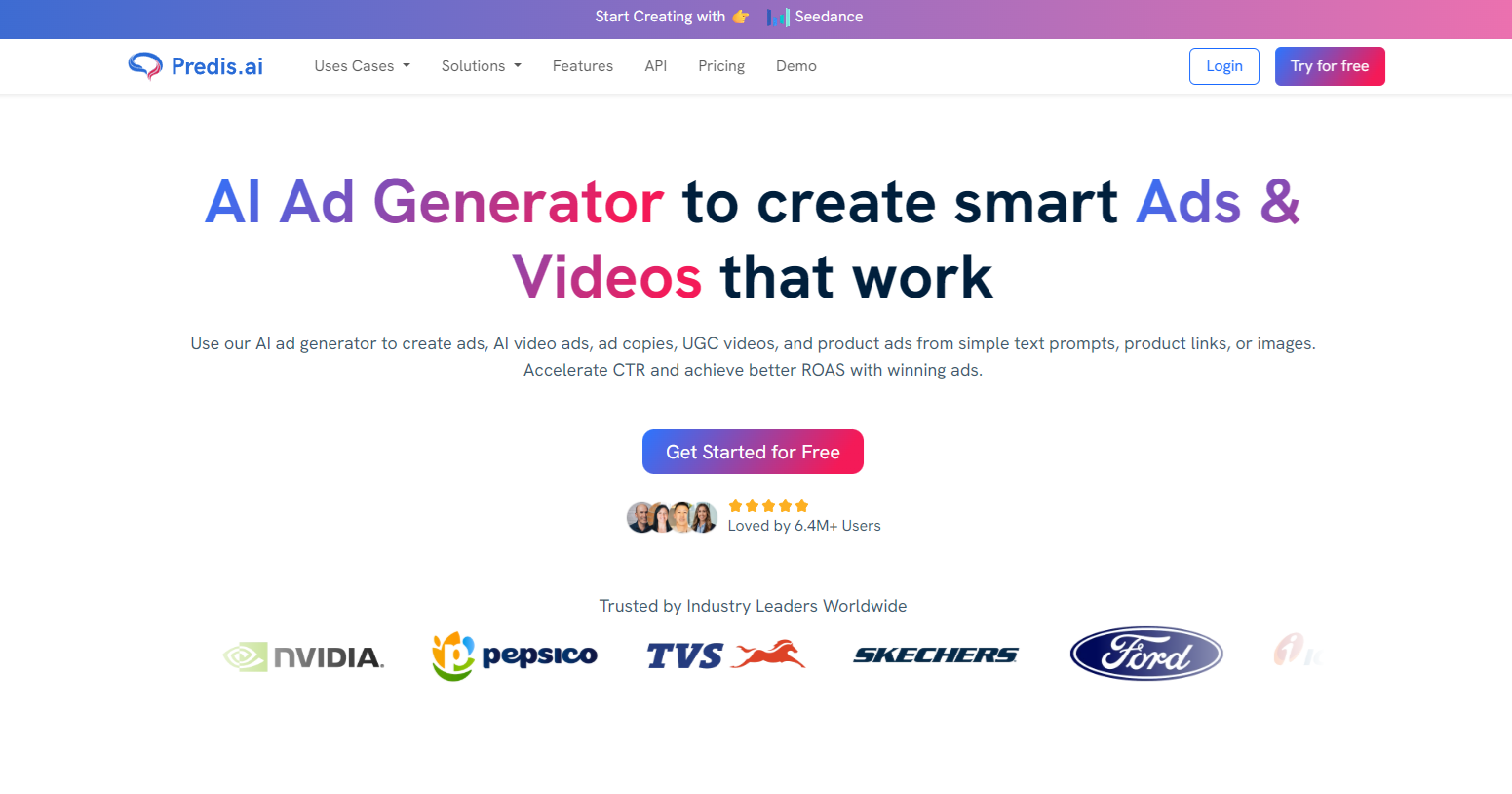
Predis.ai is the “I need a bunch of content fast” tool. With a short prompt, it can generate classic posts (caption + image), carousels, and short-form creative batches, plus it includes competitor analysis.
One key detail: Zapier notes it’s not true AI video generation in the sense of inventing scenes; it often pulls from a stock video library to assemble video posts. Also, sometimes the media suggestions can be off, so the best workflow is: generate → treat it like a first draft → then refine using its editor, and schedule from the calendar.
Pros:
- Generates carousels + includes competitor analysis
Cons:
- Can feel rough around the edges
Pricing:
- Paid starts at $27/month (annual billing)
Publer - Best for AI captions + images on a budget
Publer is a practical pick if you want solid scheduling plus AI text and built-in image generation.

Publer is positioned like a “productivity-first” social scheduler that also packs in AI. It handles the basics (scheduling, calendar, managing posts), and adds AI for text generation plus text-to-image generation inside the platform.
A nice extra is the “what’s trending” angle: you can browse top topics/headlines by country or category to decide what to post next. It also supports a decent spread of channels (including options like Telegram, Pinterest, and WordPress), which can be handy if your content ecosystem isn’t purely social feeds.
Pros:
- Text-to-image generation + topic browsing
Cons:
- Fewer integrations beyond social channels
Pricing:
- Paid starts at $4/month/channel (annual billing)
ContentStudio - Best for staying on top of content topics
ContentStudio leans into discovery: trend feeds, topic tracking, and automation to keep your calendar filled.

ContentStudio is for people who struggle more with keeping up with topics and trends than with writing captions. It has a discovery/content feed where you track topics and see engagement-style signals (and sentiment-style context) so you can spot what’s resonating.
From there, you can share items directly into the composer, track influencers/competitors, and use built-in automation recipes (bulk scheduling via CSV, recycling evergreen posts, etc.). It also includes an AI assistant with a prompt library and supports Zapier integrations for workflows that connect discovery → content → execution.
Pros:
- Automation features + content analytics around topics
Cons:
- Interface can take time to learn
Pricing:
- From $19/month (annual billing)
Hootsuite - Best for AI prompt variety + full social management
Hootsuite is the heavyweight: inbox, reporting, templates, and AI prompt styles (AIDA, PAS, etc.).
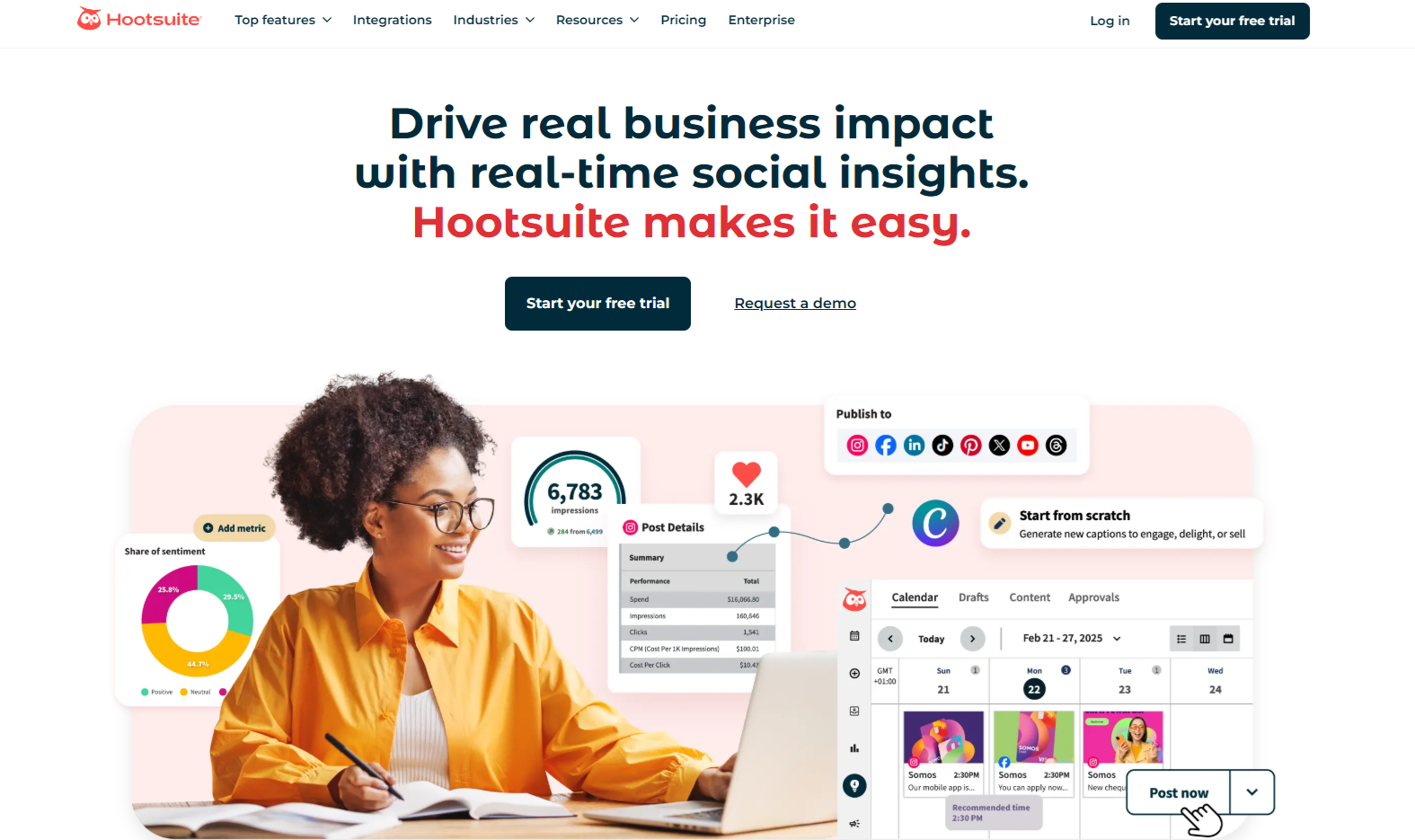
Hootsuite’s value is that its AI (OwlyWriter) sits on top of a full social management suite, so the AI isn’t just “caption generator”, it’s part of a bigger system. It can generate posts from a URL, brainstorm ideas, and use copywriting frameworks like AIDA or PAS as starting points.
On the platform side, it’s built for managing lots of moving parts: multi-feed monitoring, deep analytics/reporting, template libraries you can customize with AI, and even centralized DM management. That’s why it’s often chosen by teams who need governance + reporting as much as they need copy.
Pros:
- Deep template library + strong reporting
Cons:
- Expensive
Pricing:
- From $149/user/month (annual billing)
So… what’s the best social media AI tool?
- If your priority is X growth + posting + engaging faster, start with TweetPeek.
- If you need multi-platform scheduling + AI rewrites, look at Buffer.
- If you want evergreen recycling + conditional automation, FeedHive is built for that.
FAQ: Social Media AI
Is social media AI worth it?
Yes, especially if your bottleneck is consistency. The best tools reduce time spent on ideation, drafting, repurposing, and scheduling.
Can AI run my entire social media by itself?
Not fully, yet. Most “best of” lists still frame AI as an assistant layered on top of core scheduling/analytics, not a total replacement.
Is it safe to automate X (Twitter) growth?
Be careful. X explicitly restricts bulk/aggressive automated following/unfollowing and has authenticity/platform manipulation rules. Use conservative settings and prioritize real engagement.

.png)
.png)
