
.png)

The Best Twitter Growth Tools to Improve Your Visibility
If you’re serious about growing on Twitter (yes, X… but we all still say Twitter), you already know the hard part isn’t “posting a tweet.” It’s staying consistent, learning what your audience actually responds to, and keeping up with engagement without letting the platform eat your entire day.
That’s where twitter growth tools come in. The right tools can help you publish on schedule, spot patterns in your best-performing posts, find the right people to engage with, and turn one idea into multiple tweets (threads, replies, visuals, and more).
Below is a practical, category-by-category roundup of tools you can use to grow followers and improve reach, without resorting to spammy tactics.
Top Twitter Growth Tools for Influencers Trying to Grow Their Followers
There’s no single “magic app” that guarantees followers. But combining a few tools, each doing one job well, can make growth feel a lot more predictable.
To keep this simple, the tools below are grouped into four buckets:
- Automated engagement tools
- Analytics and insights tools
- Content scheduling and management tools
- Content creation tools
Automated Engagement Tools
These tools help you find relevant accounts, engage more efficiently, and keep your account active in a way that supports organic growth.
1. TweetPeek
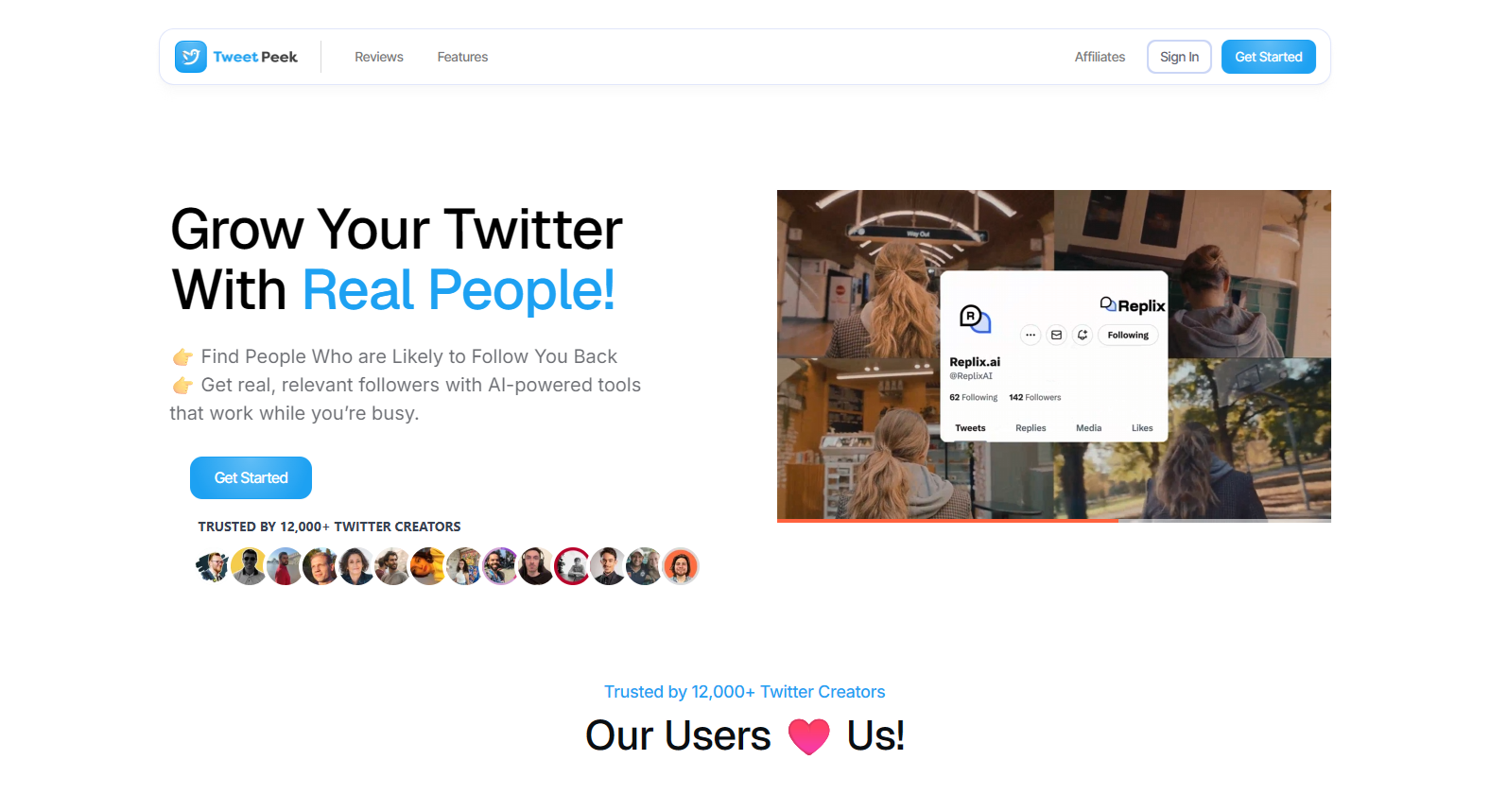
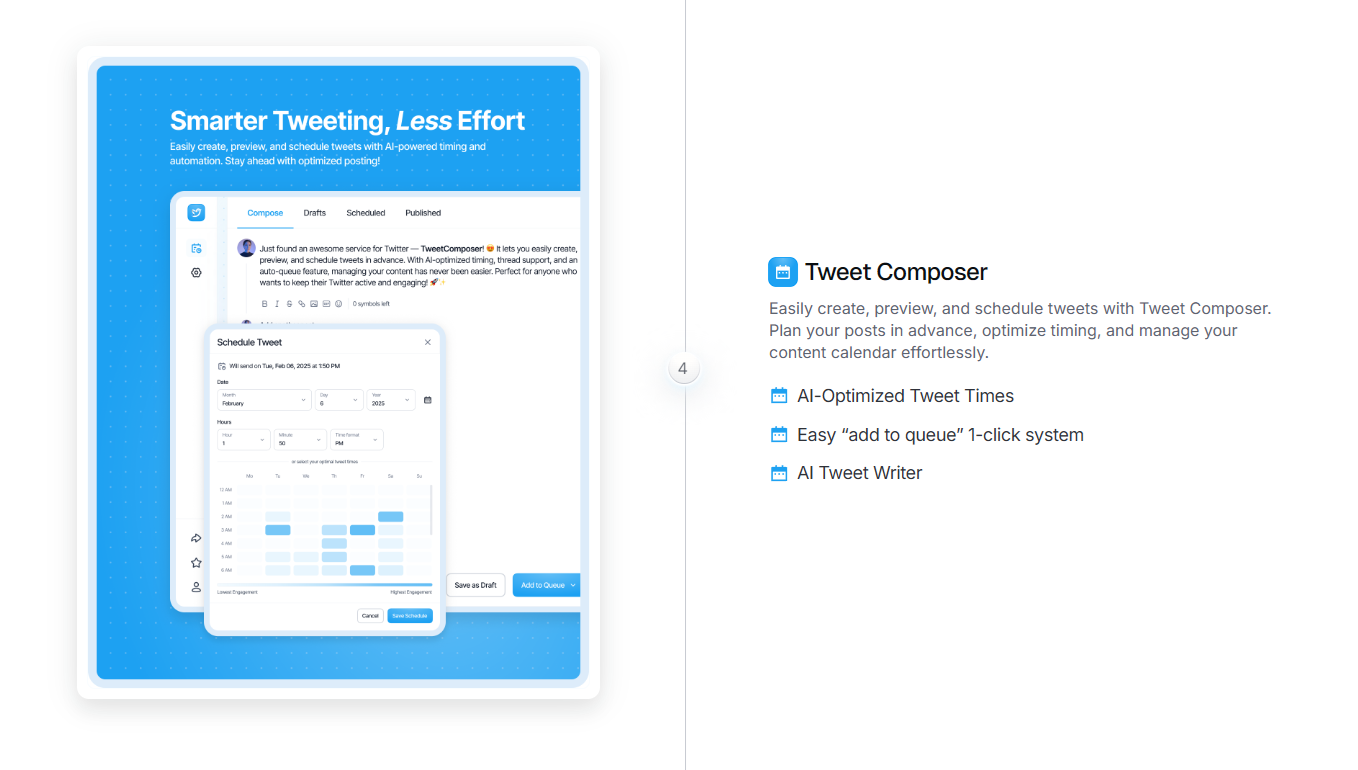
TweetPeek focuses on one of the biggest growth levers on Twitter: consistent publishing and intentional audience-building. It helps you create and schedule posts so you can stay active without being online all day, and it adds practical growth workflows through Smart Follows and Smart Unfollows so you can connect with the right people and keep your following list meaningful.
Best for:
- Creators who want consistent posting plus audience growth without daily friction
- Anyone building a repeatable cadence (daily tweets, weekly threads, promo + value mix)
- Marketers and founders who want help drafting, scheduling, and managing follow/unfollow cleanup responsibly
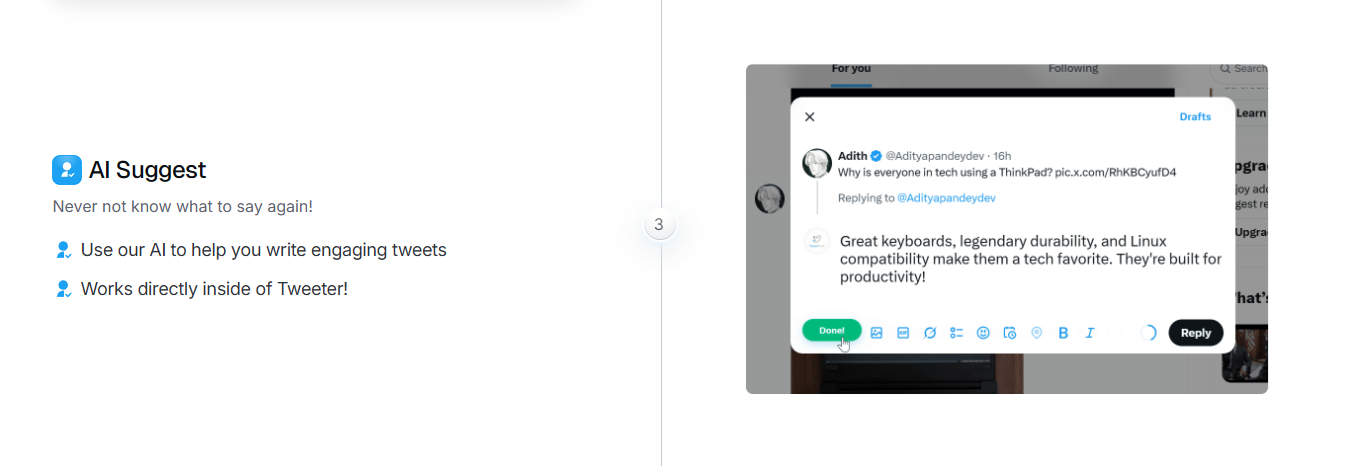
Key features to look for:
- Smart Follows: Automatically follows people who match your interests, and if they don’t engage back, Smart Follows can unfollow them for you. Helps you find relevant people to follow, find people likely to engage, and find people likely to follow you back using targeting like Keywords you like, Favorite Profiles, Mute Keywords, Locations, Languages, and optional verified-only targeting (if enabled). You can also see accounts selected to be followed and track accounts that followed back.
- Smart Unfollows: Helps you easily find people who aren’t following you back, with search, filters (unfollowers, verified, languages), and sorting by followers, following, last active, or tweet count (low → high / high → low). You can batch unfollow results or whitelist accounts so they’re never unfollowed.
- AI-assisted tweet drafting plus scheduling/queue-based posting so you can plan ahead and stay consistent
Why TweetPeek stands out:
Most tools either help you write or help you schedule, or they focus on analytics without helping you take action. TweetPeek supports the full loop that actually drives growth on X: draft and schedule consistently, while using Smart Follows to connect with relevant accounts and Smart Unfollows to clean up non-follow-backs without losing important relationships (thanks to whitelisting). The result is a more repeatable system: steady posting + better network relevance, which makes it easier to build visibility without spammy tactics.
2. Owlead
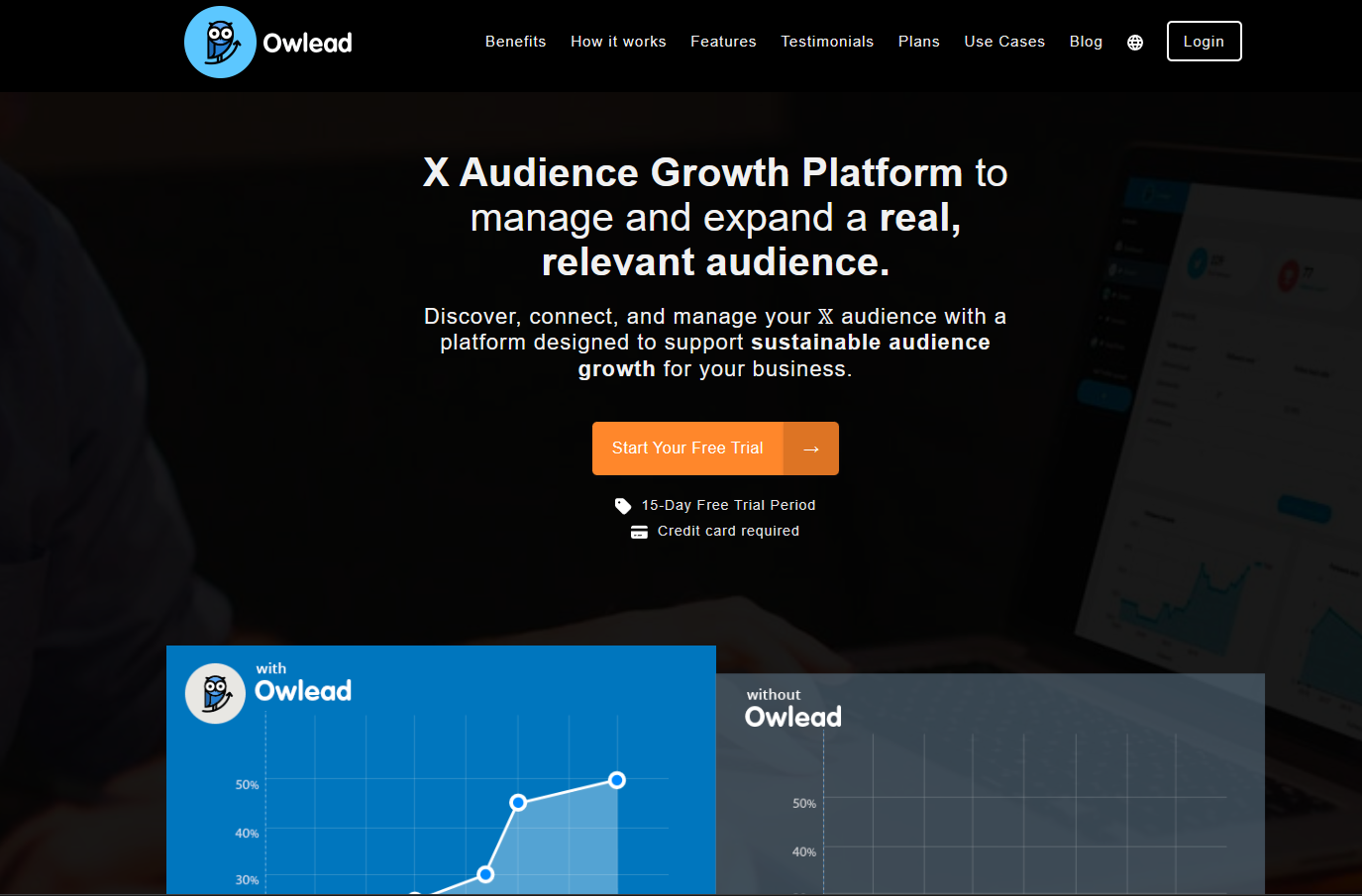
Owlead is designed to support organic follower growth by helping you connect with people who are likely to care about your niche. Think of it as a discovery and outreach helper, useful when you’re still building your early network and want to find real accounts to engage with.
Best for:
- Newer accounts building an initial audience
- Niche creators who want to find relevant people faster
- Anyone trying to grow through targeted discovery (not broad, random outreach)
How to use it well:
- Pair it with thoughtful engagement (real replies > generic comments)
- Focus on quality connections over sheer volume
- Use it to identify communities, not to “spray and pray”
3. Tweepi
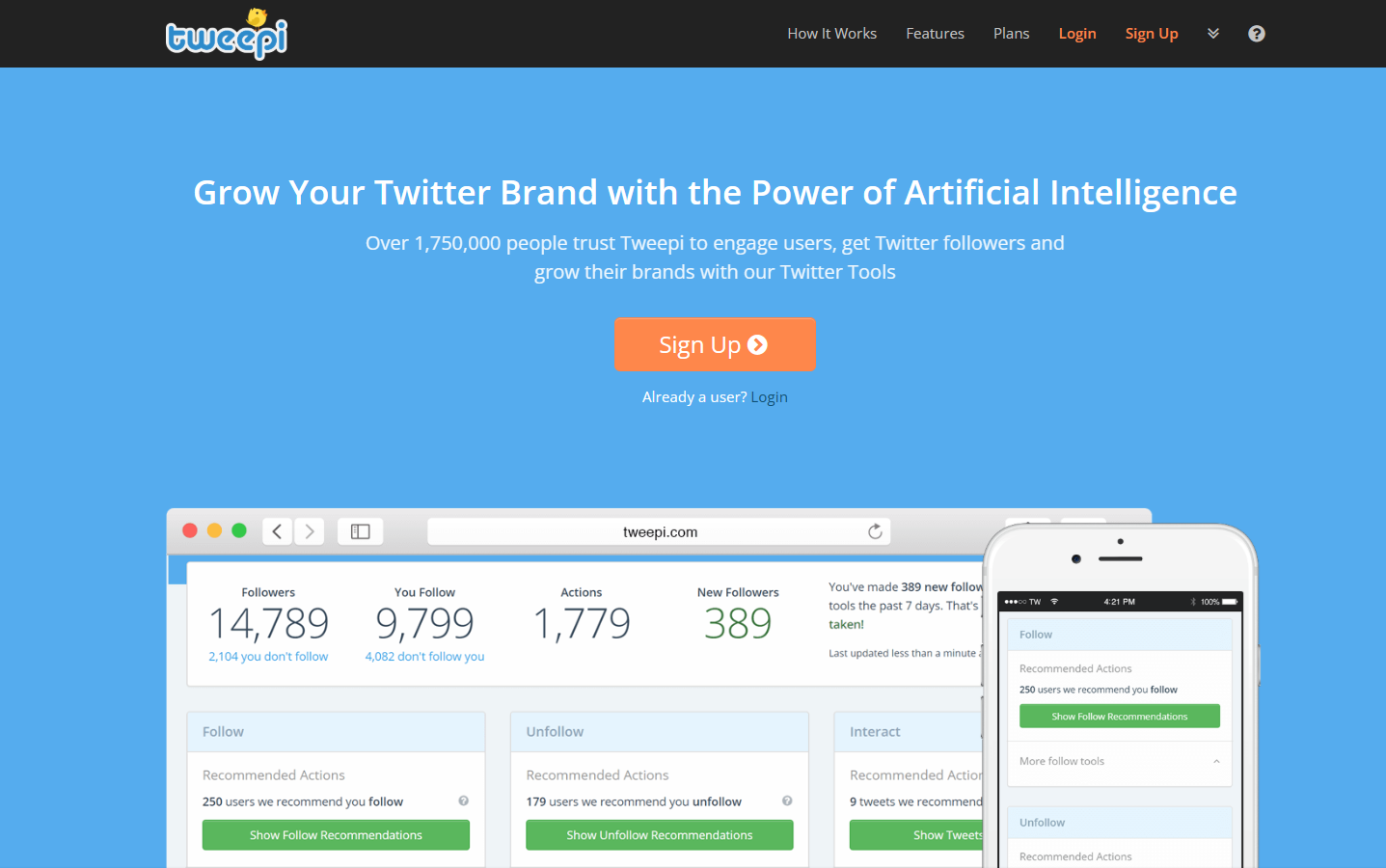
Tweepi is another option for follower discovery and lightweight automation. It can help surface accounts based on keywords, hashtags, or competitor audiences so you can build a more targeted engagement plan.
Best for:
- Finding new accounts to follow and engage with
- Mapping competitor audiences
- Building lists of potential collaborators, customers, or community peers
Quick tip:
Don’t treat it like a growth hack. Treat it like research, then do the human part (commenting, replying, contributing).
Analytics and Insights Tools
If you’re not tracking performance, you’re guessing. Analytics tools help you understand what’s working so you can make smarter content decisions (and stop wasting time on formats that don’t land).
1. X (Twitter) Native Analytics
Twitter’s built-in analytics are still worth using. Even without going deep, you can learn a lot from basics like impressions, engagement, profile visits, and follower changes after specific tweets.
What to track regularly:
- Which posts drive profile visits (high intent)
- Which formats drive engagement (likes/replies/retweets)
- What topics trigger saves/bookmarks (strong signal, when available)
- When your audience tends to be active
Simple workflow:
- Review top tweets weekly
- Identify patterns (topic, hook style, length, format)
- Create “more like this” posts for next week
2. Followerwonk
Followerwonk is useful when you want deeper audience analysis, especially around follower makeup, influencer discovery, and activity patterns. It’s a classic tool for understanding who follows you and when they’re likely to engage.
Best for:
- Audience analysis and segmentation
- Finding influencers or similar accounts in your niche
- Identifying better posting windows (based on follower behavior)
Content Scheduling and Management Tools
Scheduling is less about “automating growth” and more about making sure you actually show up consistently, especially when you’re traveling, busy, or juggling multiple accounts.
1. Buffer

Buffer is a straightforward scheduling tool with a clean experience. It’s great for planning posts ahead of time, keeping a steady cadence, and reviewing performance without getting lost in a complicated dashboard.
Best for:
- Solopreneurs and small teams
- Consistent scheduling across platforms (not just Twitter)
- Simple workflows (queue, calendar, analytics)
Pro tip:
Use Buffer as your “distribution engine,” then use analytics to refine what you put into the queue.
2. Hootsuite

Hootsuite is built for managing multiple accounts and monitoring activity at scale. It’s useful if you need a single dashboard for scheduling, listening, and managing interactions.
Best for:
- Teams managing multiple brands or accounts
- Monitoring mentions and keywords
- Coordinating content calendars and approvals
Content Creation Tools
If writing is the bottleneck, content creation tools help you move faster and produce more formats (threads, visuals, videos, carousels, and polished copy).
A strong starter set often includes tools like:
- Castmagic
- Canva
- Adobe Creative Cloud
- DaVinci Resolve
- Grammarly
- Later
- Visme
- Animoto
- Brandwatch
- Lumen5
From visuals to video snippets to cleaner writing, these tools can support your overall Twitter presence, especially if you post educational threads, visual explainers, or repurposed content.
Understanding Twitter Growth Tools
Twitter growth tools are simply software products that help you grow followers, increase engagement, and improve visibility. Some help you post more consistently, some help you analyze what’s working, and others help you find and engage with the right audience.
Used well, tools don’t replace strategy, they remove friction so you can execute your strategy more consistently.
Measuring Success and ROI of Twitter Growth Tools
To know whether your tools are actually helping, track a handful of KPIs consistently. Don’t overcomplicate it.
Key metrics to monitor:
- Follower growth rate (net new followers over time)
- Engagement rate (likes, replies, reposts, clicks)
- Link click-through rate (if you share links)
- Profile visits (often signals “this post made me curious”)
- Mentions and sentiment (especially for brands)
If your growth stalls, use these metrics to diagnose the issue:
- Low impressions → distribution problem (timing, topics, hooks)
- High impressions, low engagement → content mismatch (value/hook/format)
- Engagement but low follower conversion → profile and positioning issue (bio, pinned post, clarity)
Maximizing Your Twitter Presence with Follower Tools
Tools are most effective when you pair them with a simple operating system for growth.
Identifying and Engaging Target Audiences
Follower growth isn’t just numbers, it’s who follows you. Use discovery tools to identify relevant accounts, then engage in a way that actually builds relationships:
- Reply to posts you genuinely agree with (add a point, don’t repeat theirs)
- Comment early on creators in your niche (better visibility)
- Join ongoing conversations (themes, weekly prompts, industry moments)
Optimizing Content Strategy
Use analytics to answer questions like:
- Which topics drive the most profile visits?
- Which hooks get the most engagement?
- Do threads outperform single tweets for you?
- Are your best posts tactical, opinionated, or story-based?
Then build a weekly plan that leans into what’s working:
- 2–3 posts in your strongest format
- 1–2 experiments (new format, new topic, new hook style)
- 1 community post (question, poll, “hot take,” or story starter)
Also, don’t ignore hashtags and keyword signals. Hashtag research tools (like Keyword Tool-style platforms) can help you find terms people actually search and follow, use them strategically, not excessively.
Post More Frequently (Without Feeling Spammy)
More posting increases the number of “chances” your content has to land. But quantity only works when it’s supported by a system:
- Batch draft content once or twice per week
- Schedule posts so you’re not manually publishing every day
- Keep a running idea list (hooks, lessons, story beats, mini-rants)
This is exactly where tools like TweetPeek can help, if you can shorten the time from idea to scheduled post, consistency becomes realistic.
Managing Multiple Accounts
If you manage more than one account (client + personal, multiple brands, or separate niches), you need scheduling and monitoring in one place. Tools like Hootsuite and Buffer help you:
- Switch accounts without logging in/out
- Maintain separate posting schedules
- Keep content organized by brand voice and content pillars
Best Practices for Using Twitter Tools
Growth tools are powerful, but they can also create problems if you overdo it.
Best practices:
- Prioritize organic growth (tools should support real engagement)
- Stay compliant with platform rules and avoid sketchy automation
- Keep your voice consistent (automation shouldn’t sound robotic)
- Don’t chase followers at the expense of relevance
- Review analytics on a schedule (weekly or bi-weekly is plenty)
Tips for Small vs. Large Accounts
For small accounts (under ~1,000 followers):
- Focus on consistency and strong positioning (bio, niche, pinned post)
- Use scheduling to maintain cadence even when busy
- Spend time on targeted replies (quality > volume)
- Experiment with formats (threads, short takes, story posts, mini-guides)
For larger accounts (10,000+ followers):
- Invest in community management (you’ll get more replies/DMs/mentions)
- Segment your audience and create content for different “sub-groups”
- Track content series performance (recurring posts often scale best)
- Use tools to stay consistent without losing your human tone
FAQs About Twitter Growth Tools
Q: Are Twitter growth tools safe to use?
A: Reputable tools are generally safe when used responsibly. Avoid anything that promises unrealistic growth or pushes spammy automation.
Q: Can I use multiple twitter growth tools at the same time?
A: Absolutely. Many people use one tool for scheduling, another for analytics, and another for content creation, just don’t overlap features in a way that becomes confusing.
Q: How much do these tools cost?
A: It varies from free plans to premium subscriptions. Many tools offer trials, which is ideal for testing before committing.
Q: Will tools guarantee follower growth?
A: No tool can guarantee growth. Tools improve execution, but sustainable growth still depends on content quality, relevance, and genuine engagement.
Q: How often should I check analytics?
A: Weekly or bi-weekly is enough for most creators. Check too often and you’ll start chasing noise instead of patterns.
Common Pitfalls to Avoid
- Over-automation - If your account feels like a bot, people won’t stick around.
- Ignoring analytics - Data exists to guide you; use it.
- Buying followers - Low-quality followers don’t engage and can hurt credibility.
- Losing your brand voice - Scheduled content should still sound like you.
- Obsessing over follower count - Engagement quality often matters more.
- Hashtag overload - A few relevant tags can help; too many can look spammy.
- Skipping manual engagement - Tools are support, not a replacement for being human.
Build a Stronger Twitter Content Engine with TweetPeek
If you want a practical way to grow, focus on the one thing that makes everything else easier: consistent, high-quality posting. That’s why TweetPeek earns a spot near the top of this list.
Here’s a simple way to use it as part of a weekly growth routine:
1) Turn ideas into drafts fast
When inspiration is low, tools that help you generate hooks, angles, and drafts reduce the “blank page” problem. You can build a backlog of content instead of relying on daily motivation.
2) Schedule a realistic cadence
Whether you post once a day or three times a day, scheduling helps you stay consistent, especially during busy weeks. Consistency builds audience trust and gives you more data to learn from.
3) Create repeatable content pillars
Pick 3–5 themes (tips, opinions, case studies, behind-the-scenes, community prompts). Then rotate them. Over time, your audience starts to recognize what you’re “about,” which makes following you an easy decision.
4) Use analytics to refine what you schedule next
The more consistent you are, the better your insights become. Double down on formats and topics that drive profile visits and saves, and cut what isn’t performing.
Conclusion: Choose Twitter Growth Tools That Help You Stay Consistent
The best twitter growth tools don’t magically create followers, they help you execute the basics at a higher level: consistency, clarity, and real engagement. Start with the tools that remove the biggest friction in your workflow (usually writing, scheduling, or tracking performance), then add extras only when you truly need them.
If you want a strong place to start, TweetPeek is a practical pick because it supports the habit that drives long-term growth: publishing consistently without turning Twitter into a full-time job. Explore it here: https://www.tweetpeek.ai/

.png)
.png)
